Computing Curriculum Statement
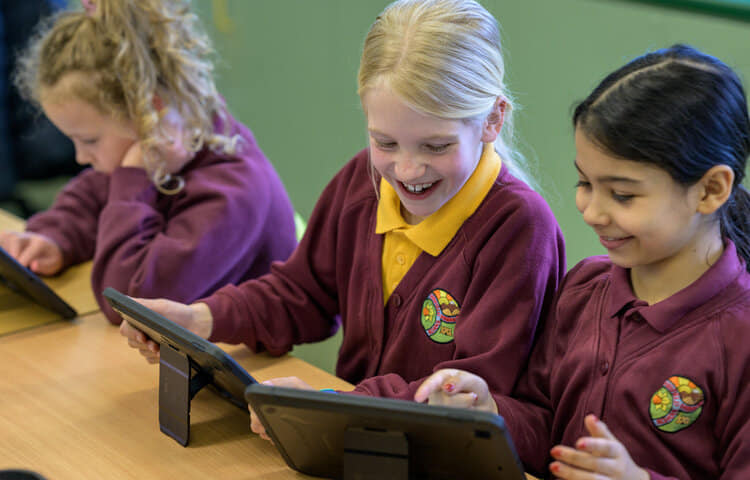
Computing is an integral part of everyday life. It plays, and will continue to play, an immeasurable part in the children’s lives as they grow, move onto their next phase of education and beyond. At Fairfield Primary School, it is our aim to provide pupils with the tools and confidence to use computational thinking and creativity to thrive in a digital environment. The children will develop digital literacy skills and become active and responsible participants in a digital world.
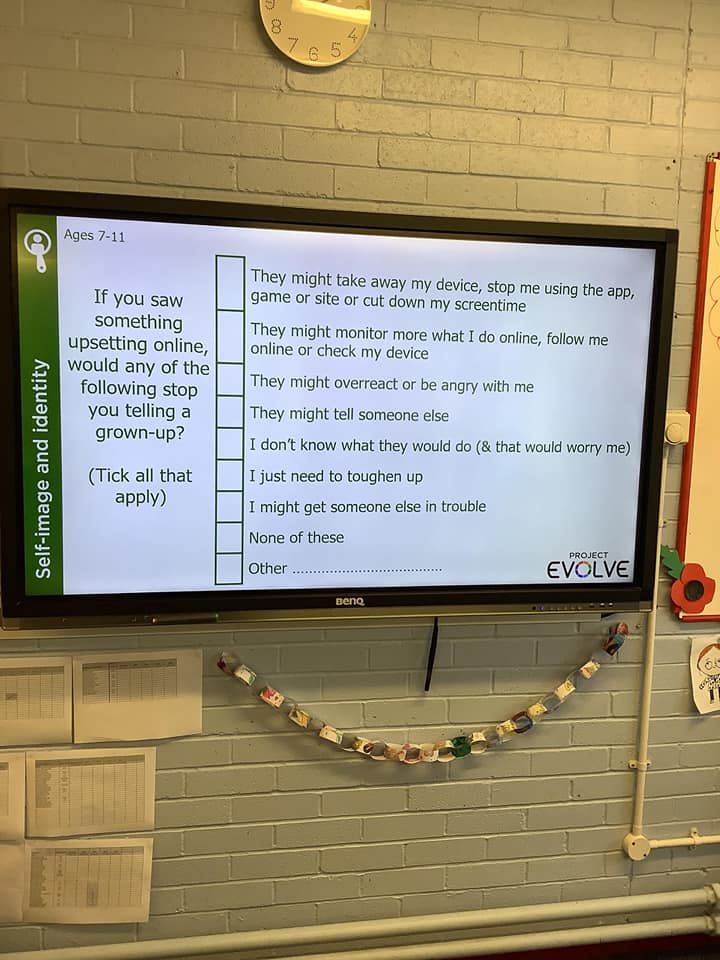
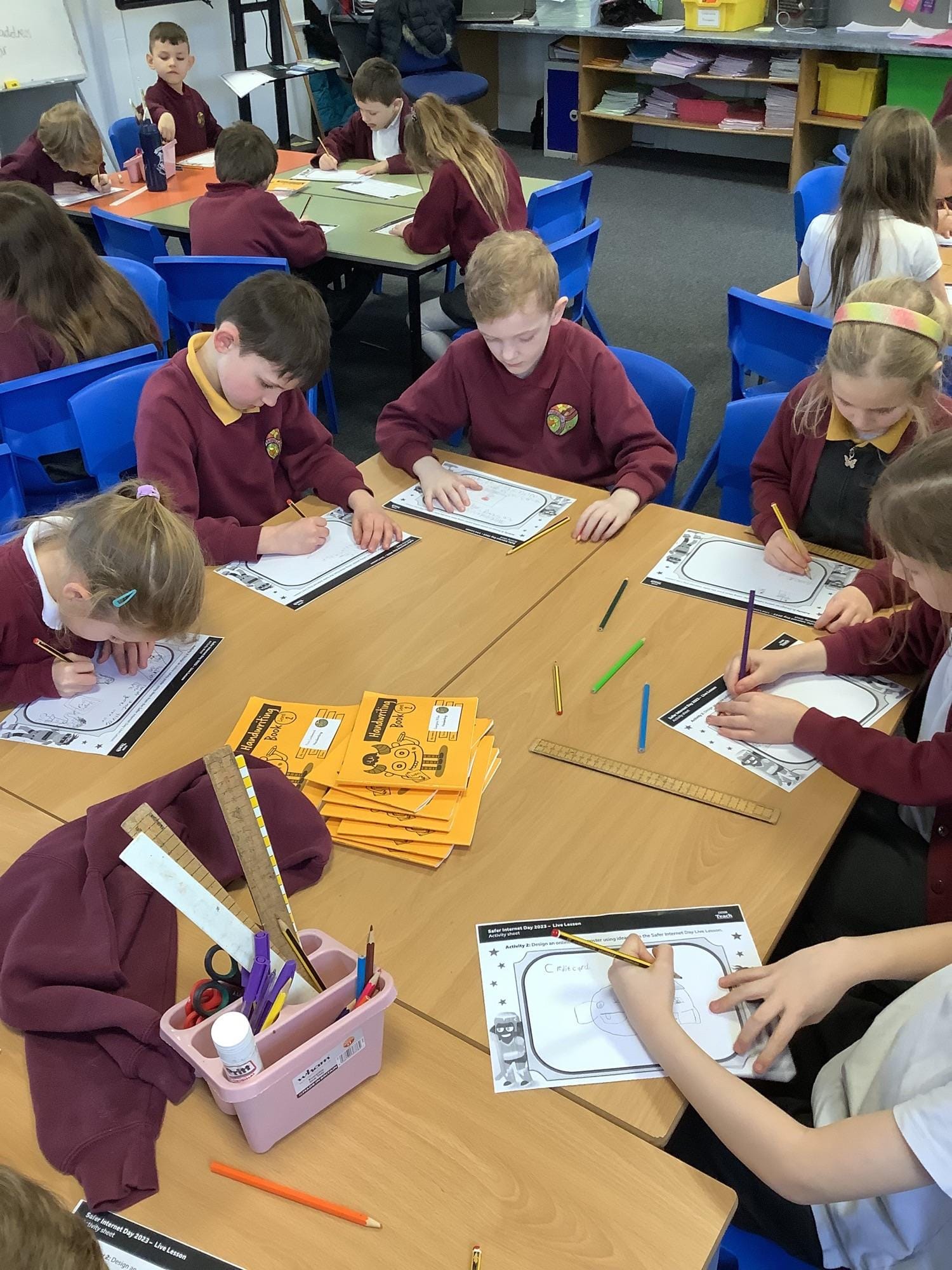
Each child will become a competent, confident and creative user of information and communication technology. They will learn to use the Internet in a safe and respectful way. Through our robust E-Safety programme (see tab below), the children will understand the effect our online behaviours and attitudes can have on others, the necessary precautions to take to stay safe and know where to seek help.
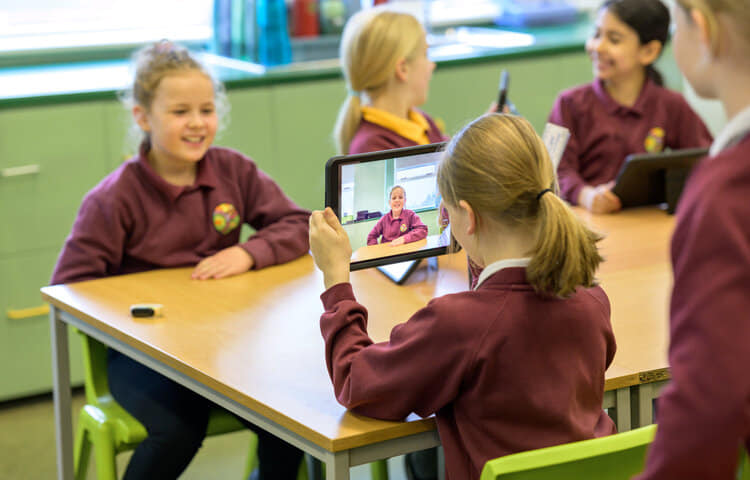
Through stimulating, challenging and engaging experiences delivered in our high-quality Computing curriculum, children will become confident and independent users of a range of software and hardware, preparing them for their future in an increasingly digital world. Children will utilise the Internet efficiently, understand how to be discerning in their use of online materials and be able to identify reliable sources of information. The children will develop the curiosity, enthusiasm and courage to use and apply their skills and enhance their learning across the curriculum and in the real world.
E-Safety at Fairfield Primary School
The safeguarding of pupils is a very high priority. We are committed to ensuring our pupils are safe in school and online.
By giving the pupils the knowledge to safeguard themselves and their personal information we are empowering them with a vital life skill.
What is E-Safety?
E-Safety is the safe use of information systems and electronic communications, including the internet, mobile phones and games consoles. It is important that children and young people understand the benefits, risks and responsibilities of using information technology.
- E-Safety concerns safeguarding children and young people in the digital world.
- E-Safety emphasises learning to understand and use new technologies in a positive way.
- E-Safety is less about restriction and more about education about the risks as well as the benefits so we can feel confident online.
- E-Safety is concerned with supporting children and young people to develop safer online behaviours both in and out of school.
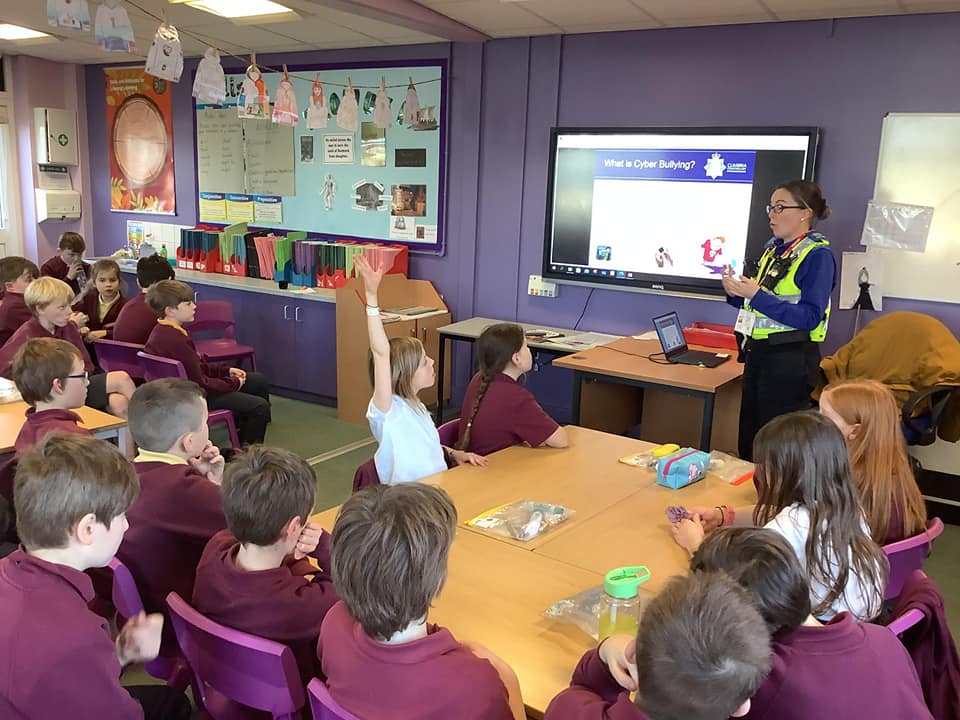
E-Safety forms part of our curriculum and pupils are regularly reminded of how to stay safe online. Each classroom and teaching space displays a poster about staying SMART online.
If you have any concerns speak to the Designated Safeguarding Lead (DSL) Mrs. C. Evans or a fellow member of the school's safeguarding team.
Our E-Safety Curriculum
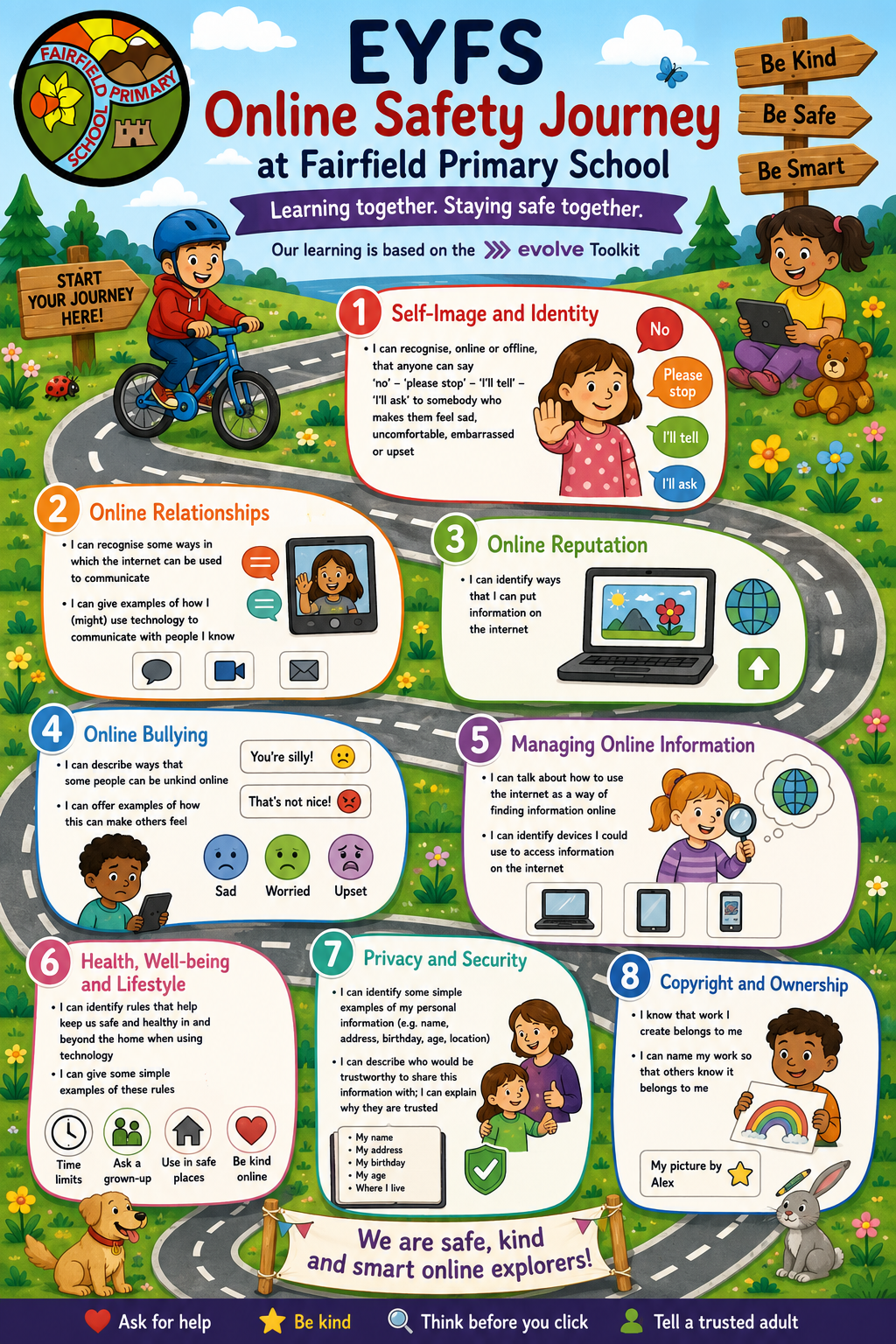
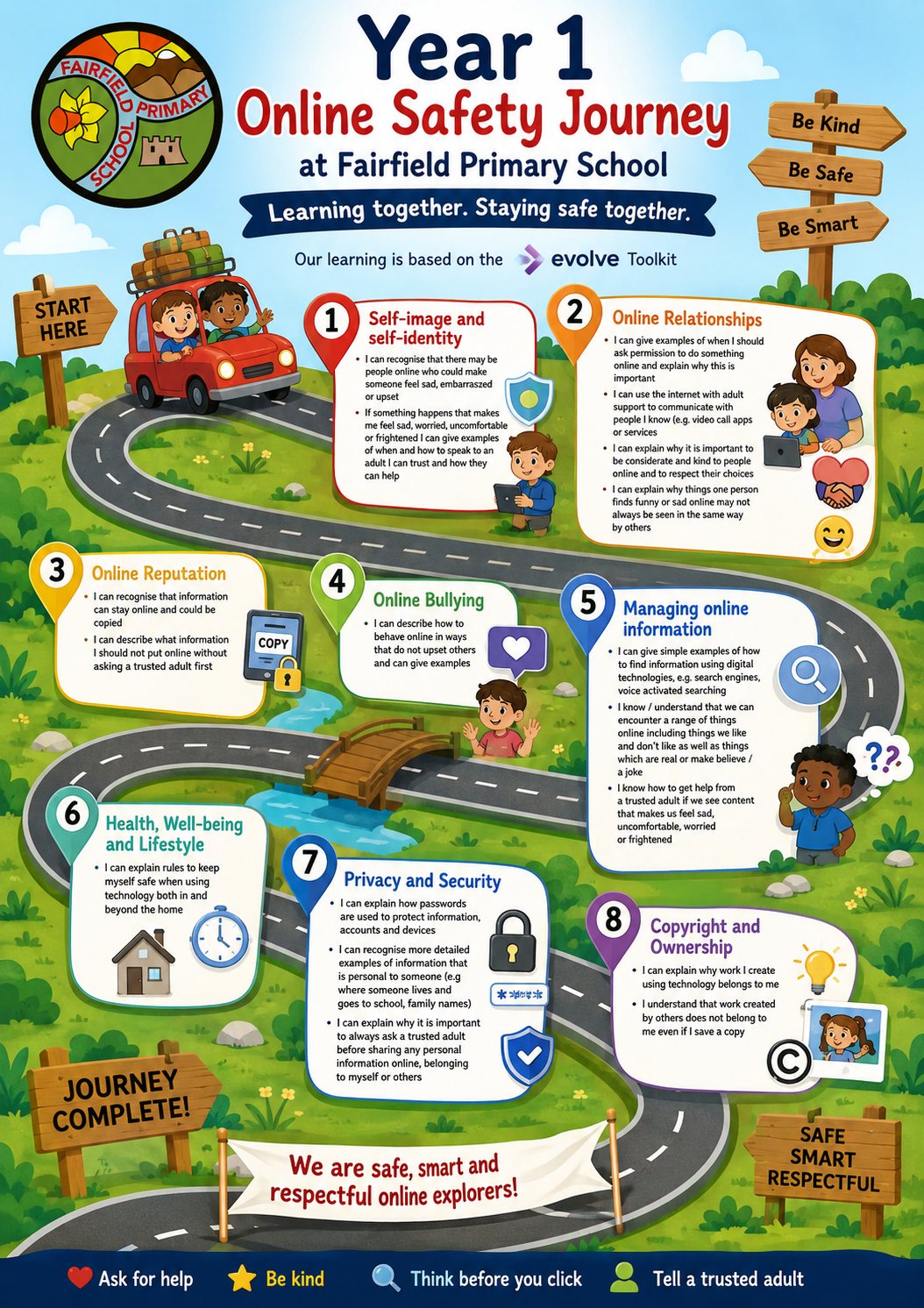
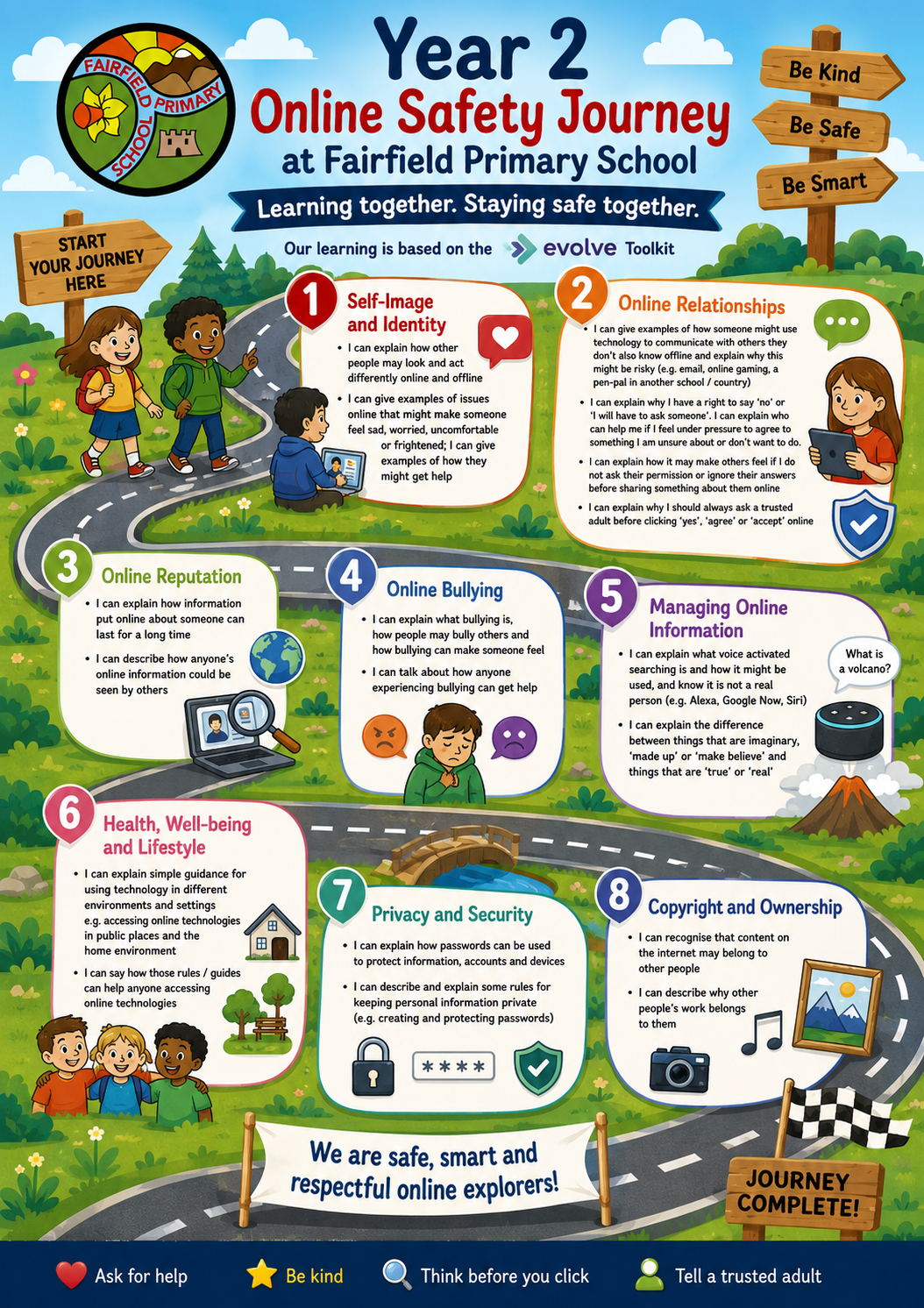
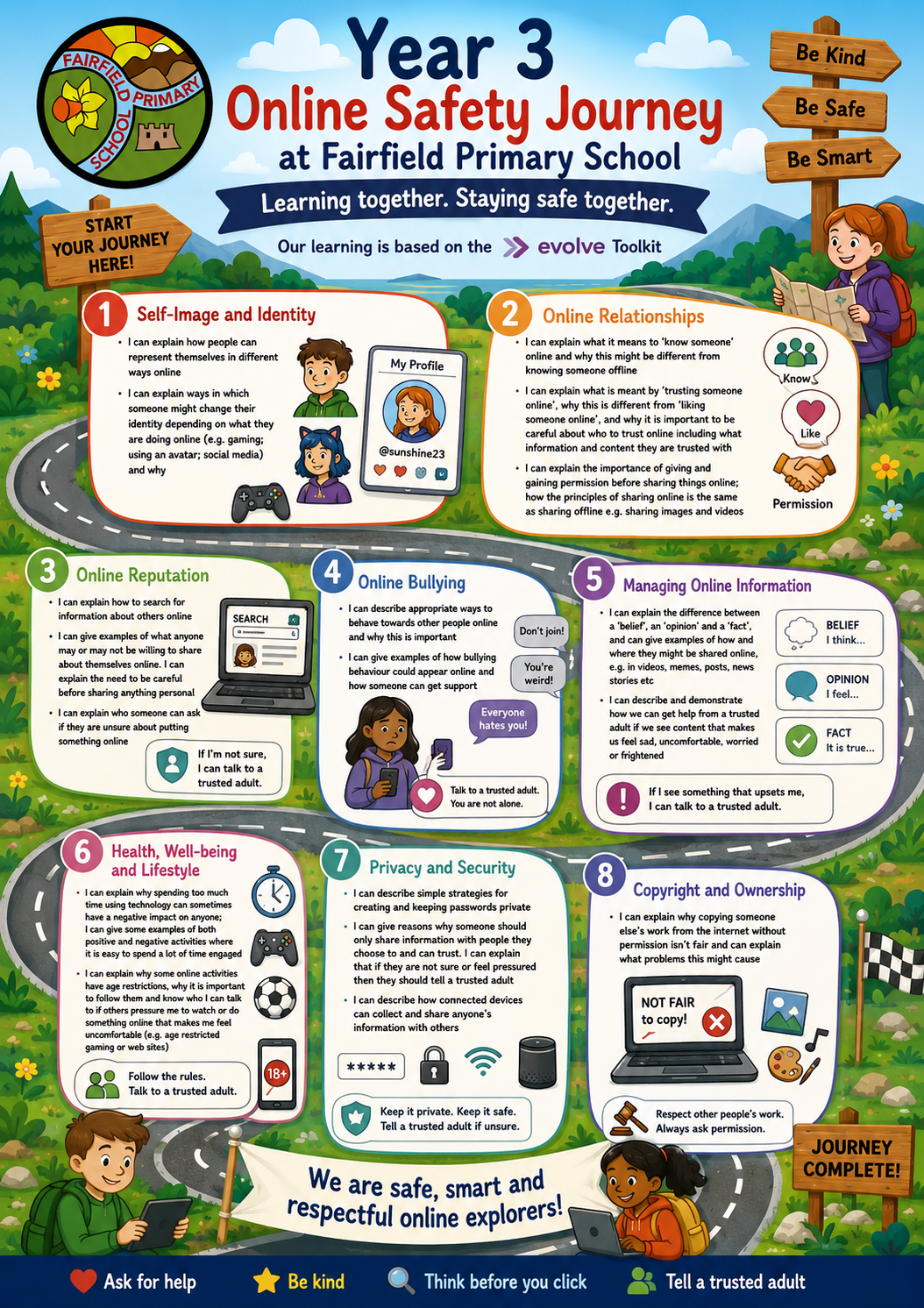
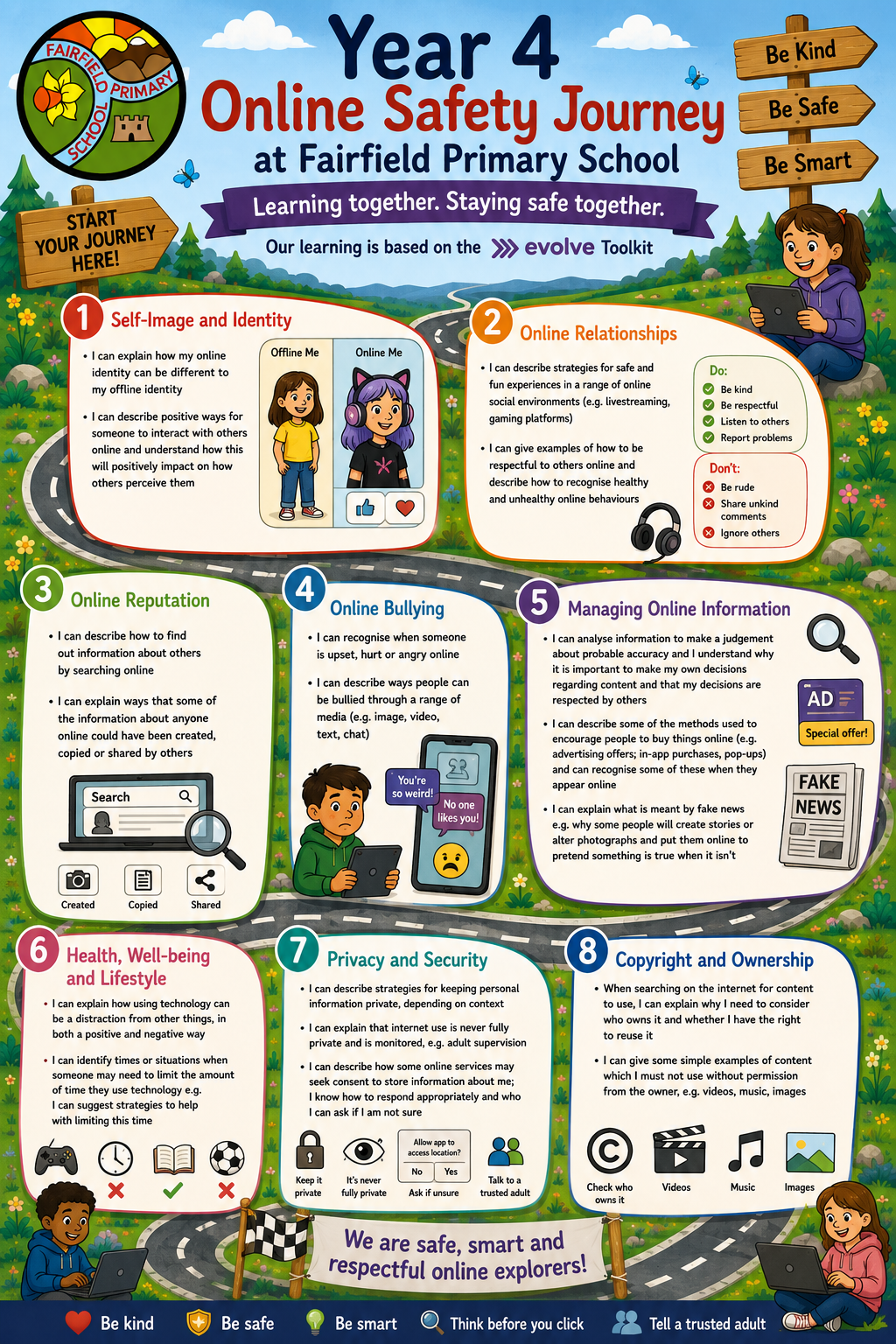
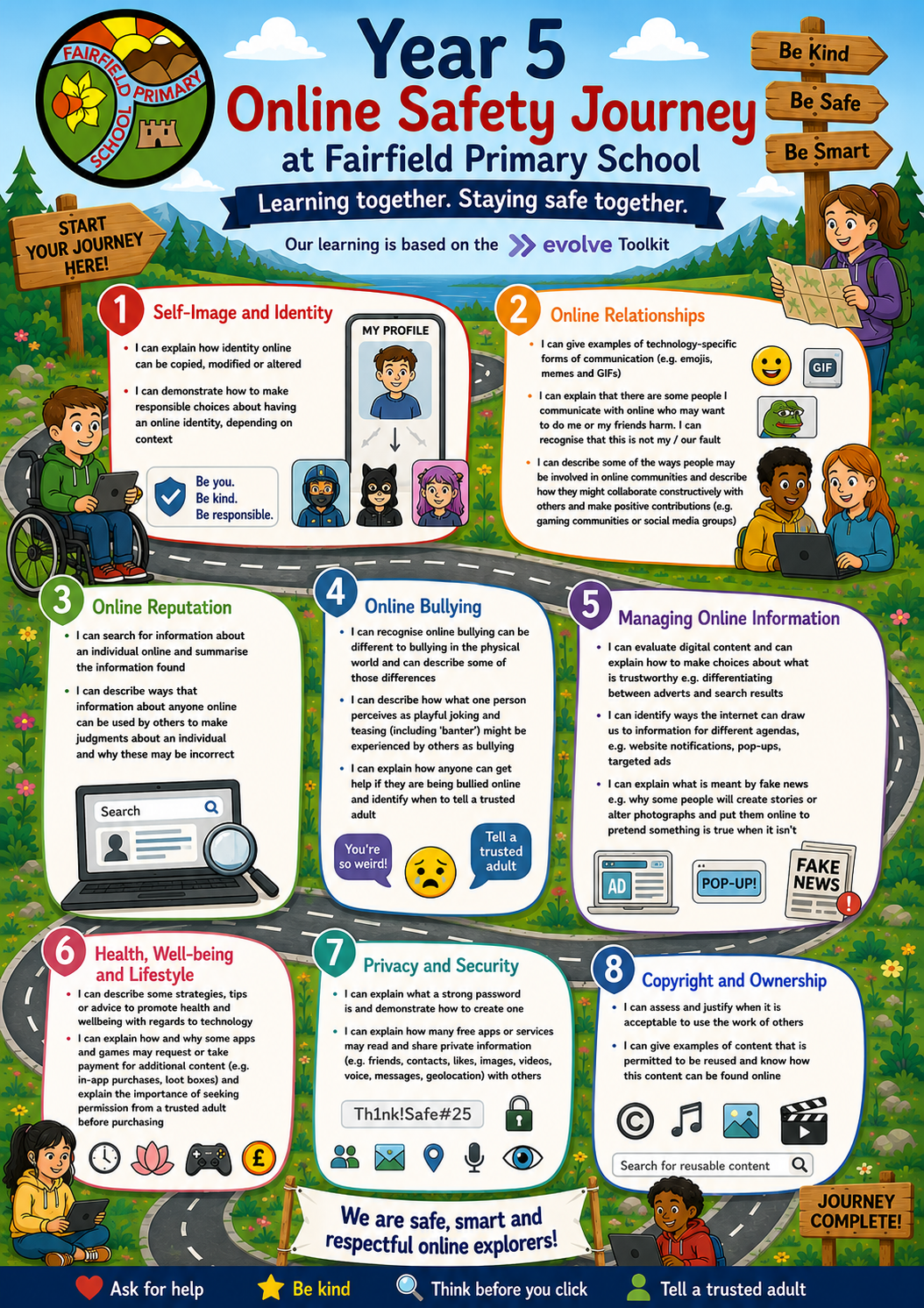
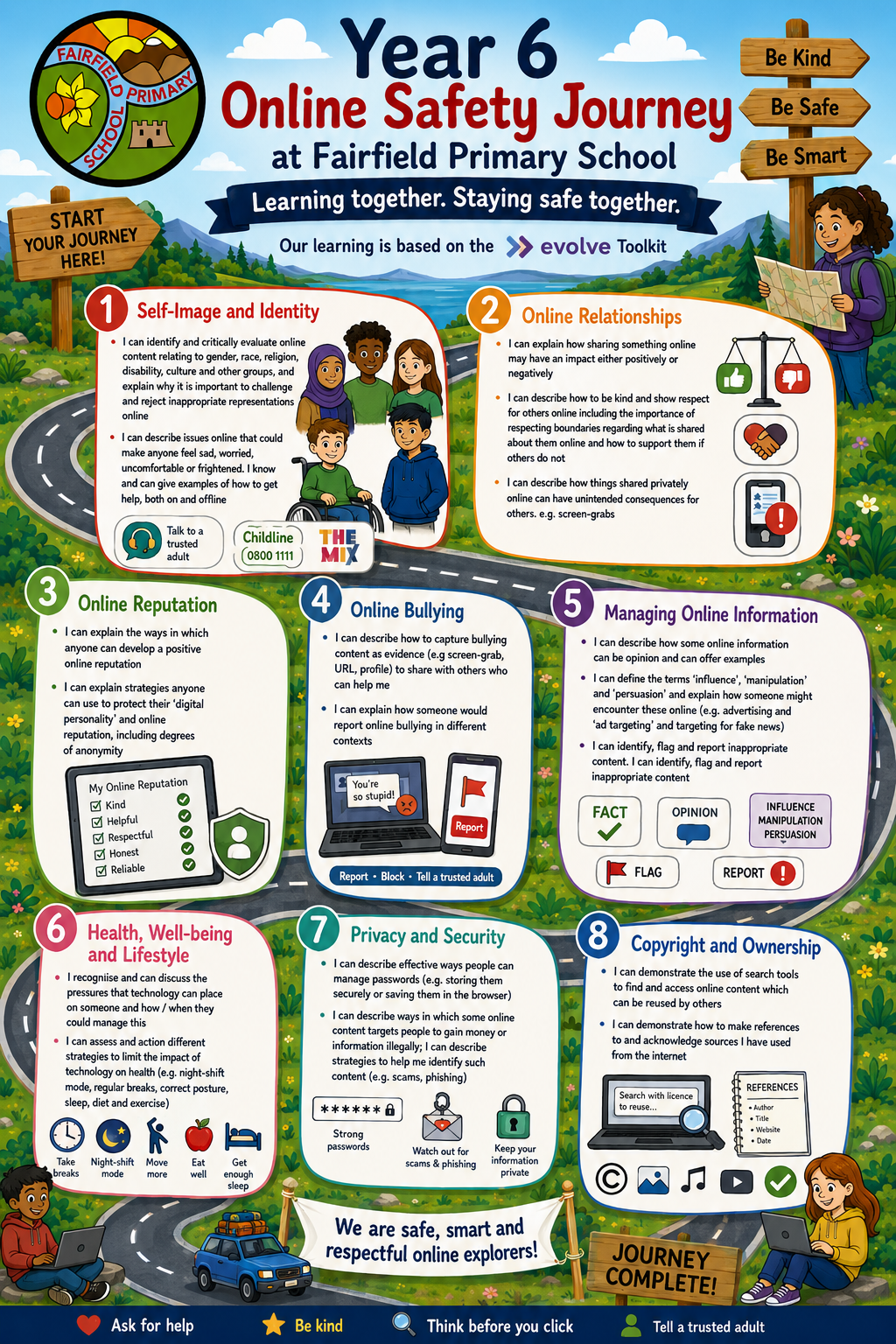
The images below show the overviews for each year group, outlining our approach to teaching E-Safety.
E-Safety Overview
Pupil Use Agreement
These rules will help us to be fair to others and keep everyone safe.
- I will only use Information and Communication Technologies (ICT) in school for school purposes.
- I will only use my class email address or my own school email address when emailing.
- I will only open email attachments from people I know, or who my teacher has approved.
- I will not give my username and passwords to anyone else but my parents.
- If I think someone has learned my password, then I will tell my teacher.
- I will only open/delete my own files.
- I will ‘log-off’ when I leave a computer.
- I will make sure that all ICT contact with other children and adults is responsible, polite, and sensible.
- I will not deliberately look for, save, or send anything that could be unpleasant or nasty. If I accidentally find anything like this, I will tell my teacher immediately.
- I will not give out or share my own/or others details such as name, phone number or home address.
- I will be aware of ‘stranger danger’ when I am communicating online and will not arrange to meet someone unless this is part of a school project approved by my teacher and a responsible adult comes with me.
- I will be responsible for my behaviour when using ICT because I know that these rules are to keep me safe.
- I will immediately report any unpleasant or inappropriate material or messages or anything that makes me feel uncomfortable when I see it online and will not show it to other pupils.
- I will support the school approach to online safety and not deliberately upload or add any images, video, sounds or text that could upset any member of the school community.
- I know that my use of the school ICT systems and email can be checked, and my parent contacted if a member of school staff is concerned about my safety.
- I will not sign up for any online service unless this is an agreed part of a school project approved by my teacher.
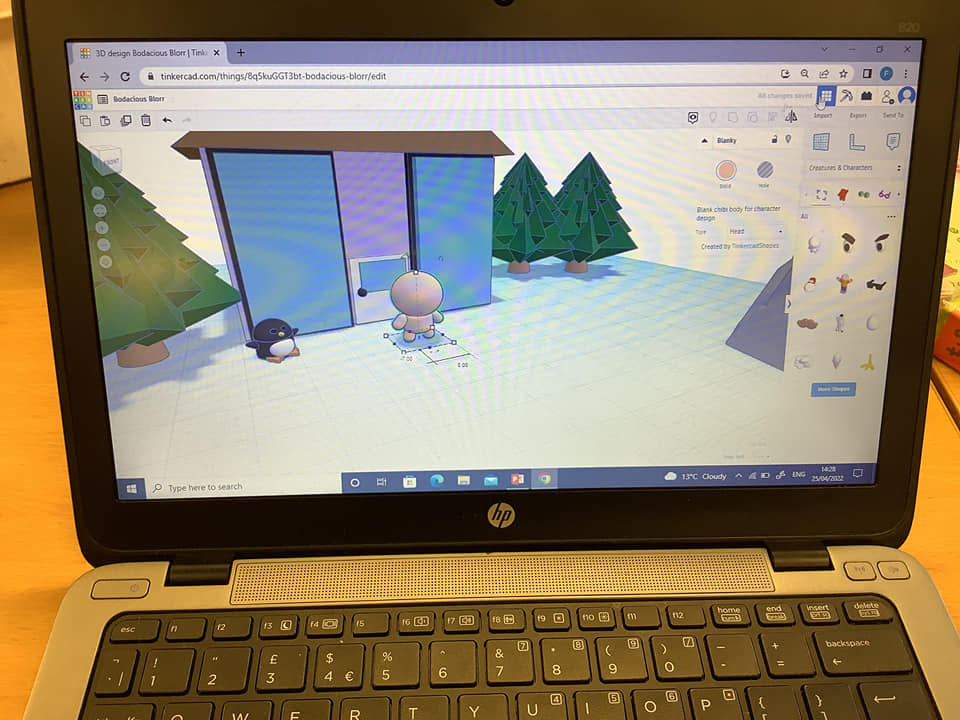
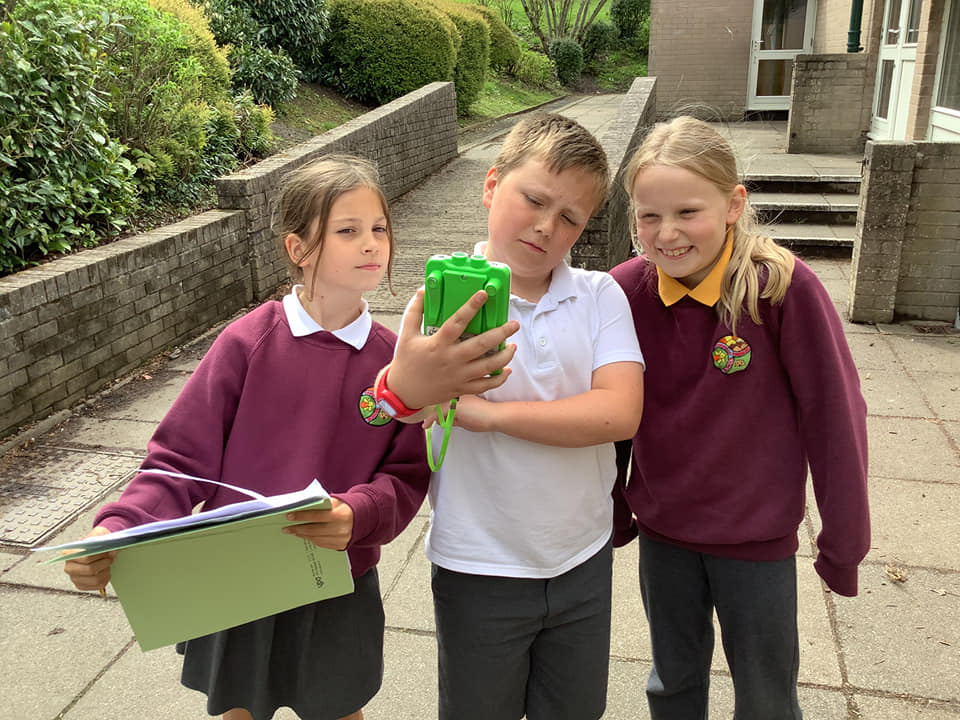
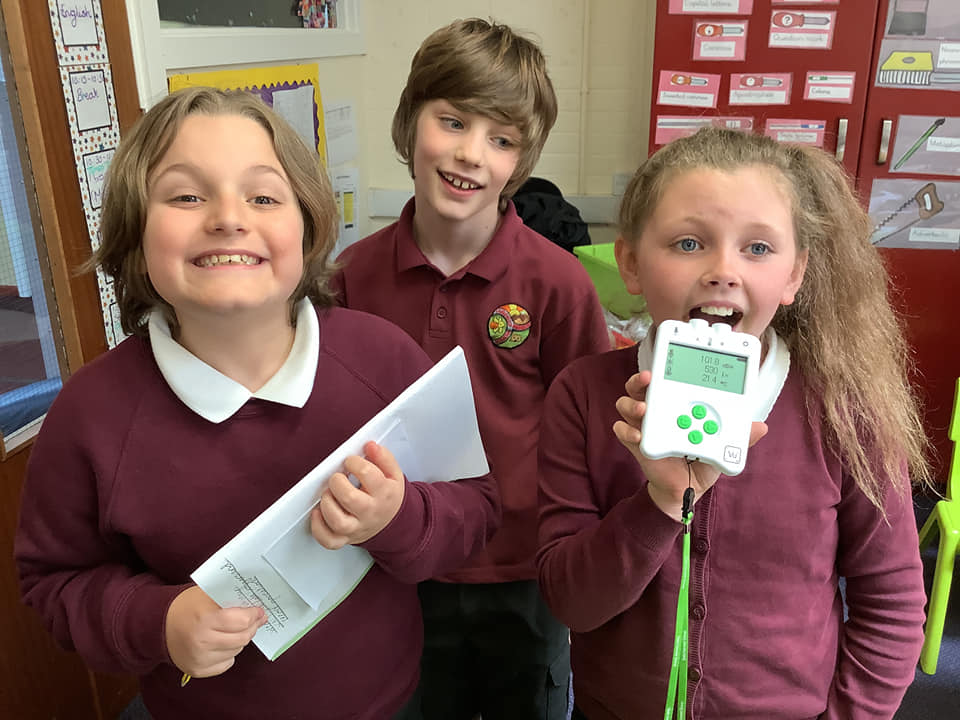
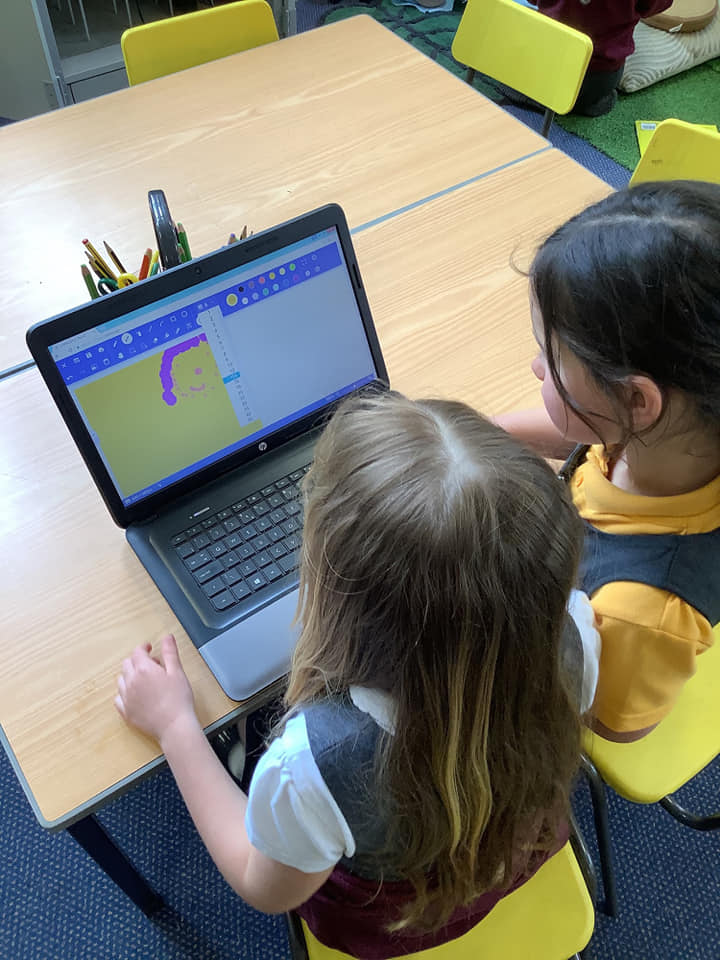
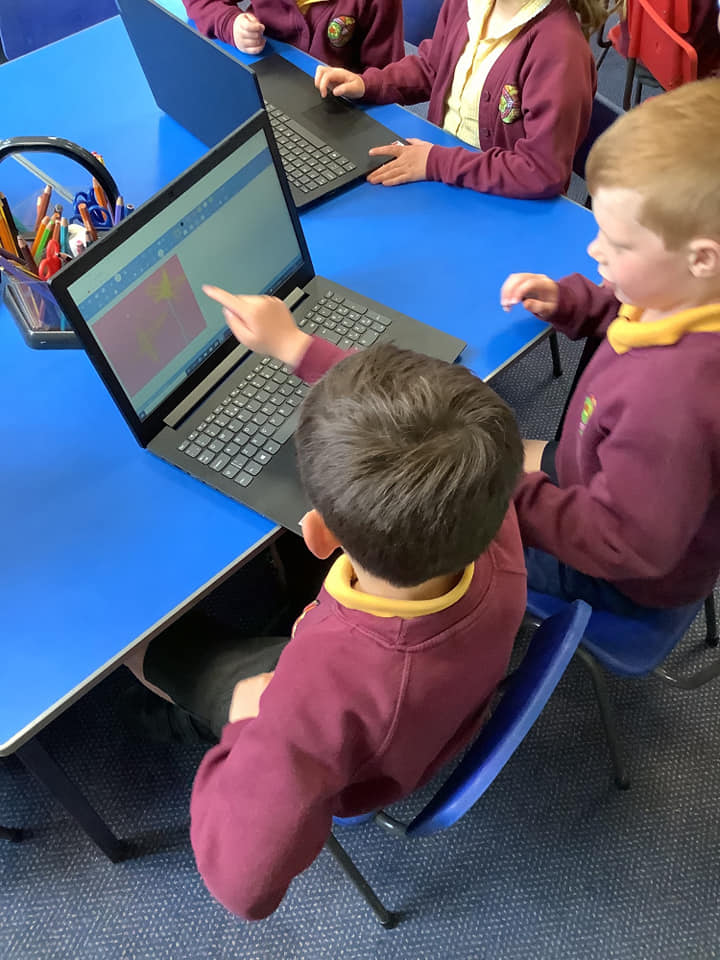
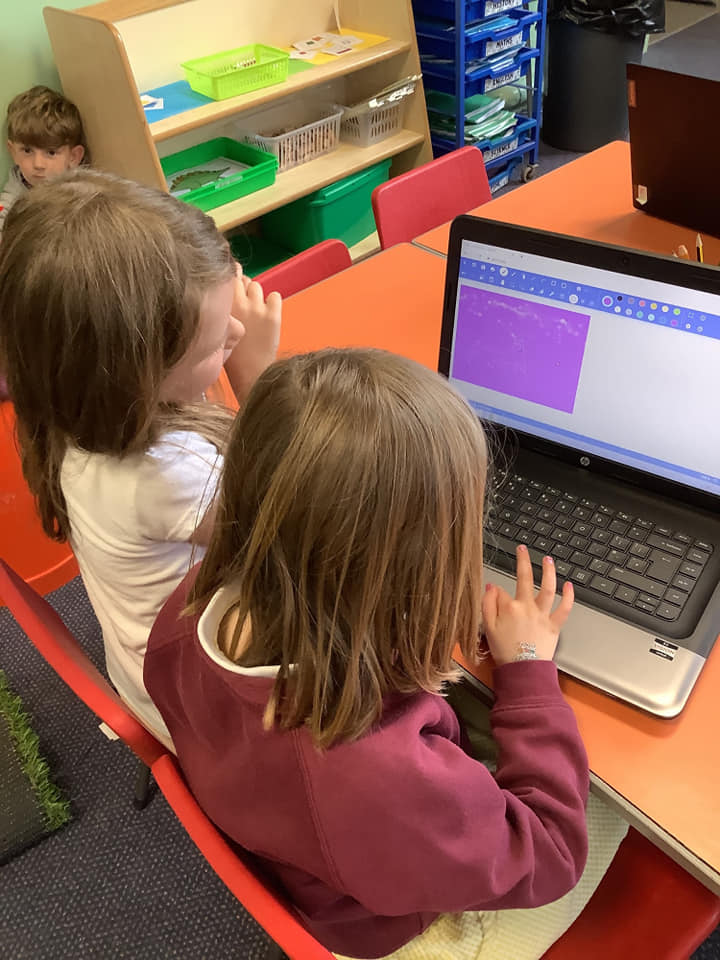
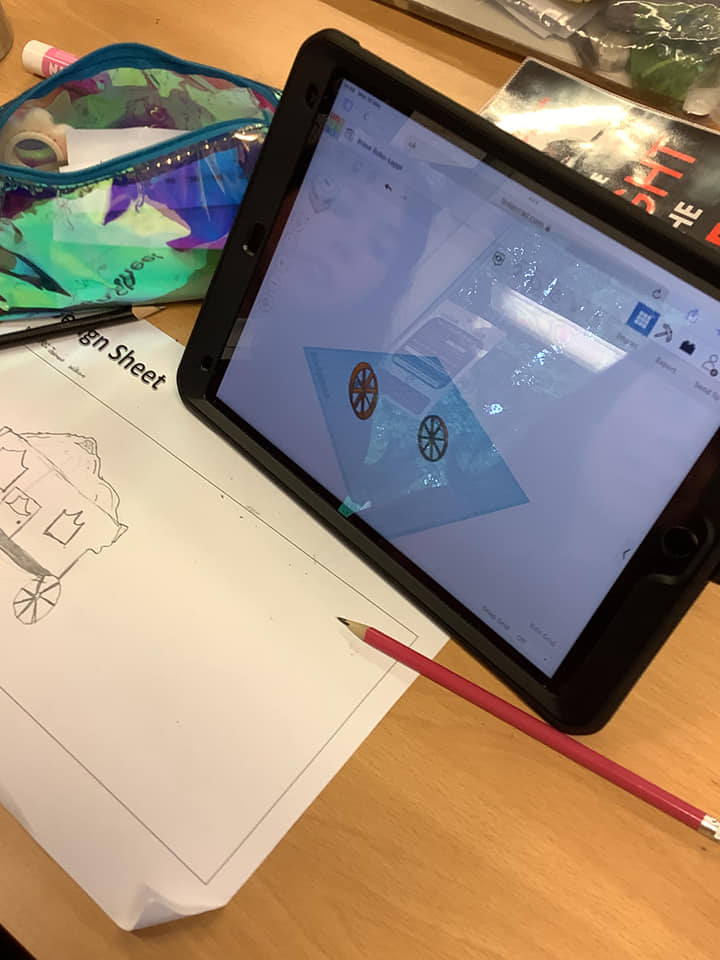
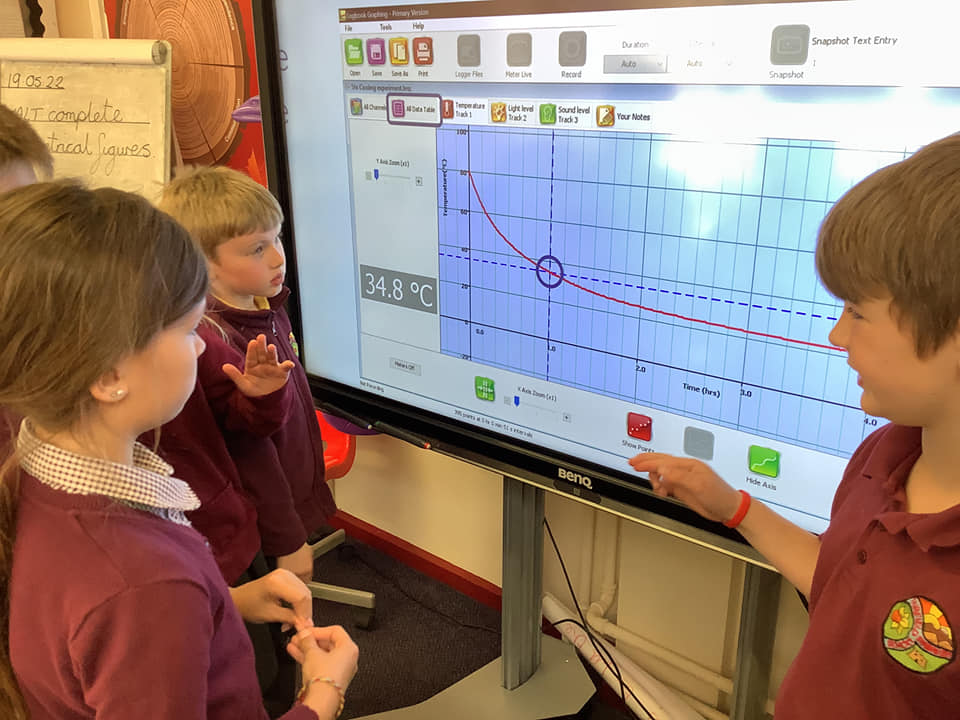
Computing Study: Examples of Work
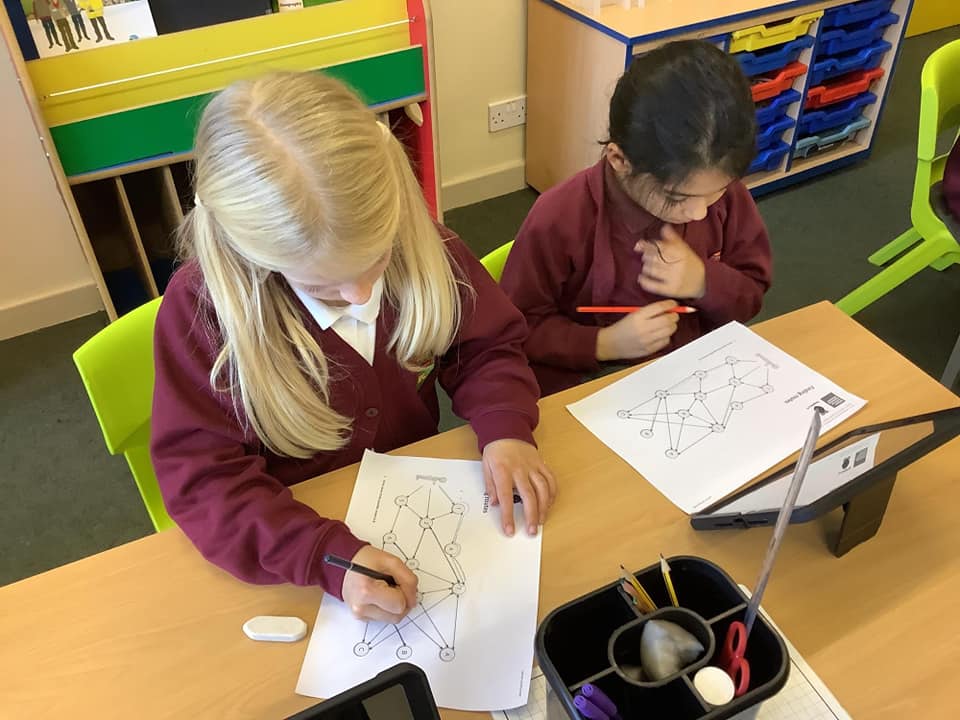
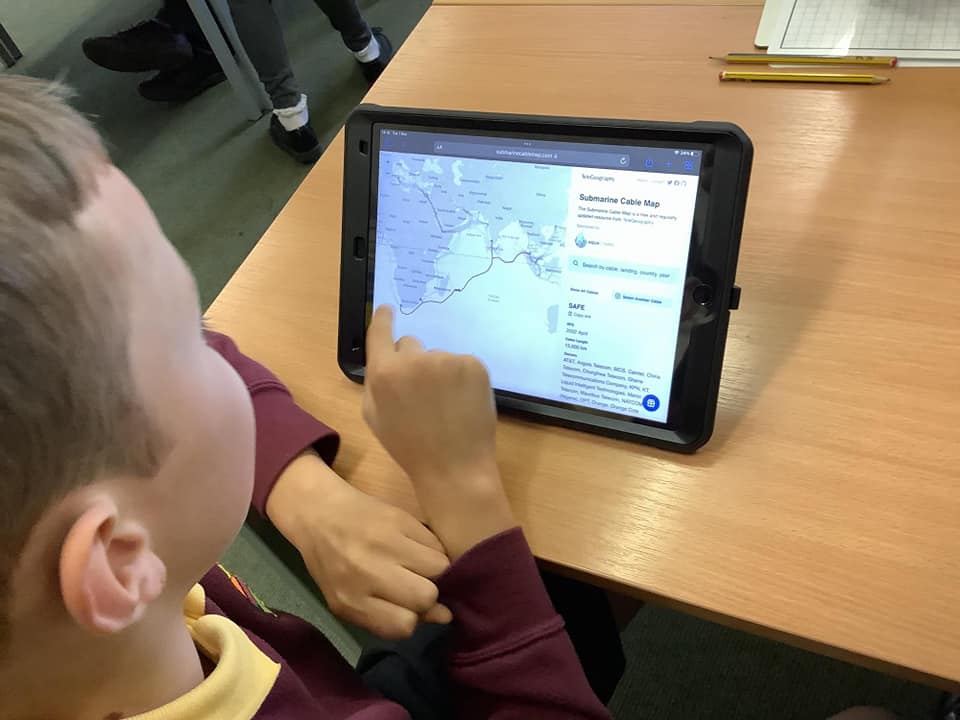
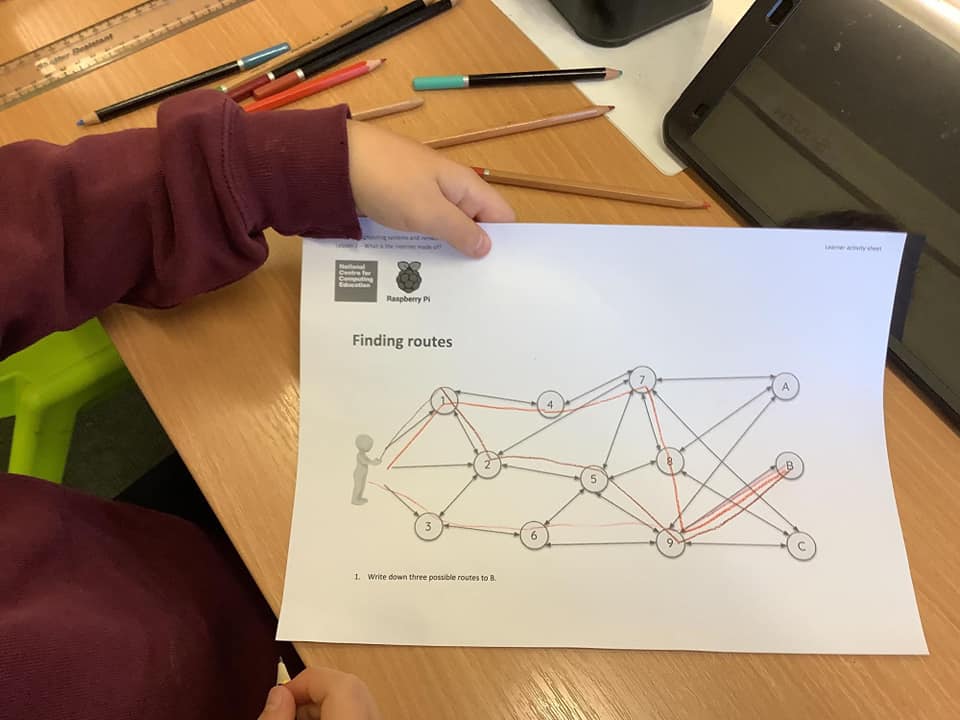
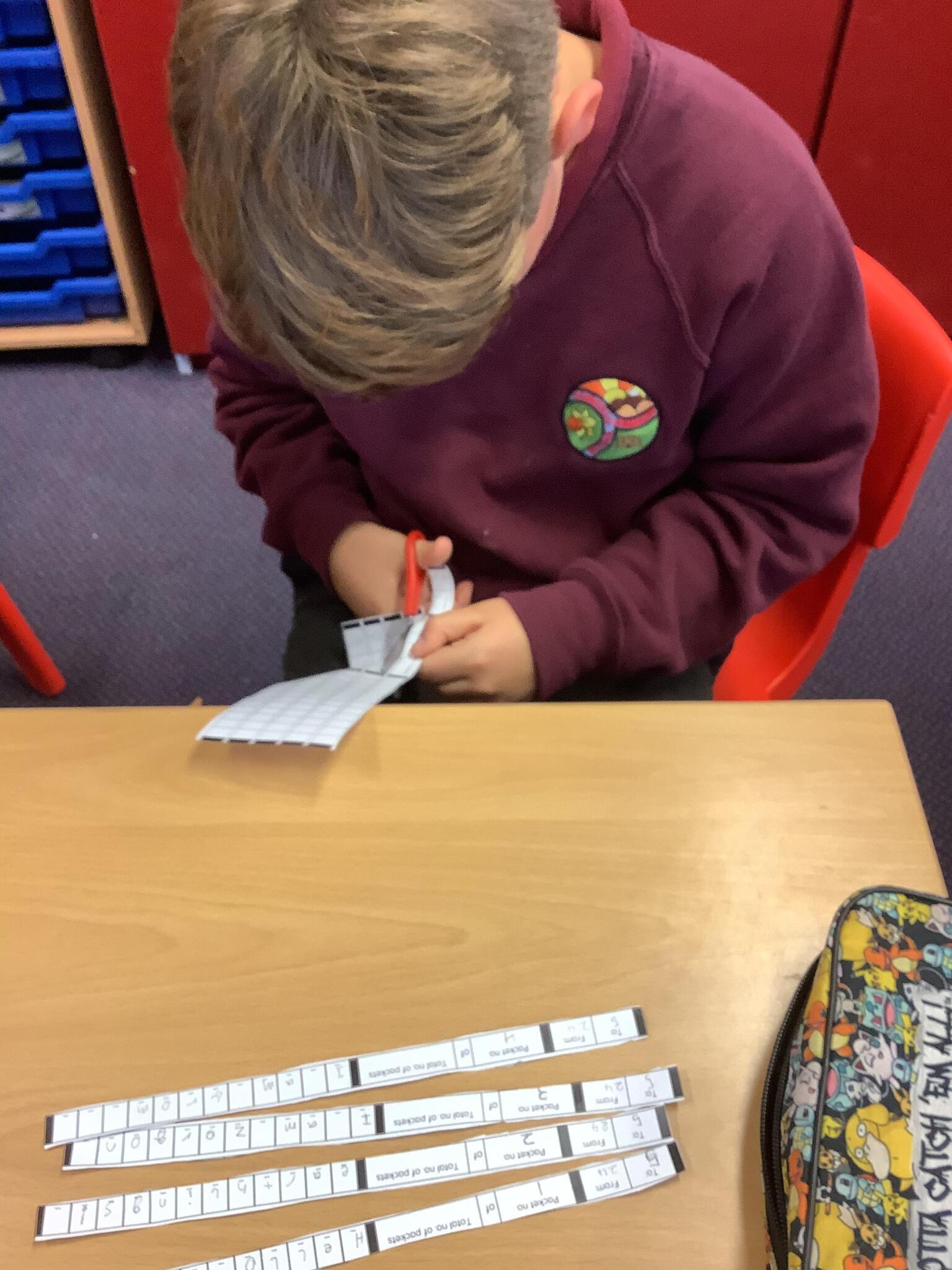
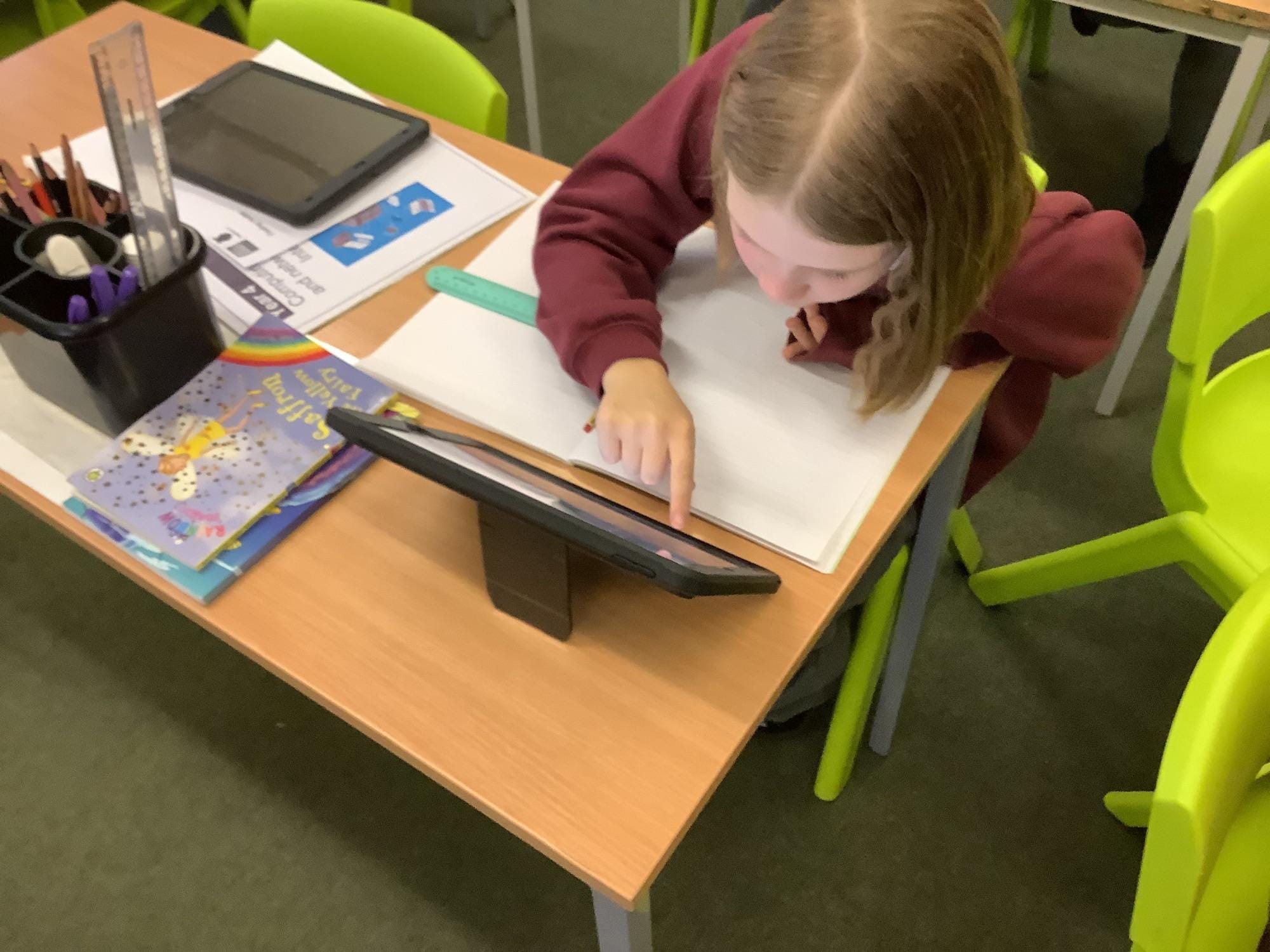
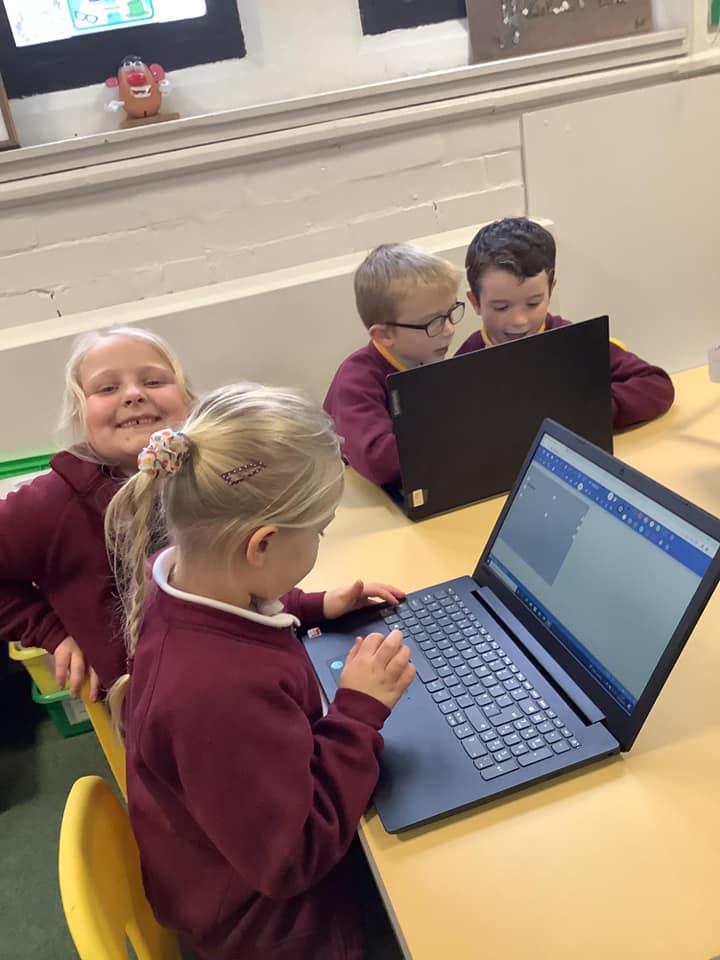
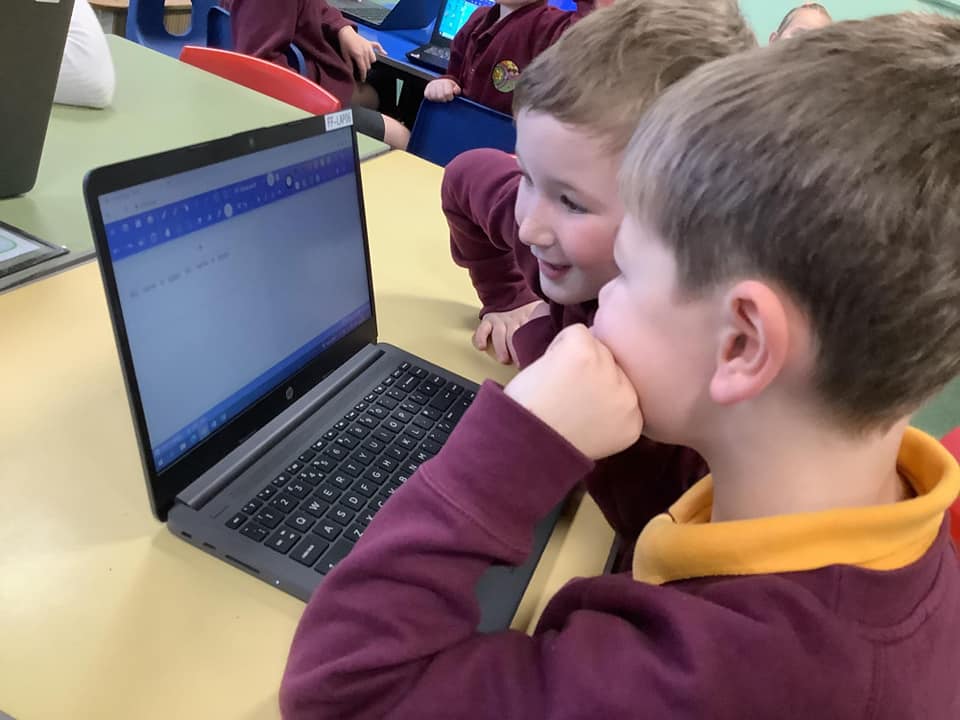
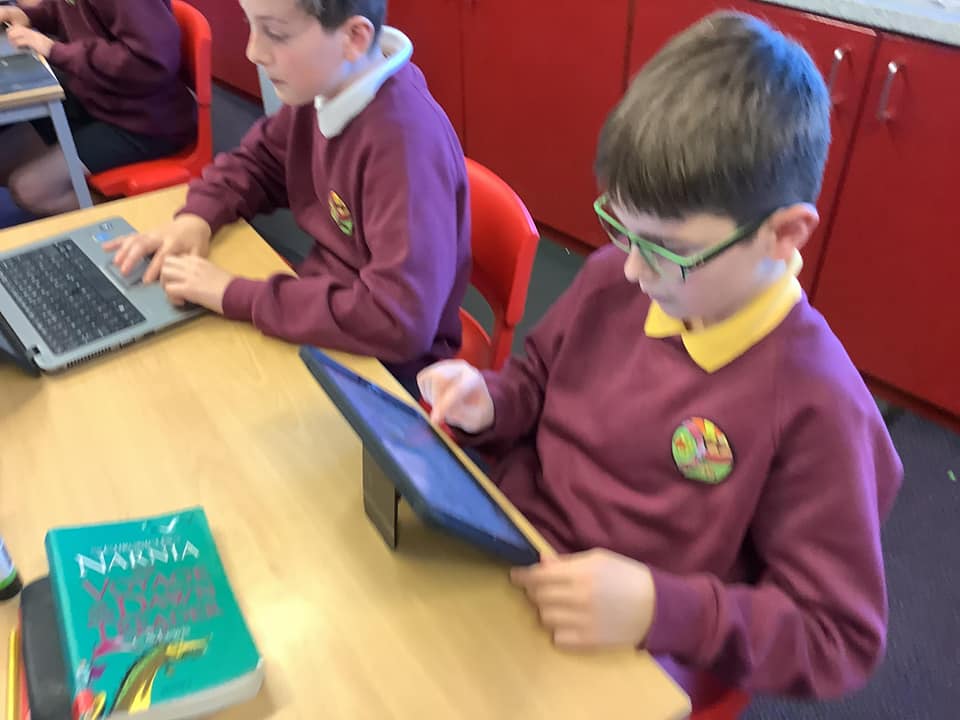
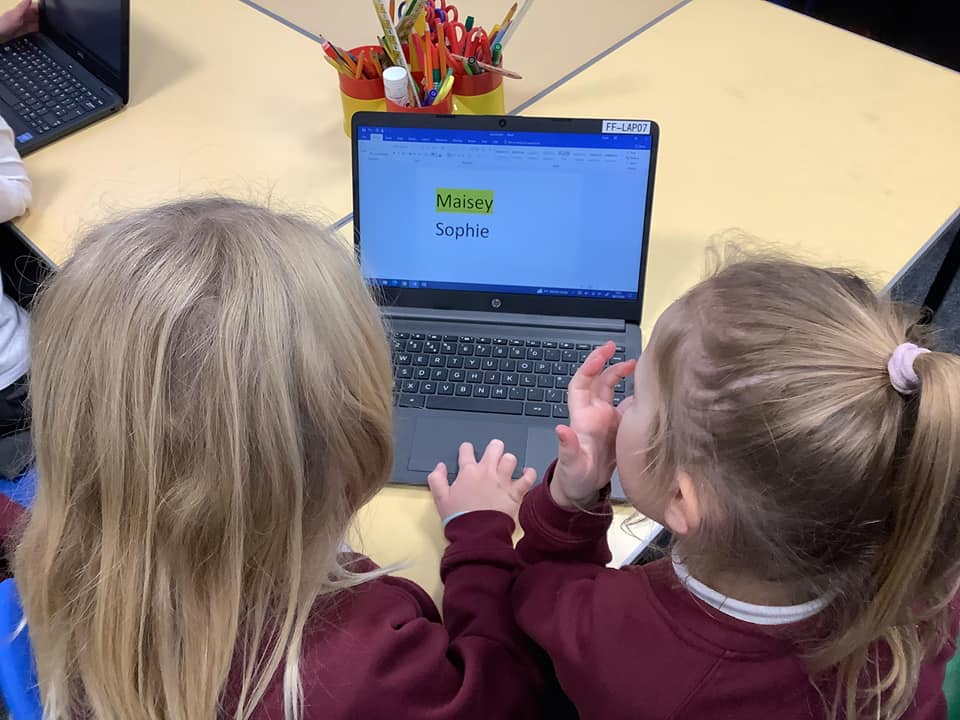
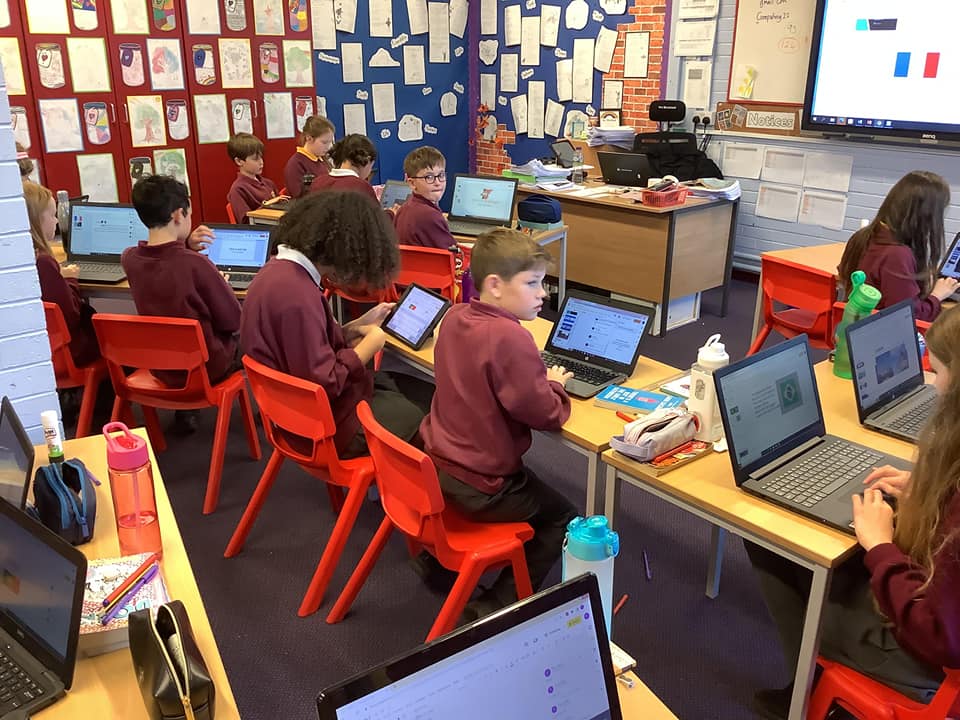
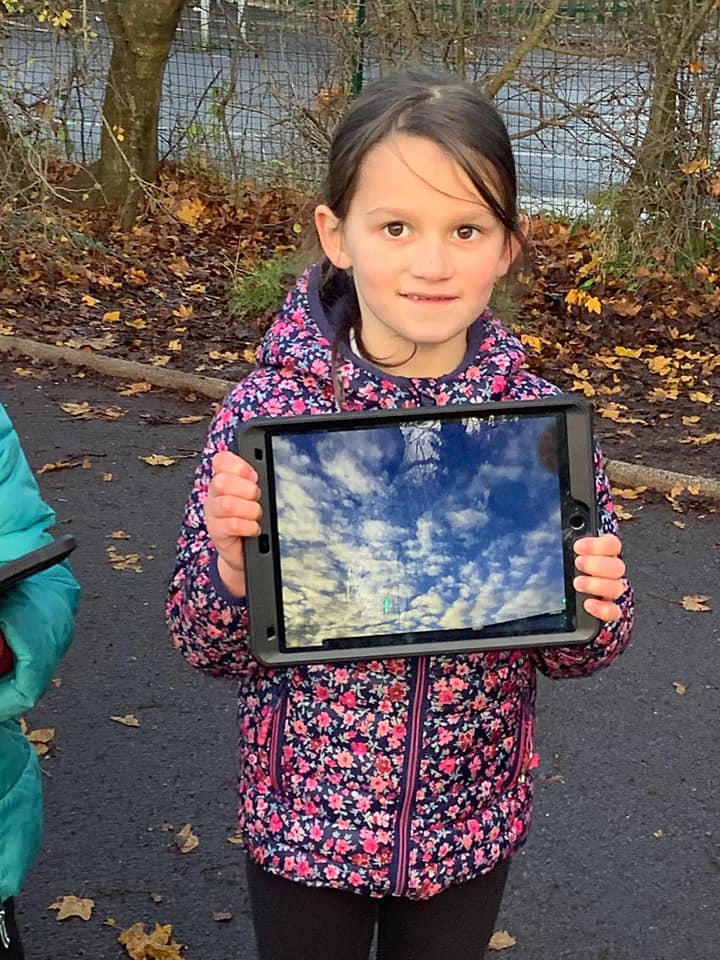
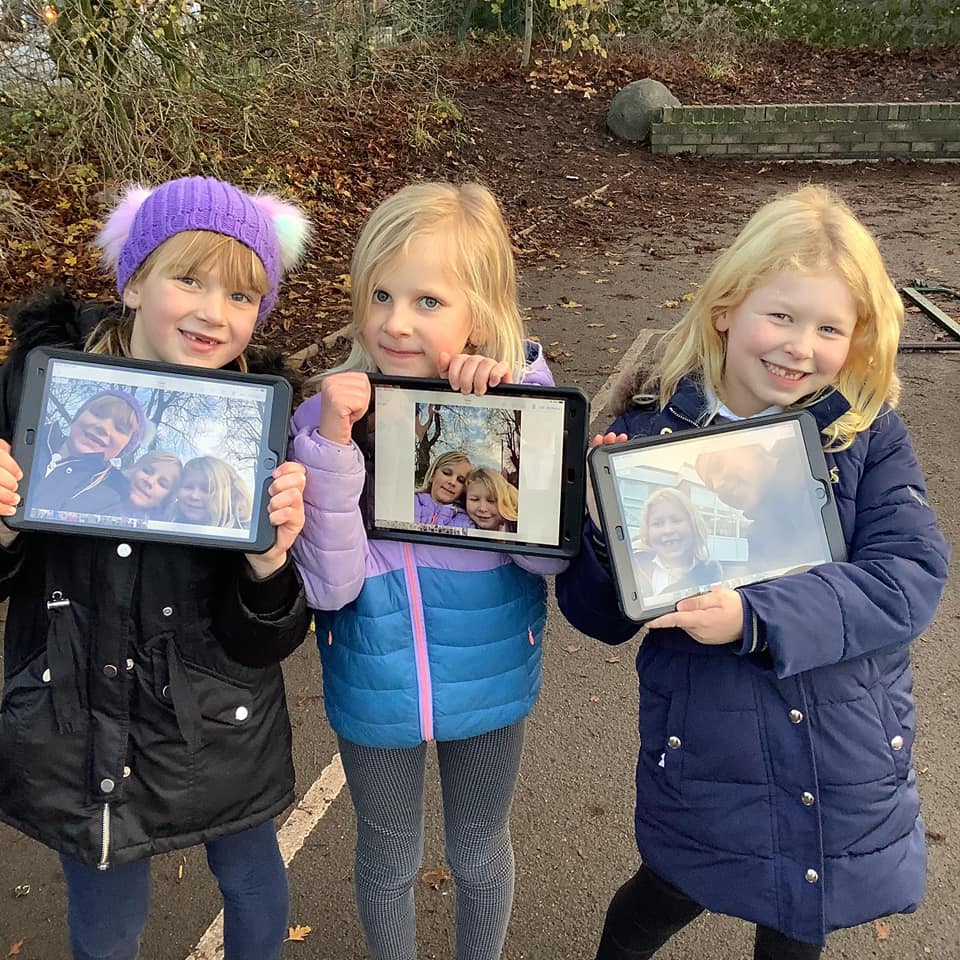
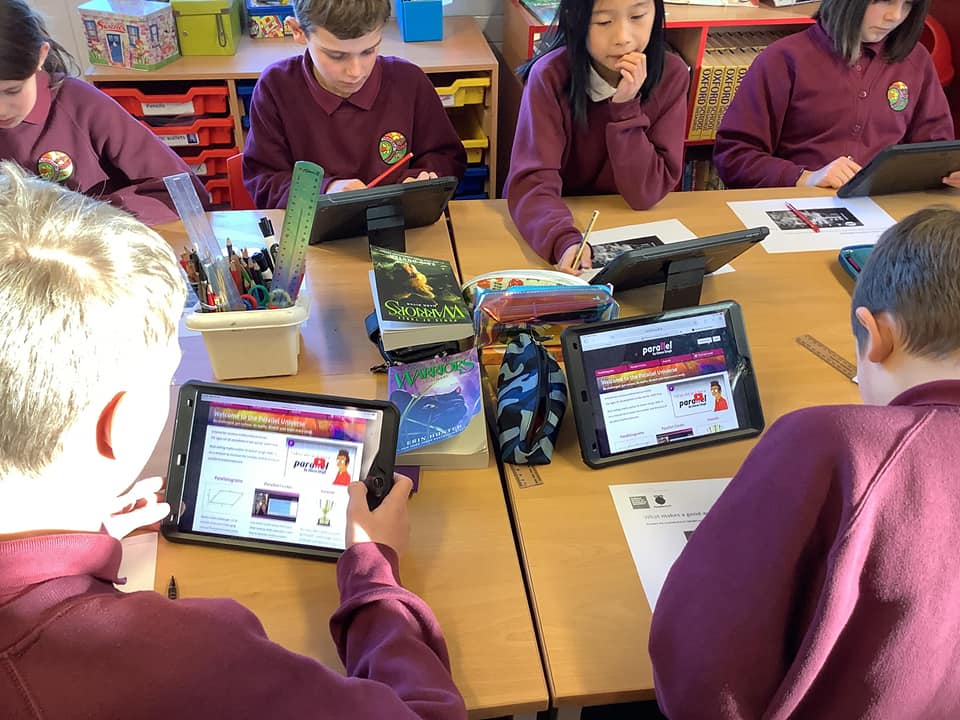
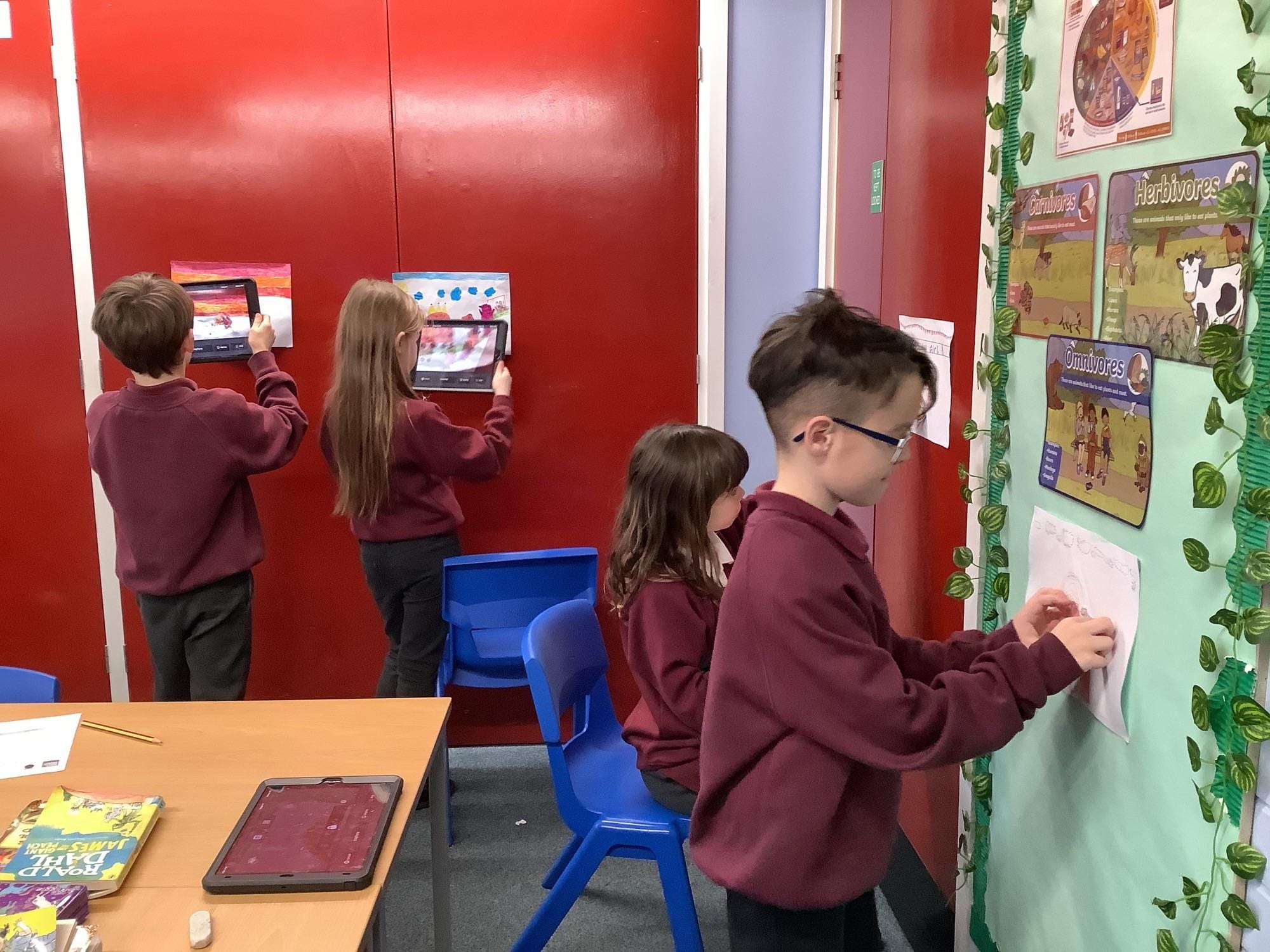
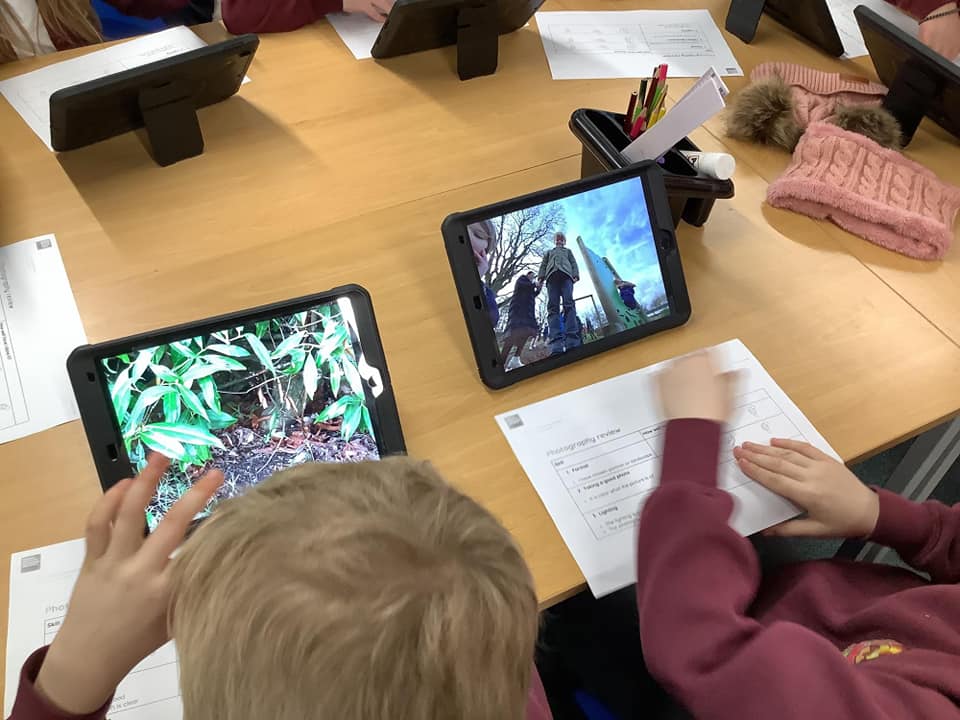
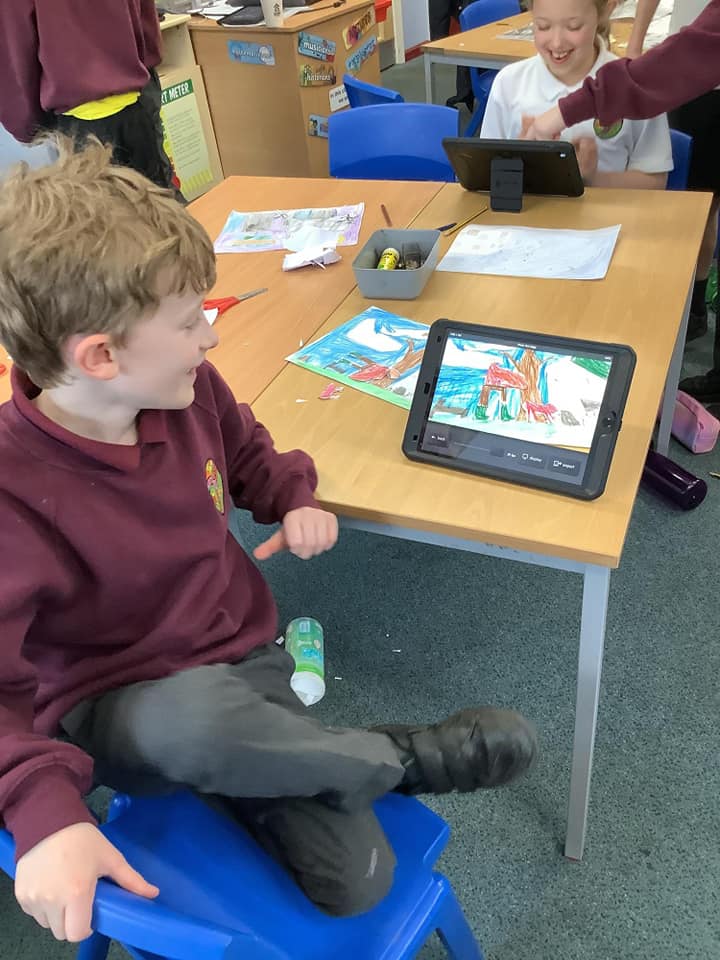
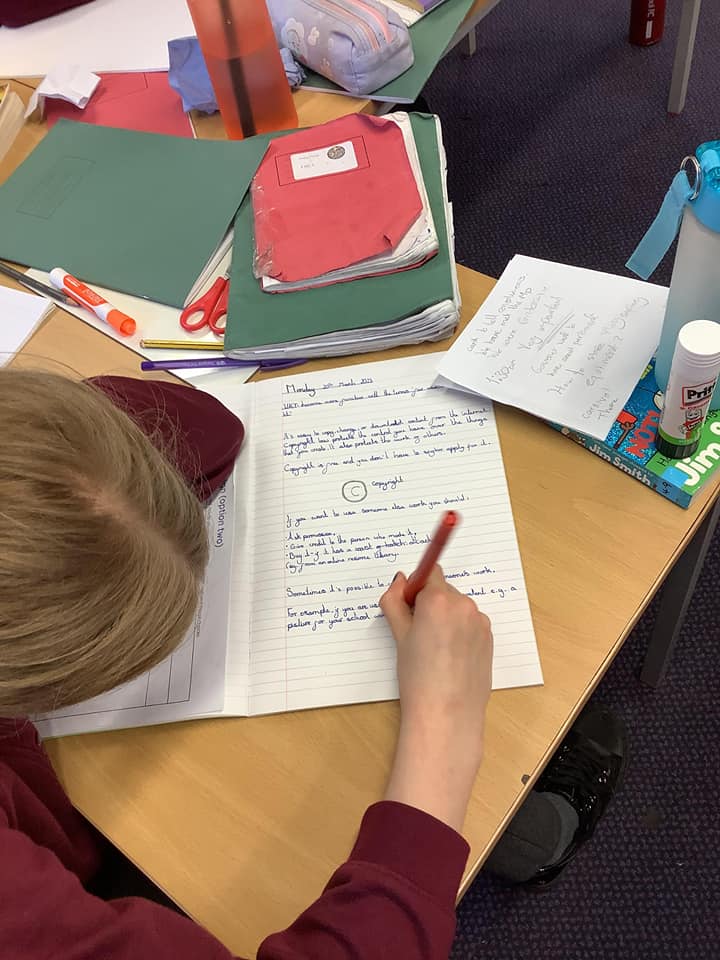
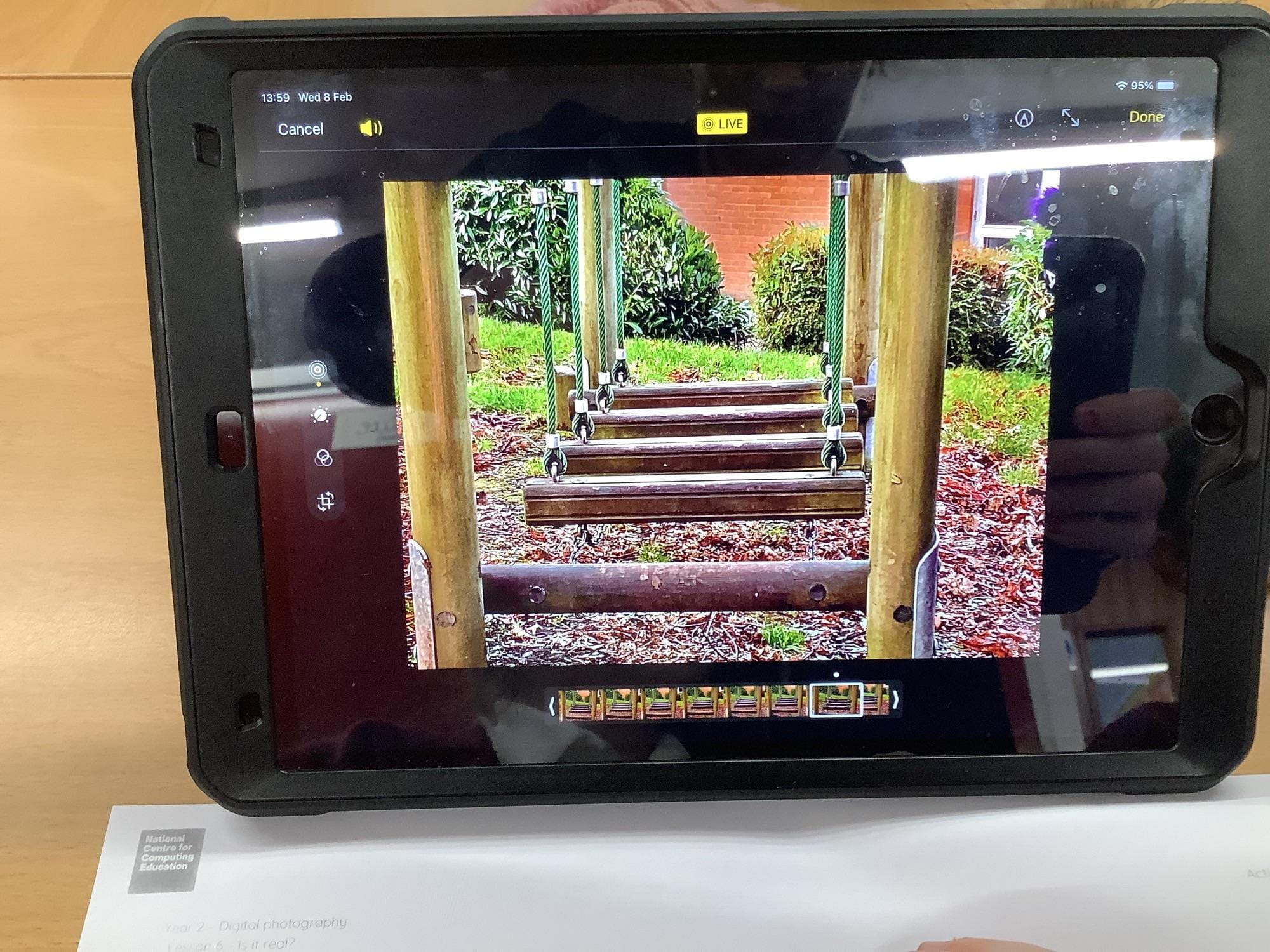
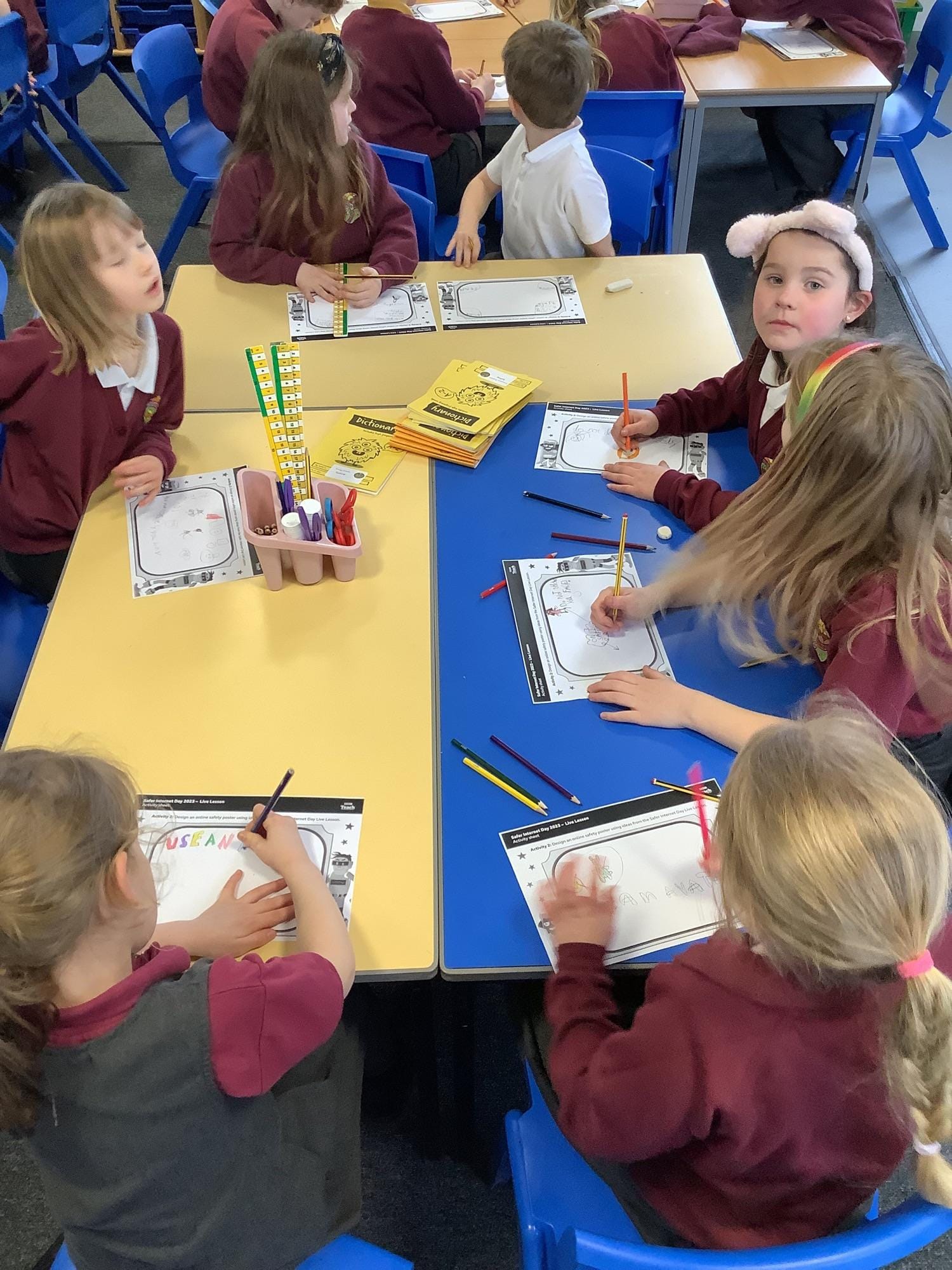
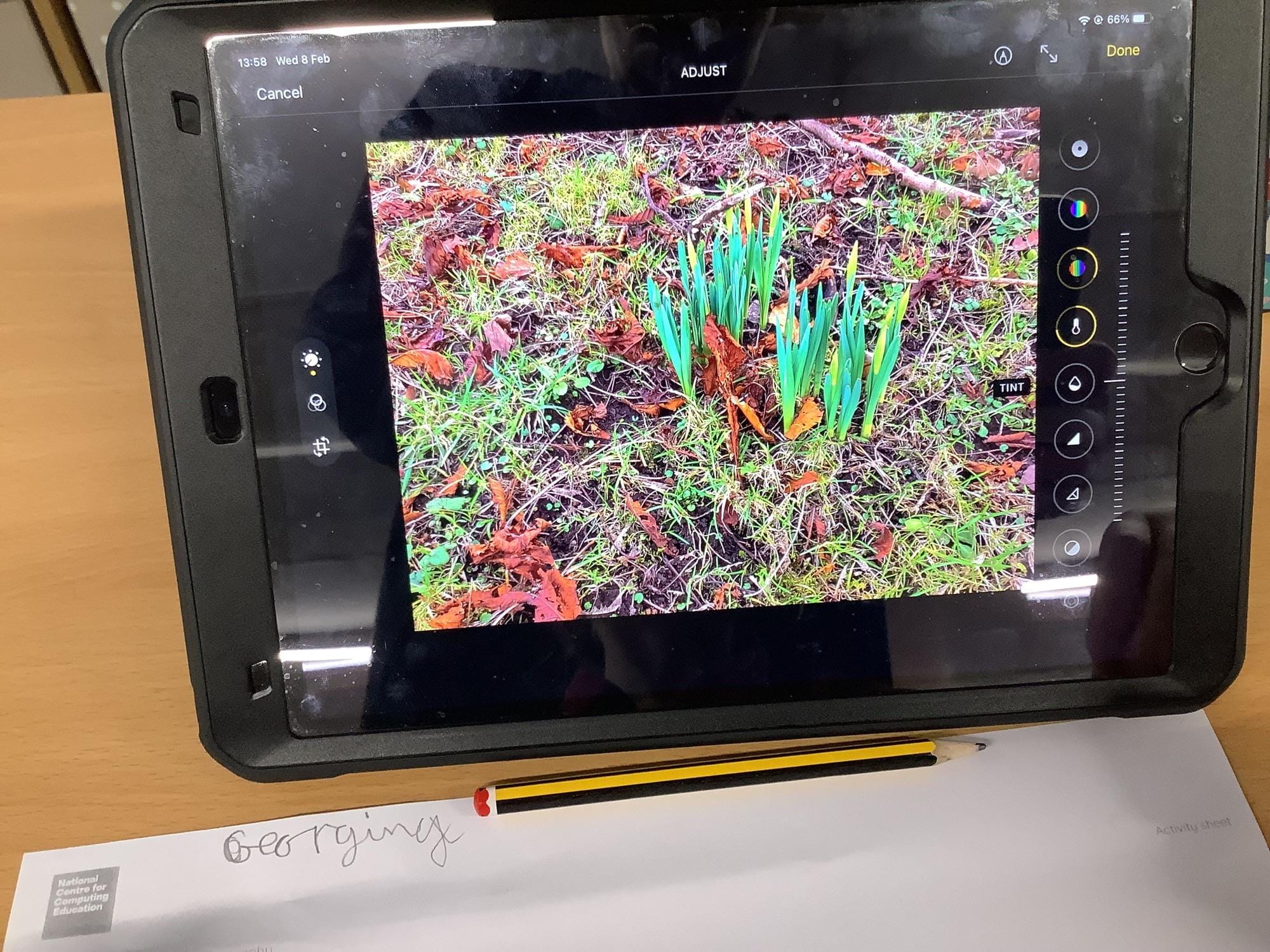
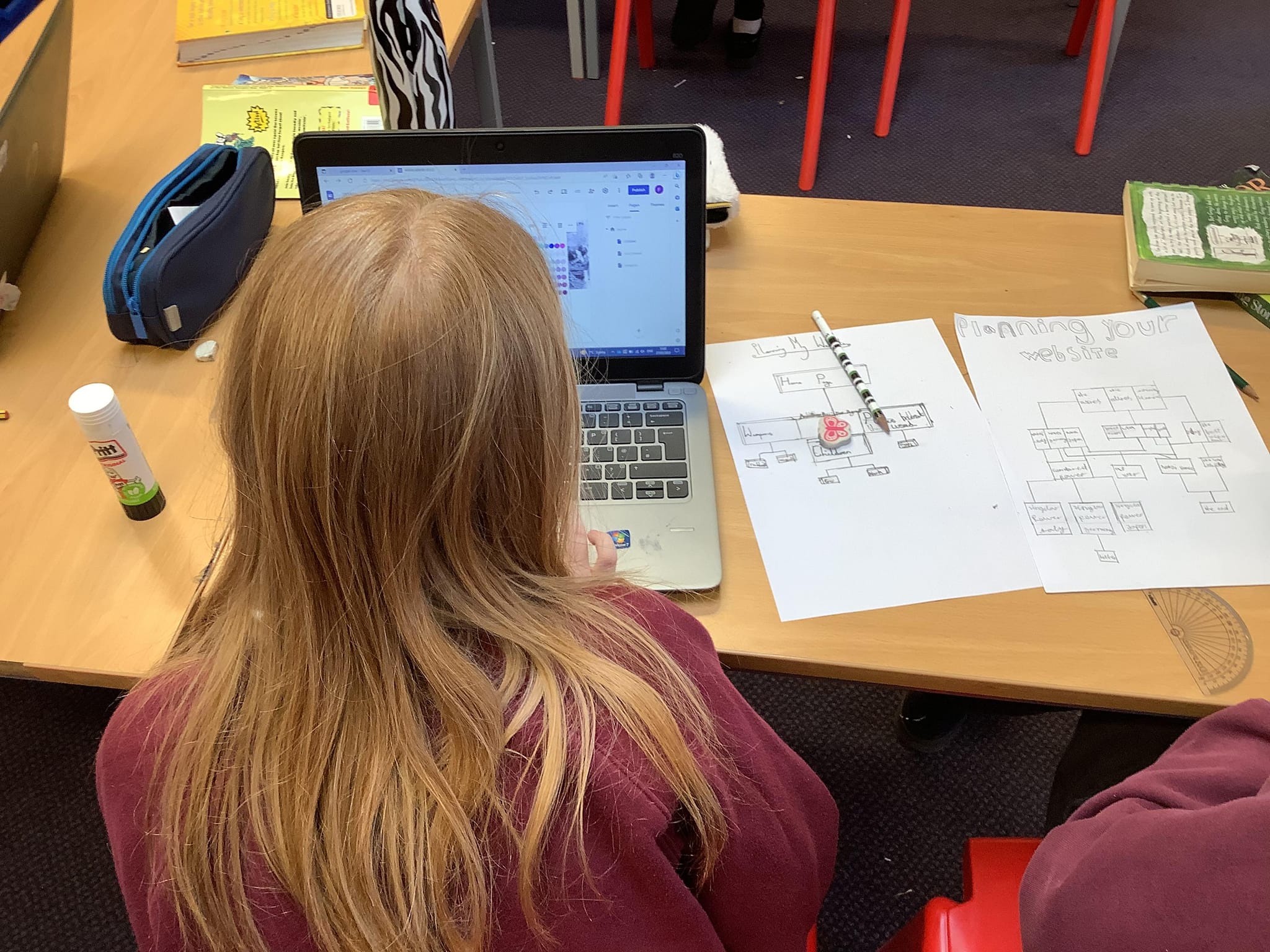
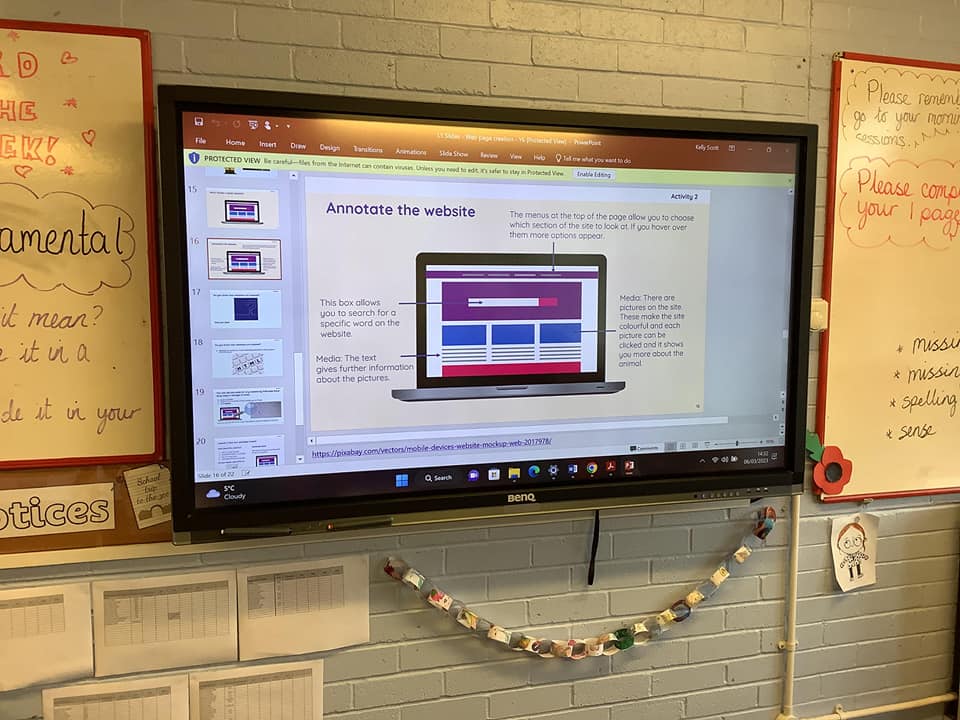
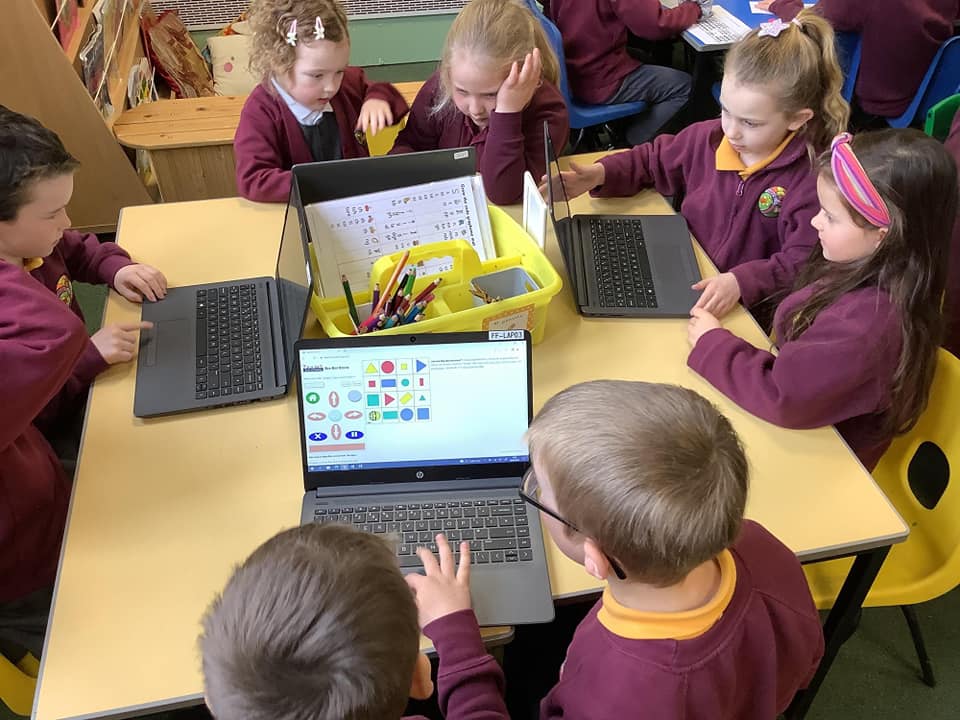
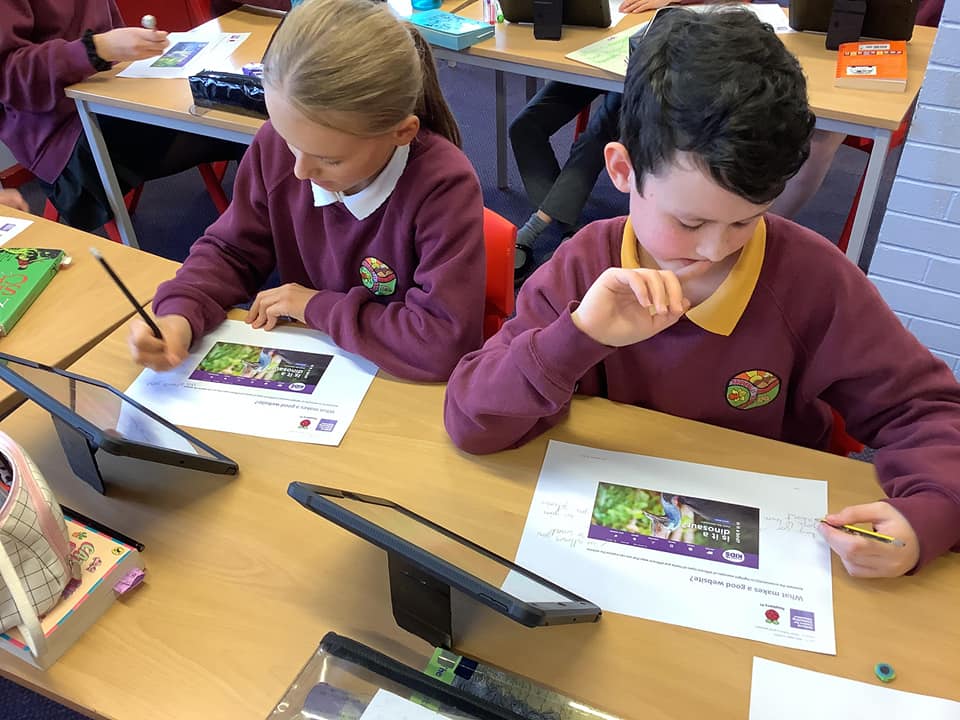
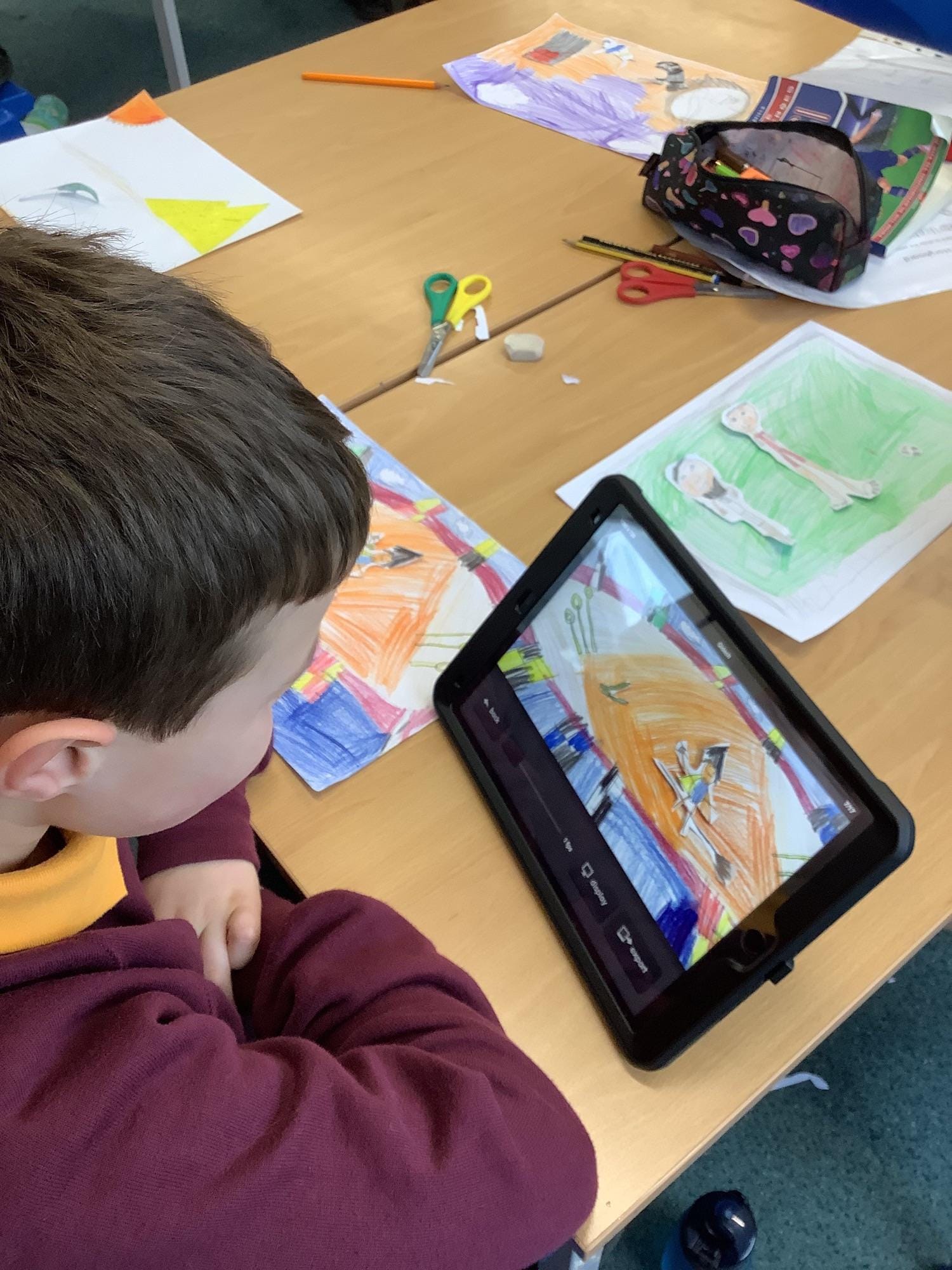
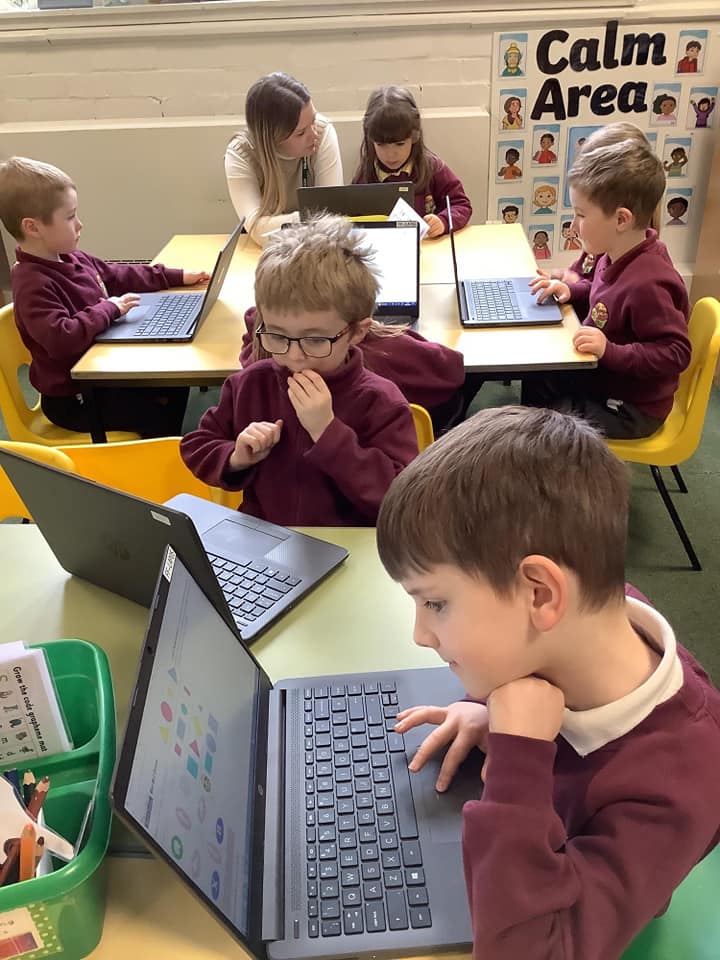
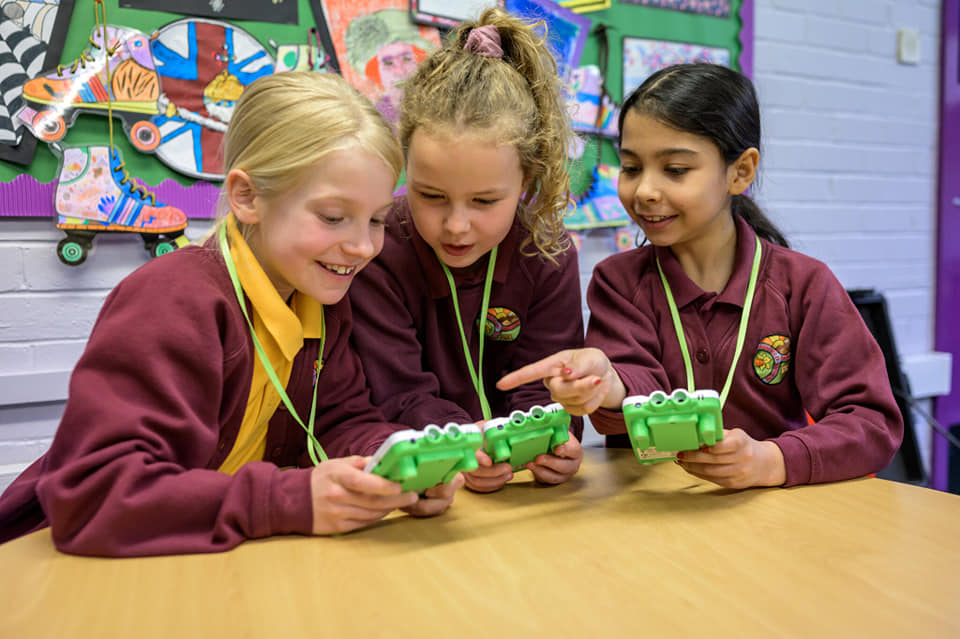
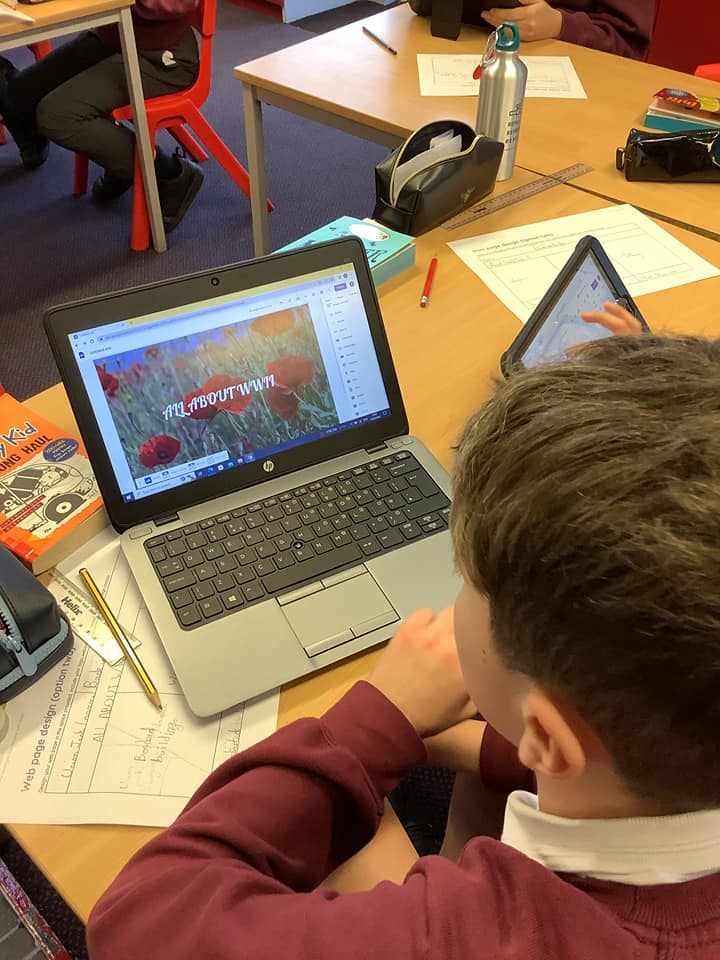
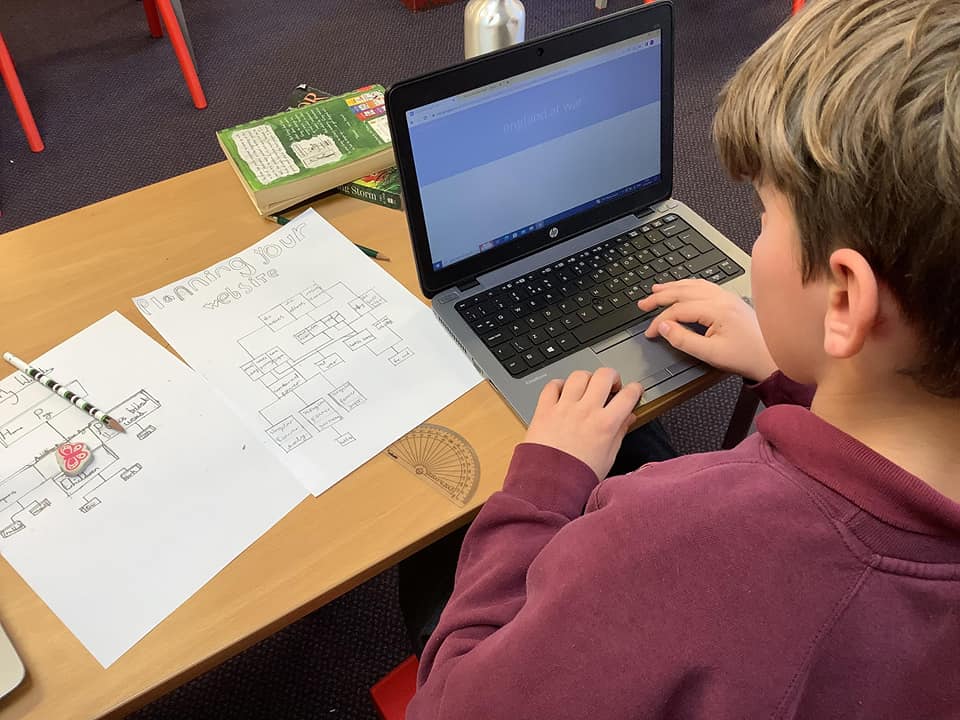
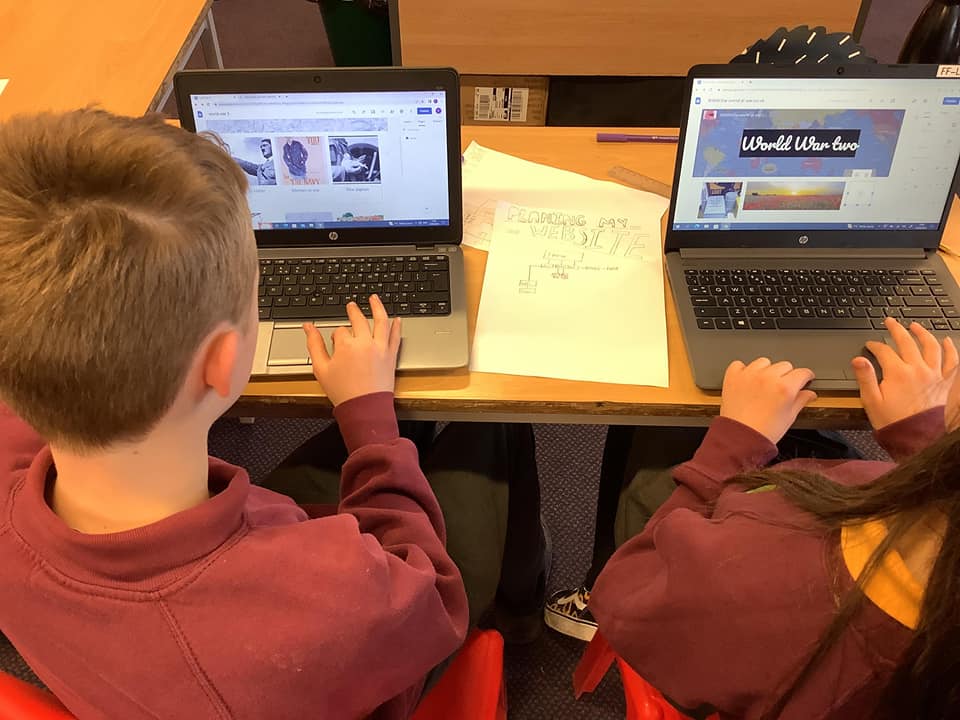
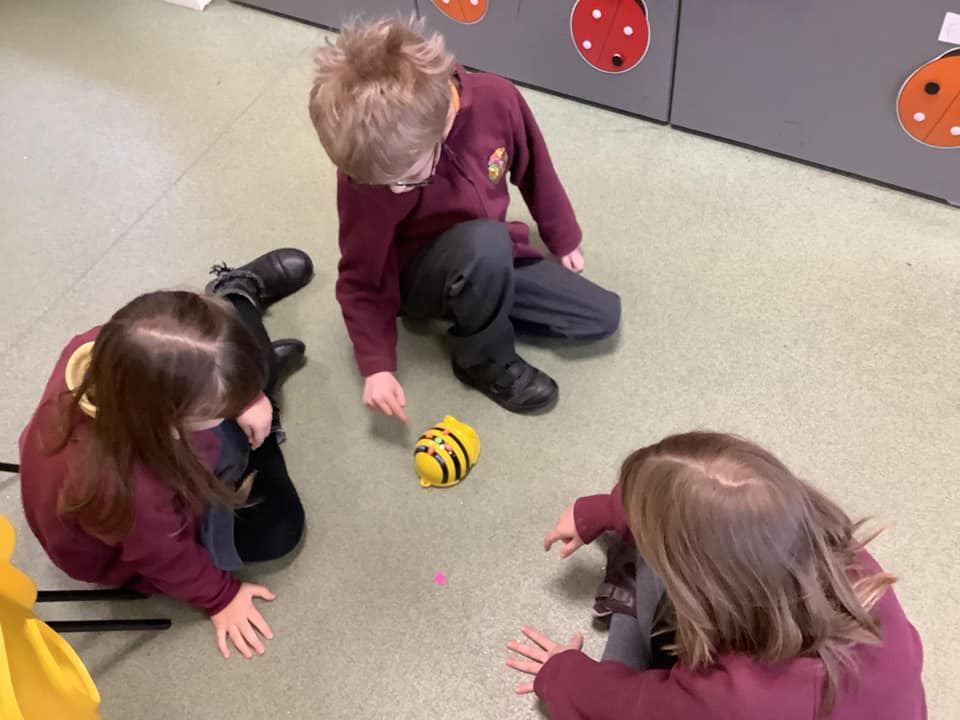
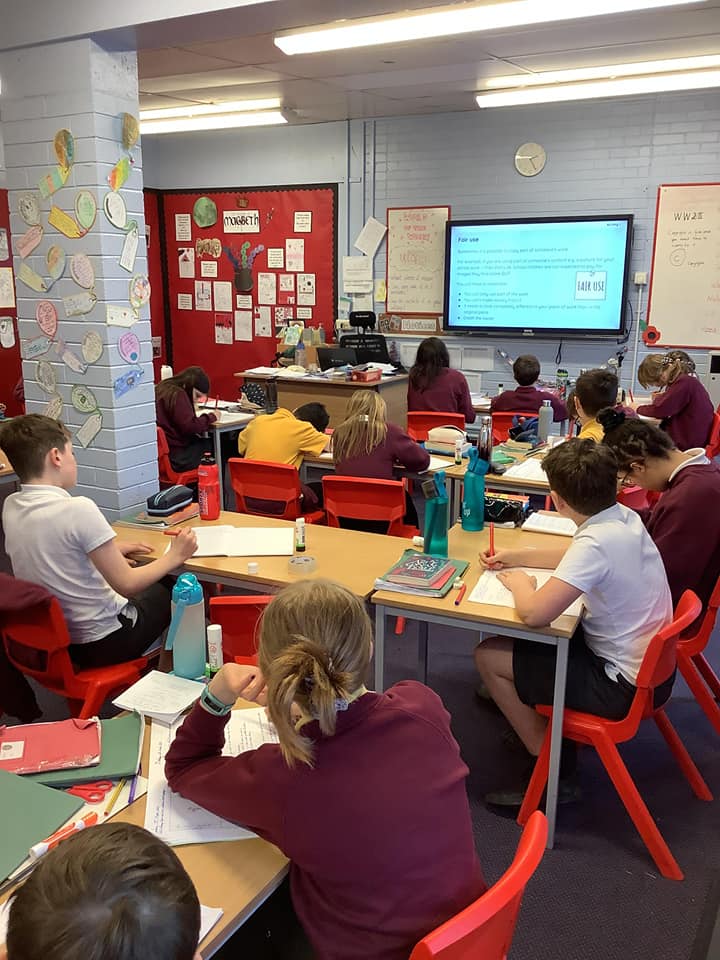
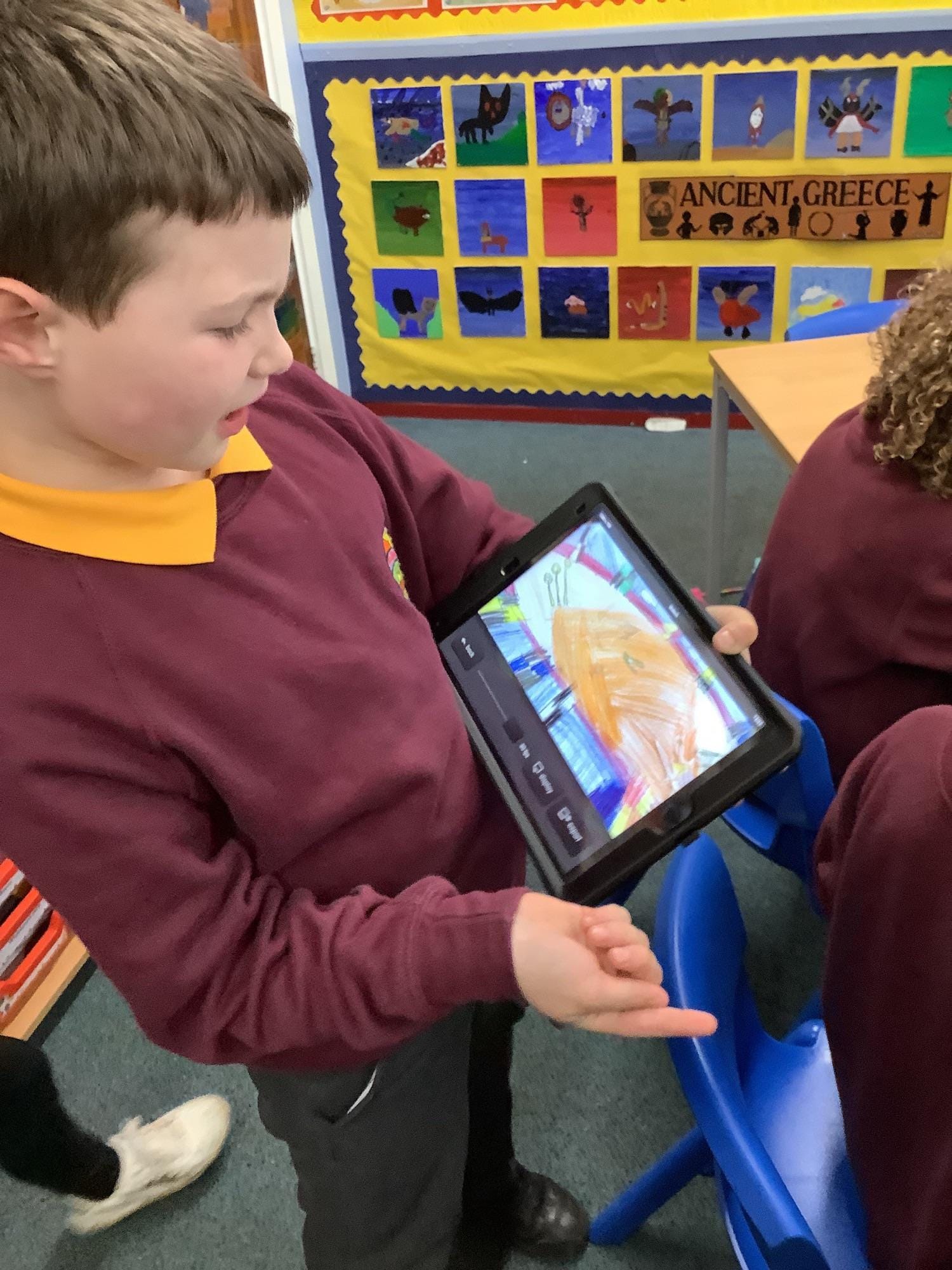
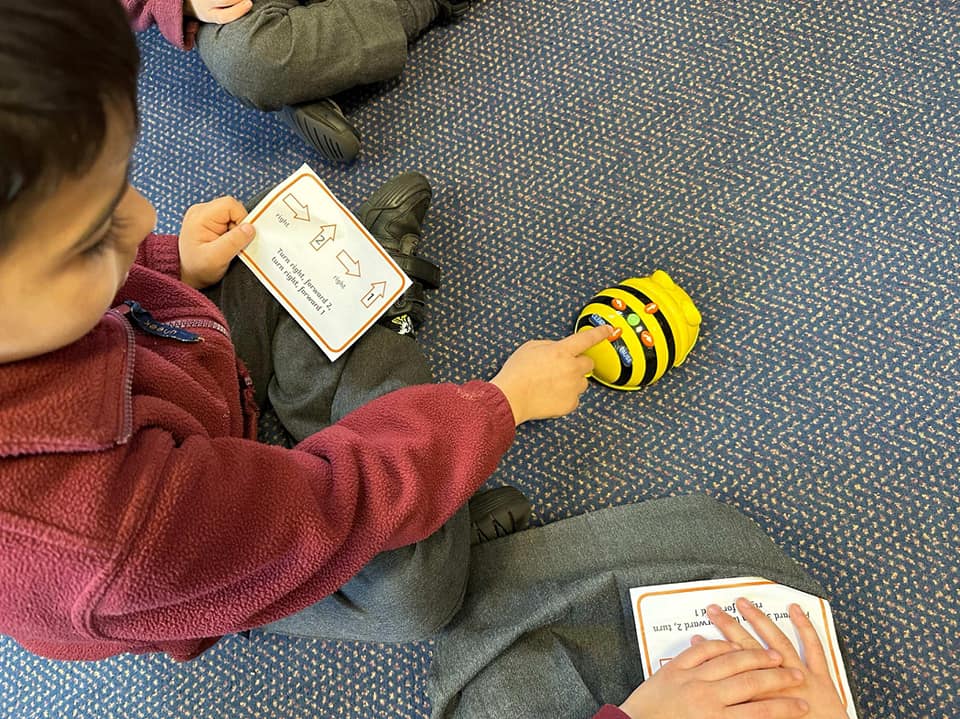
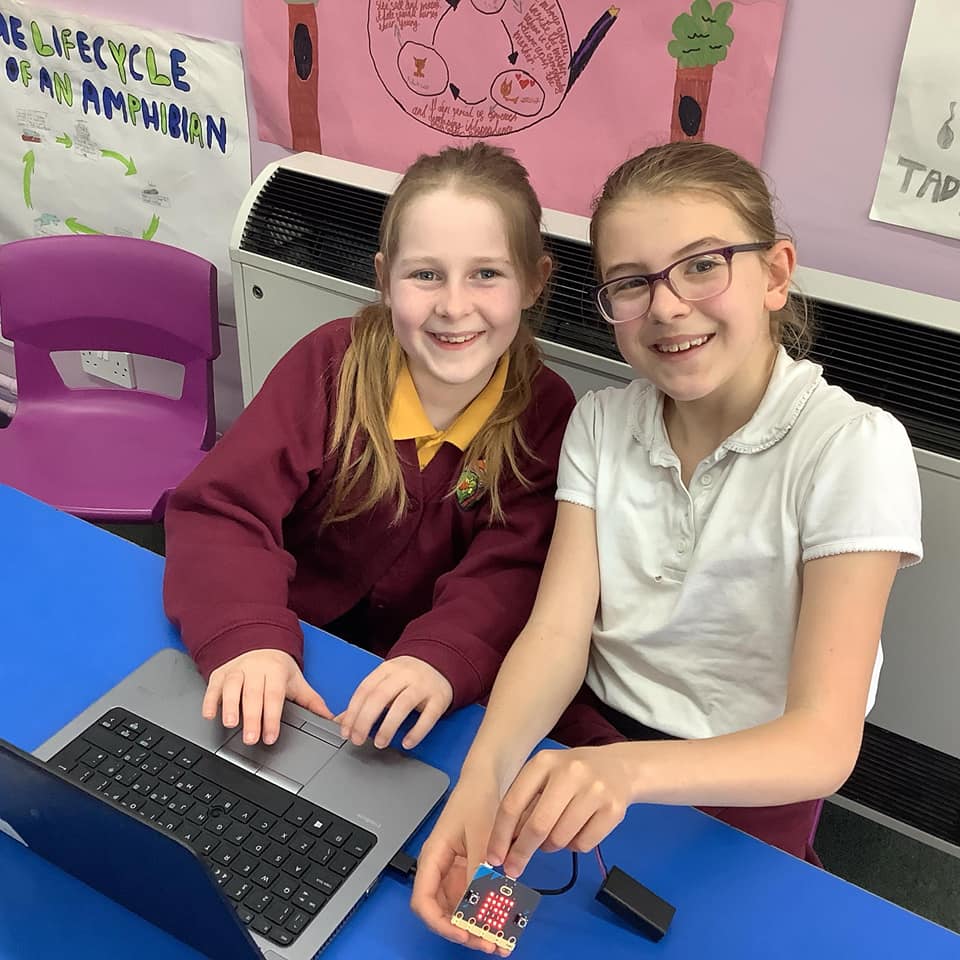
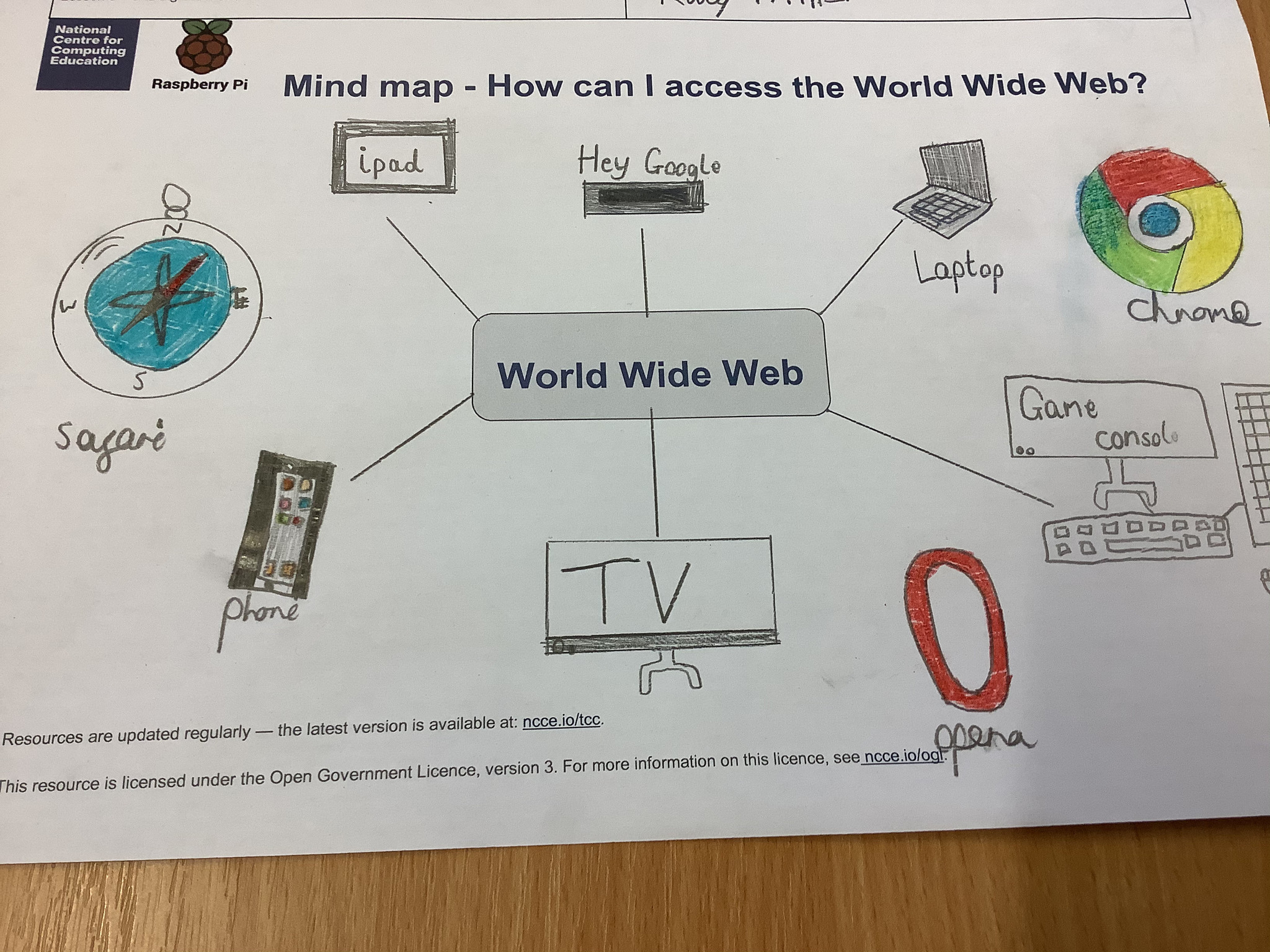
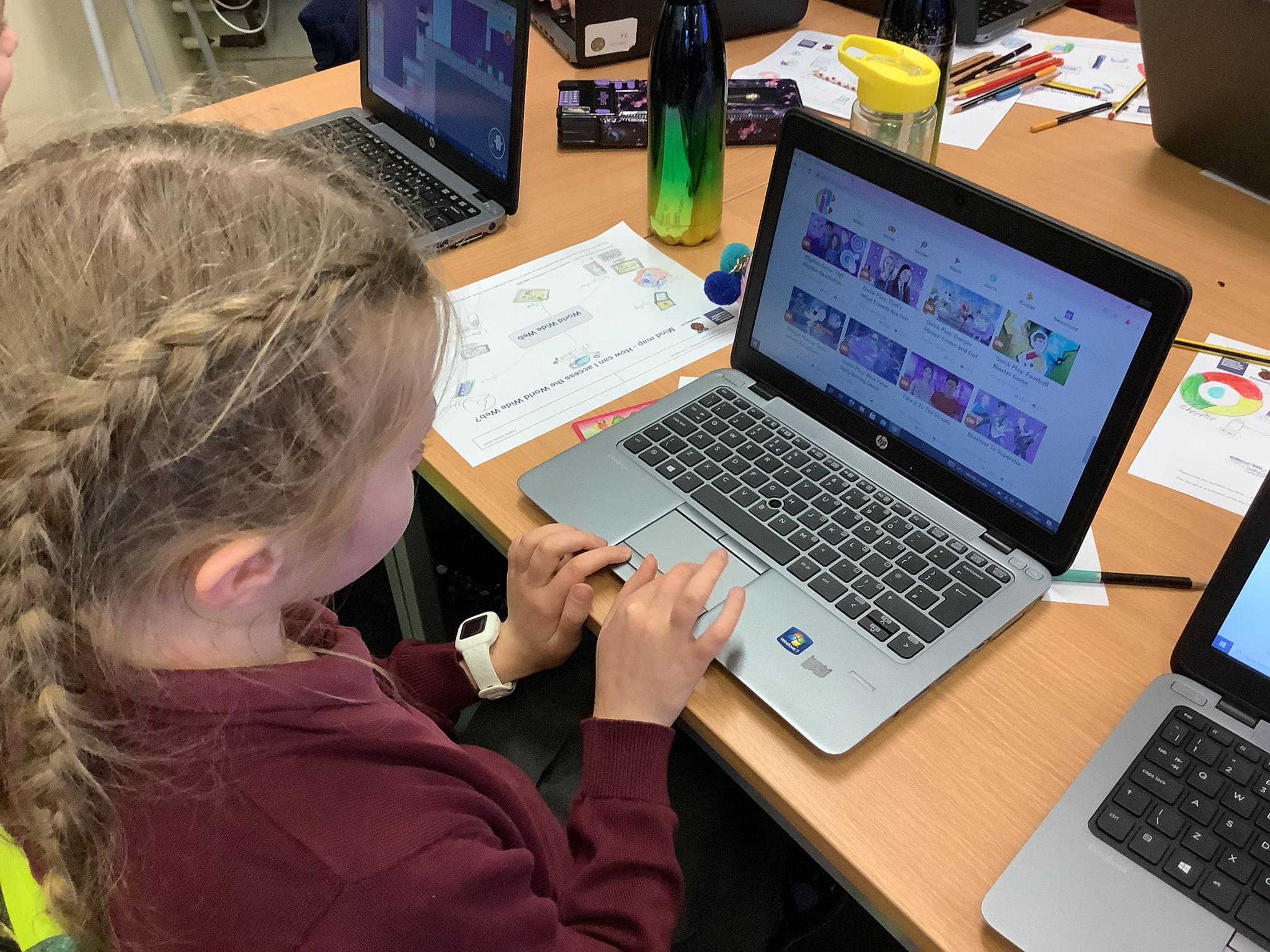
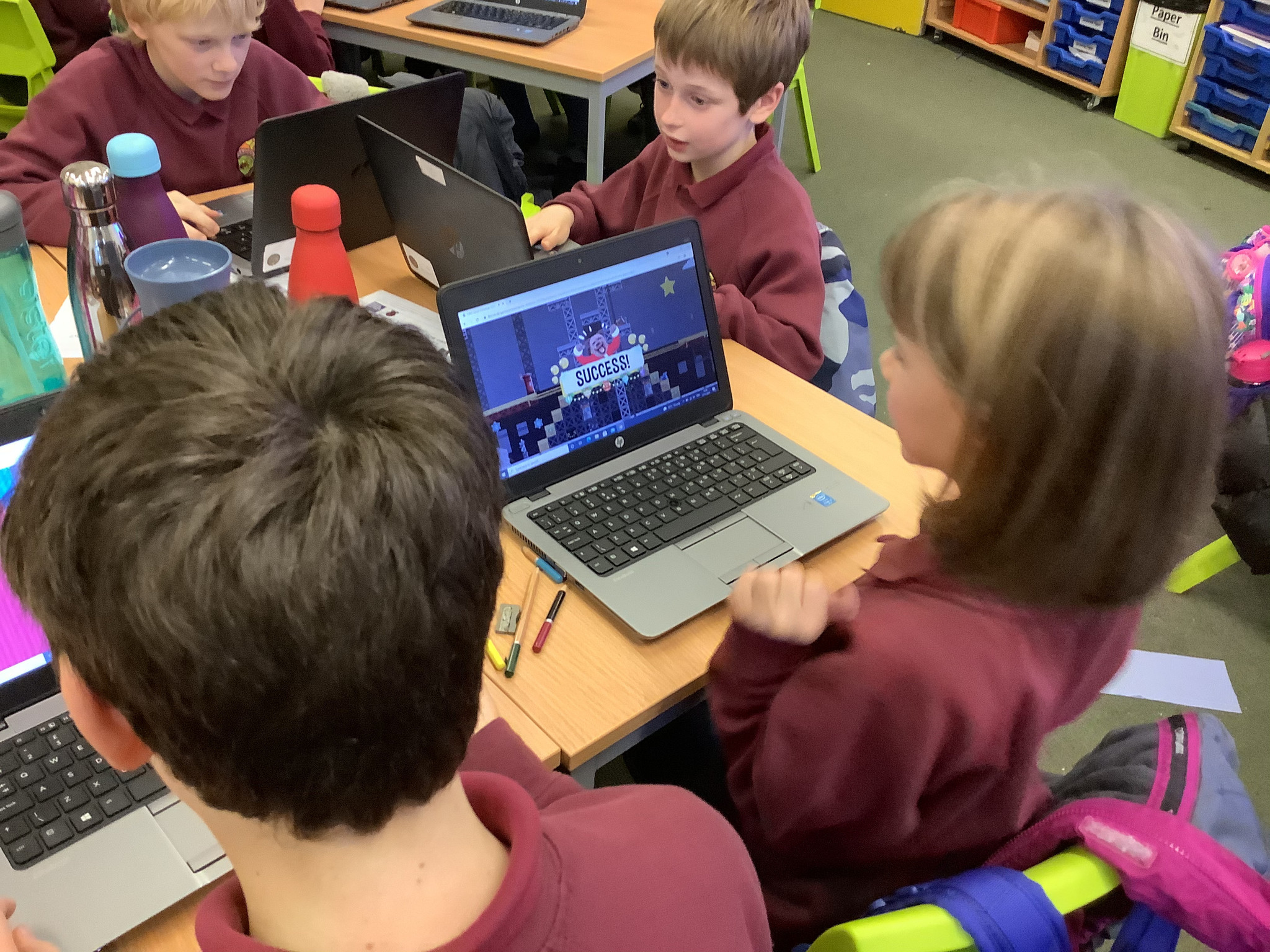
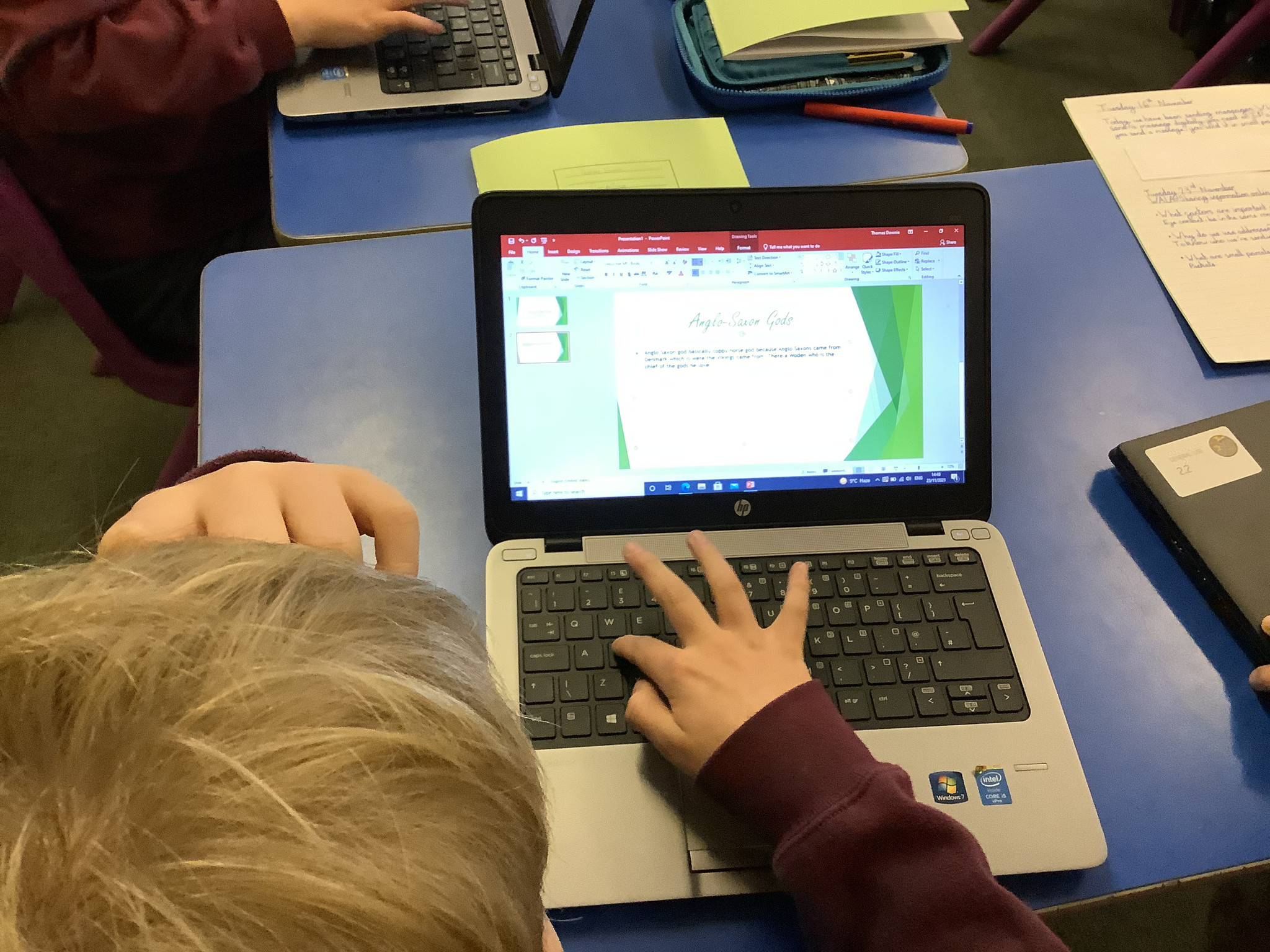
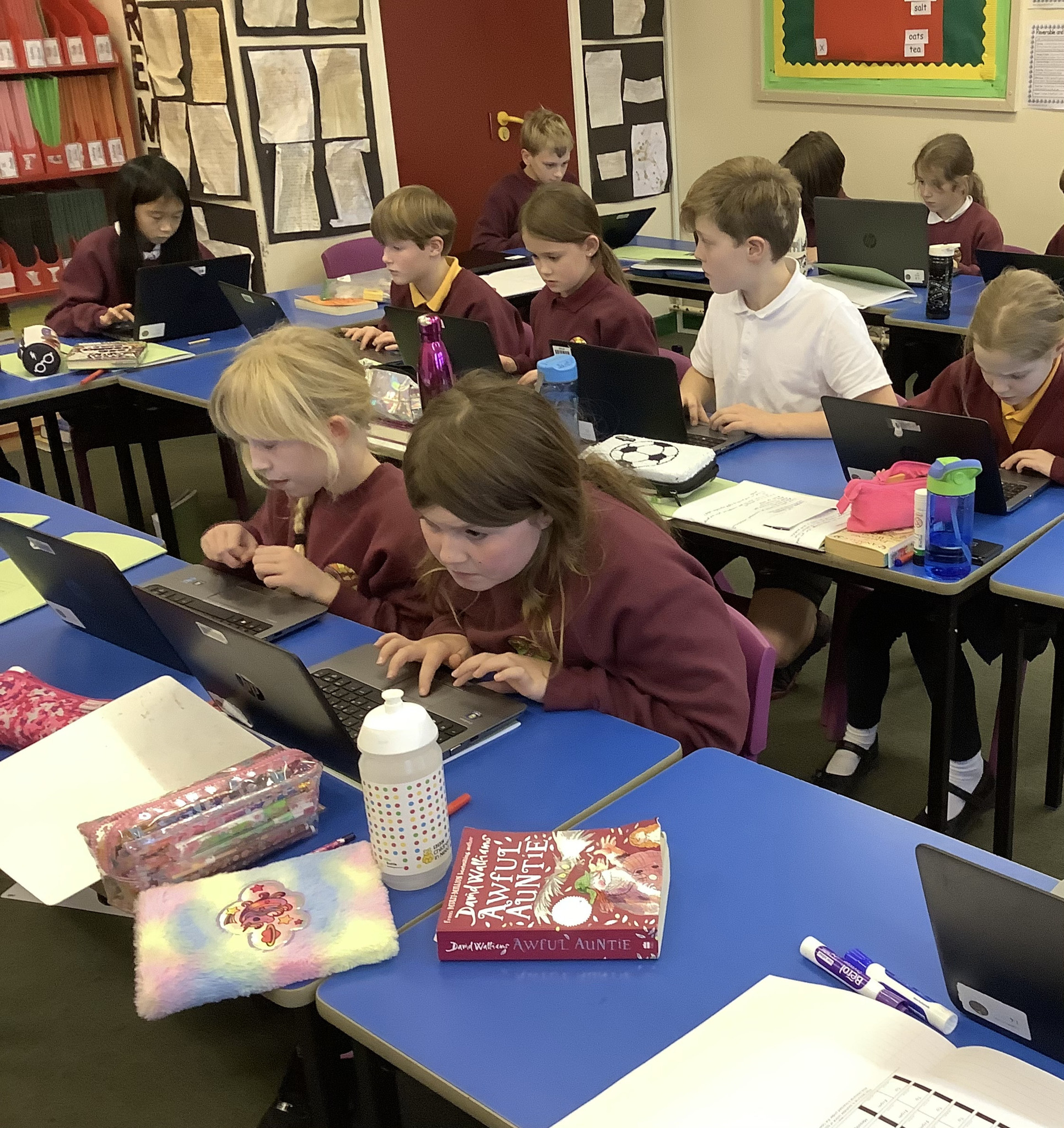
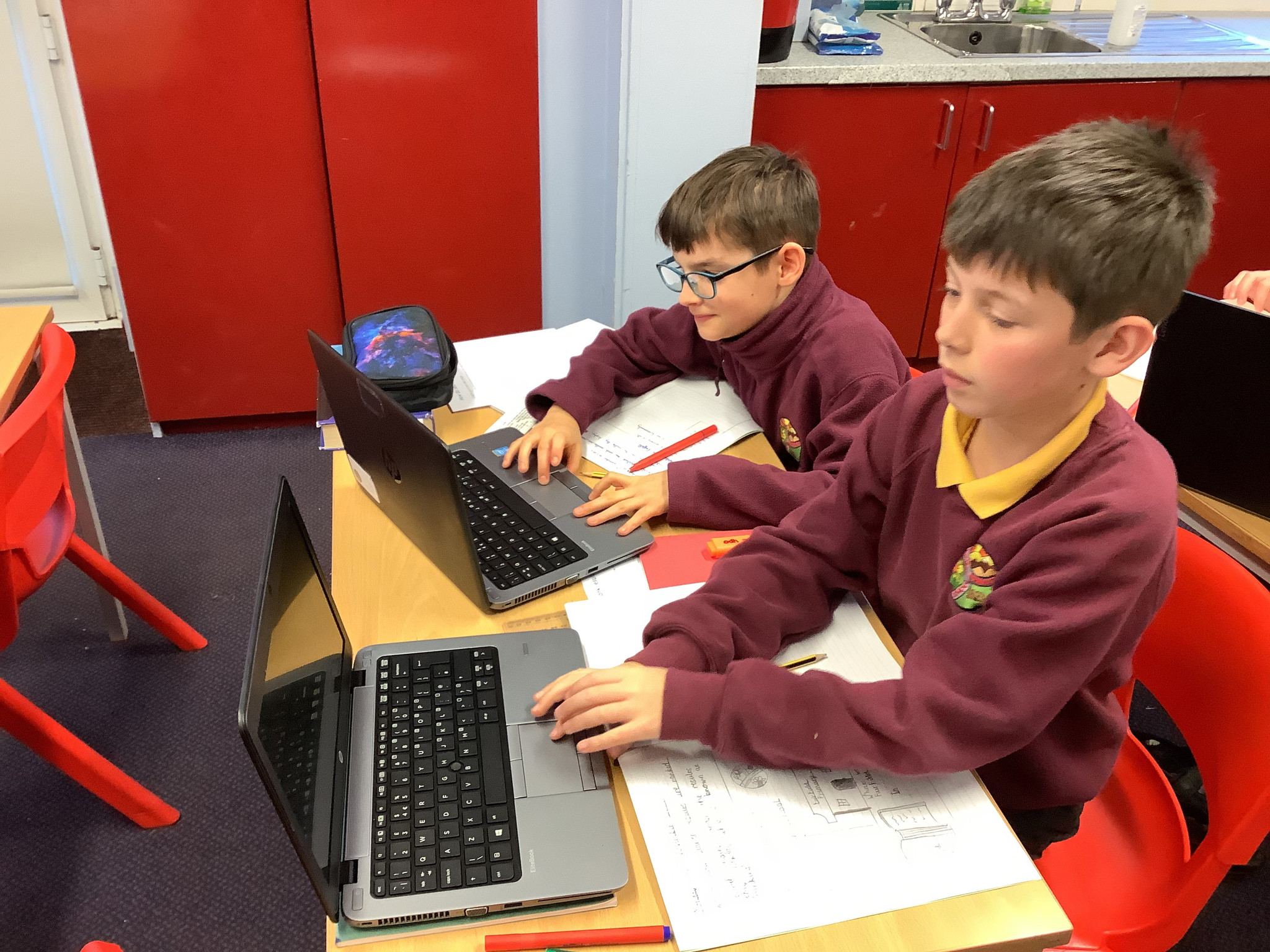
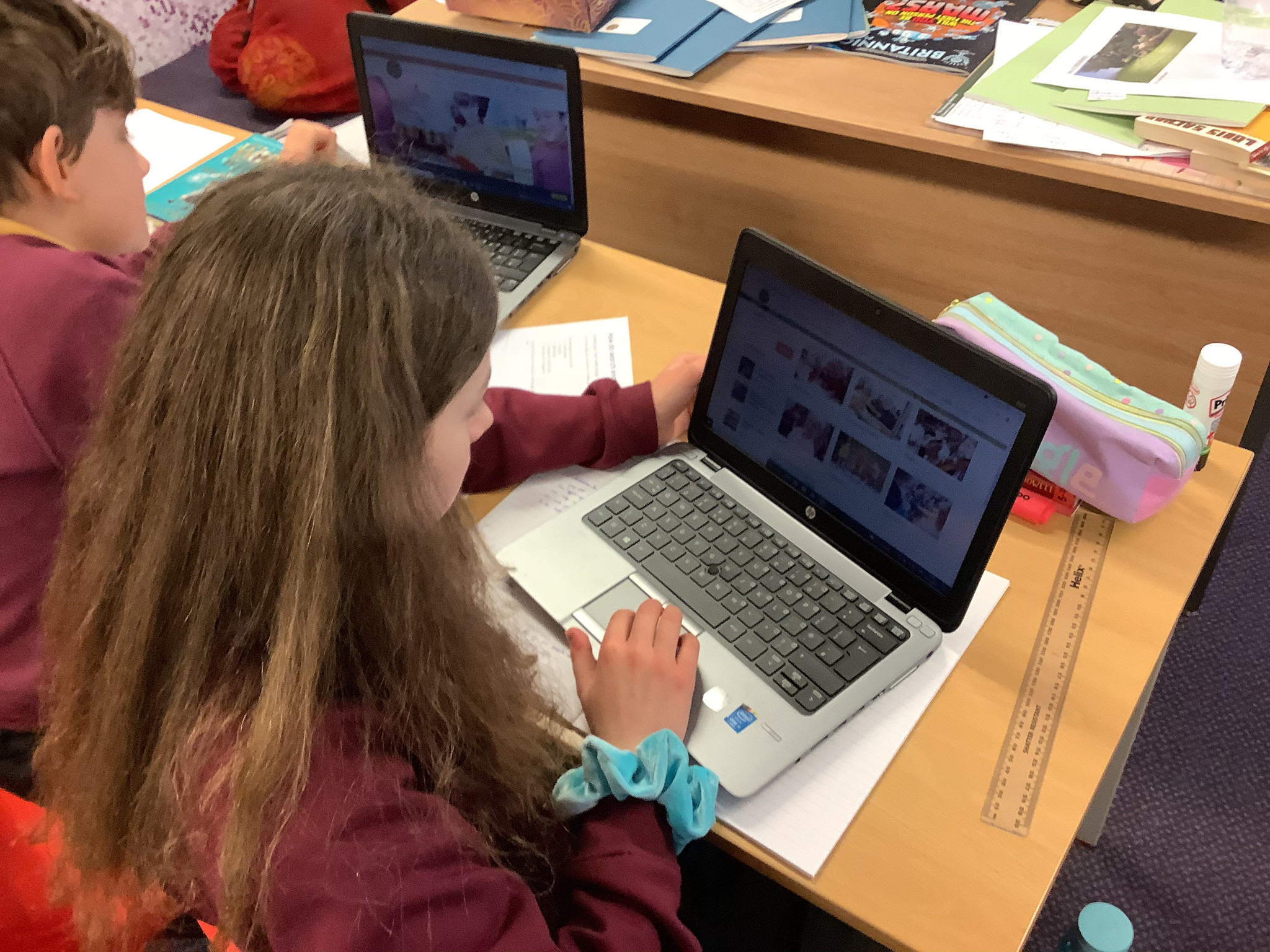
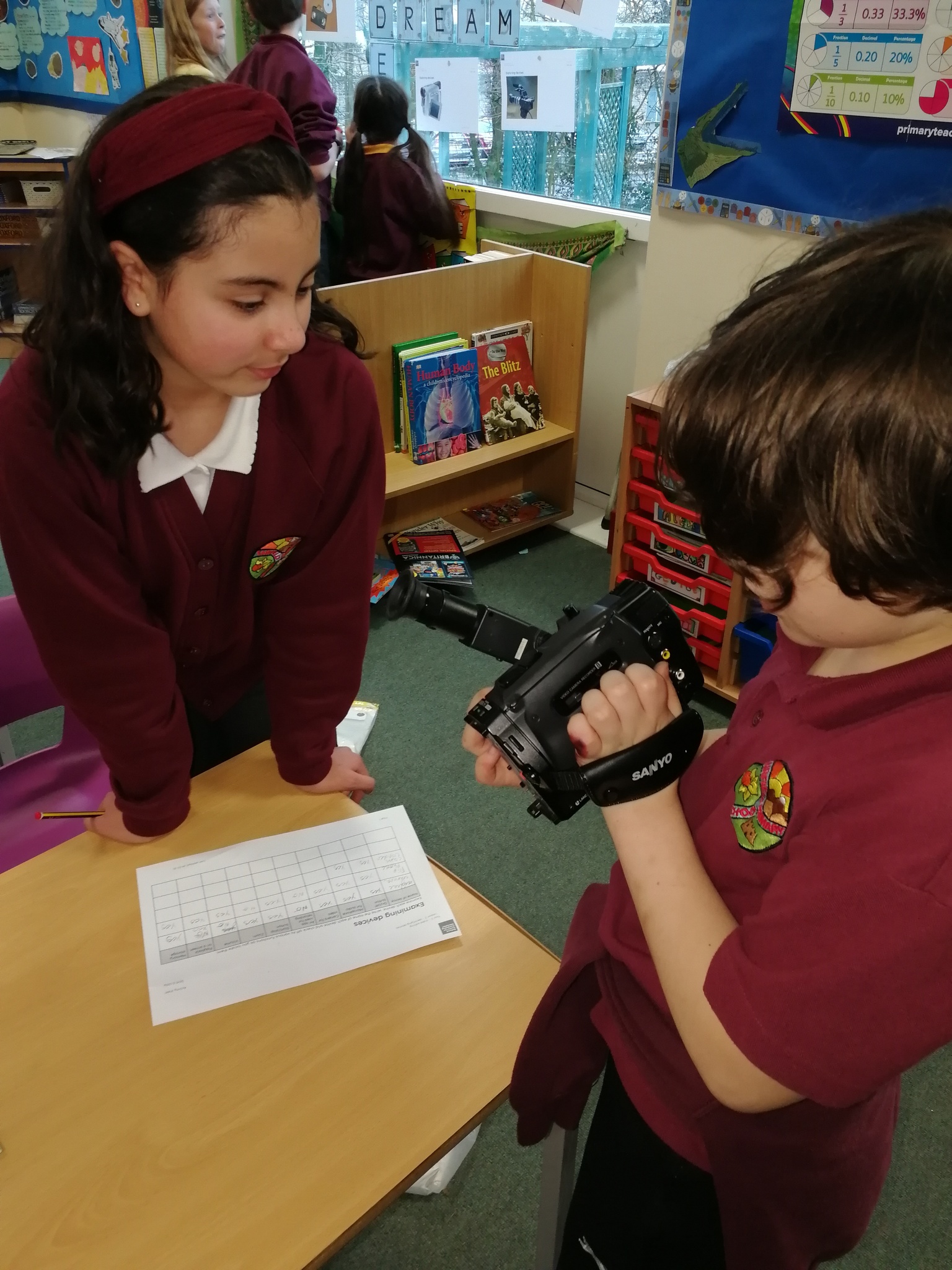
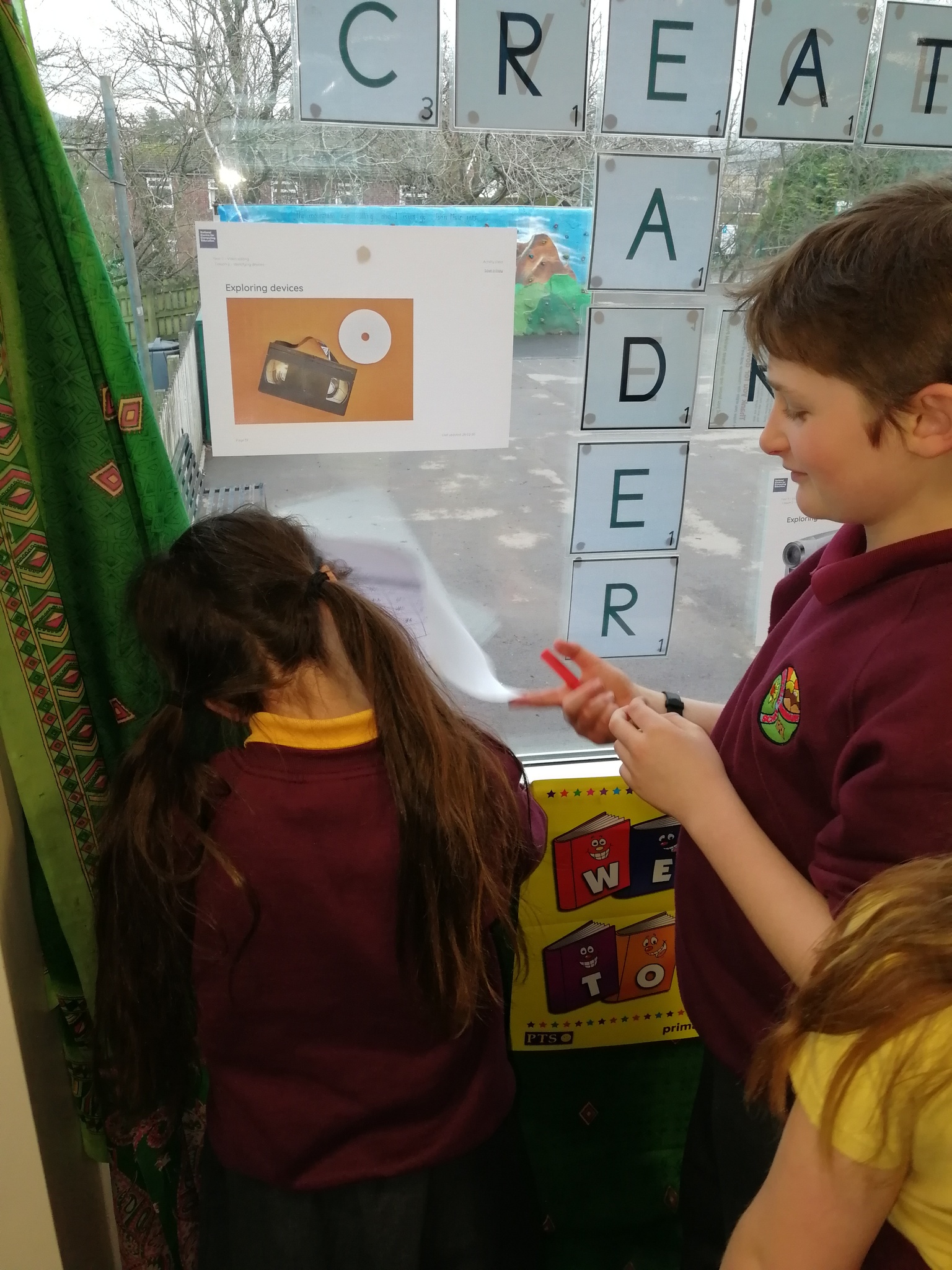
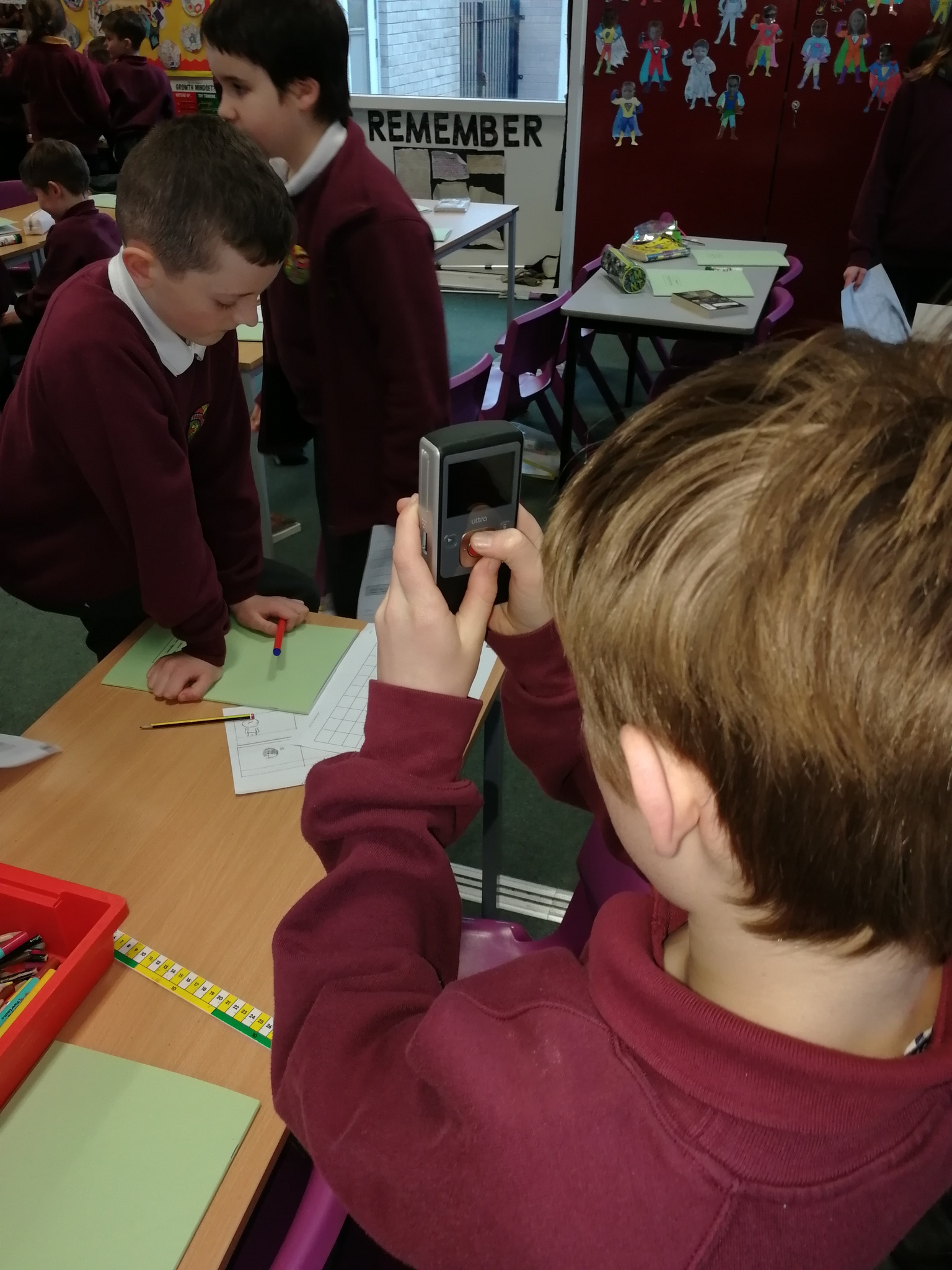
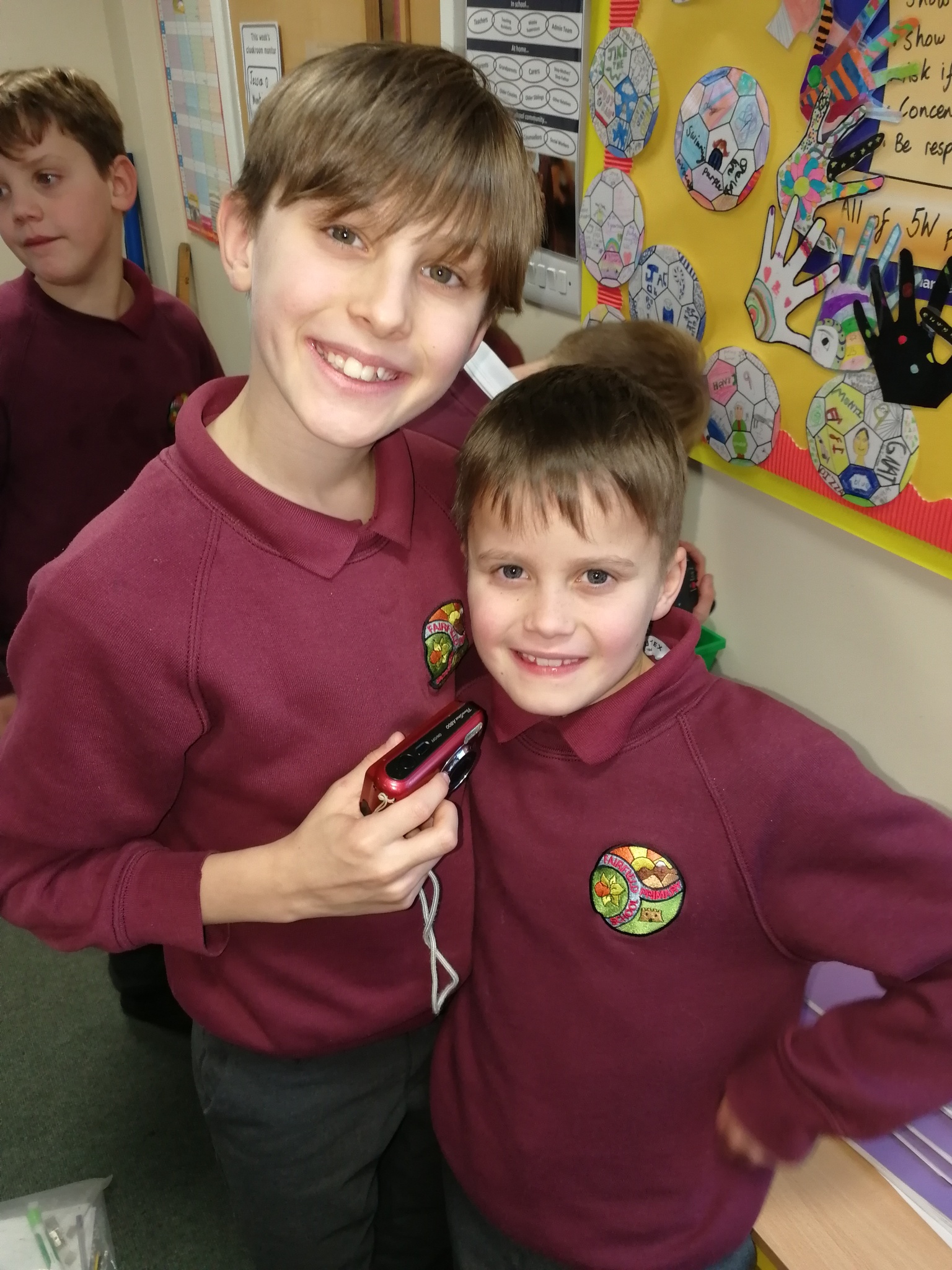
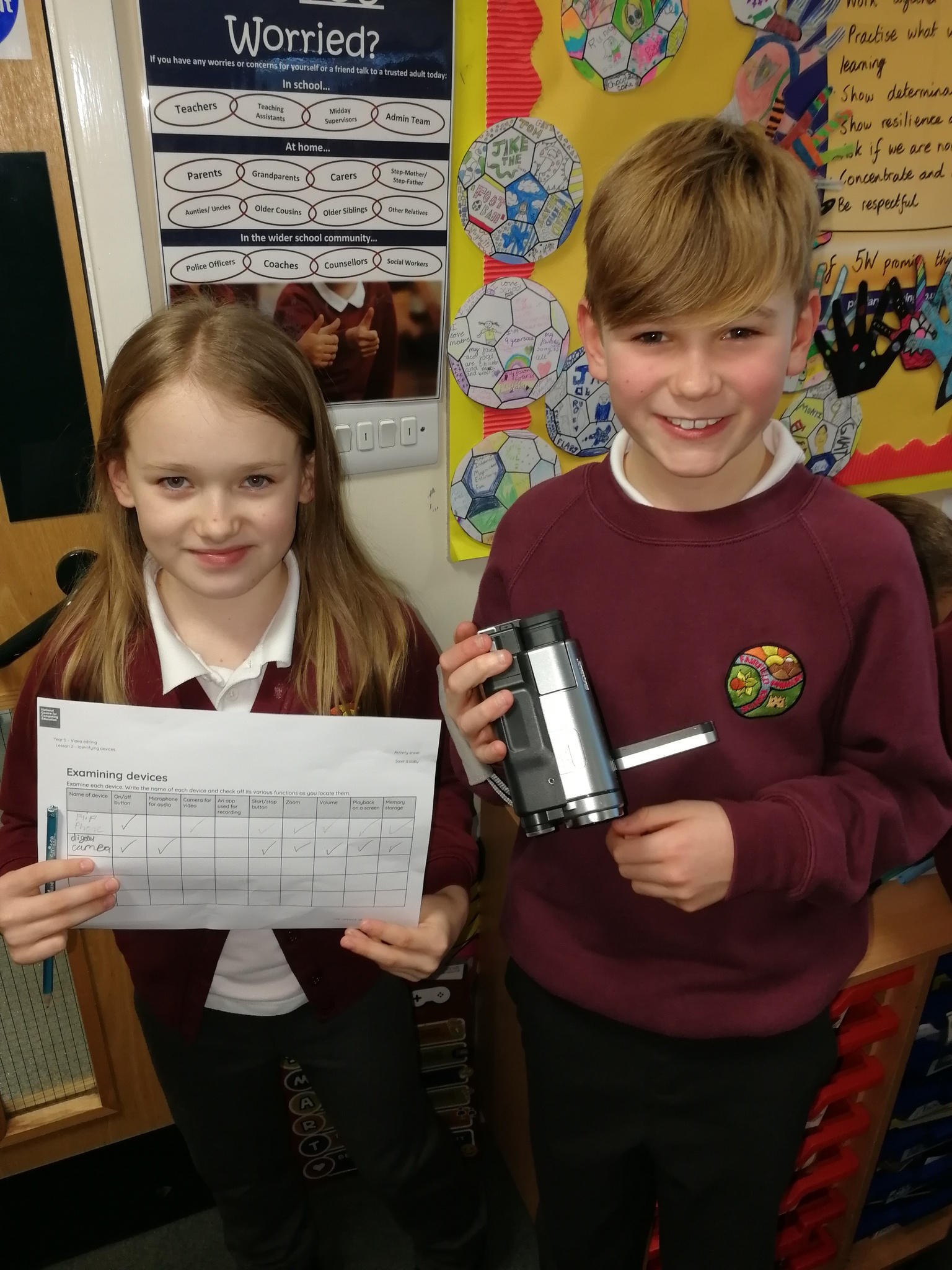
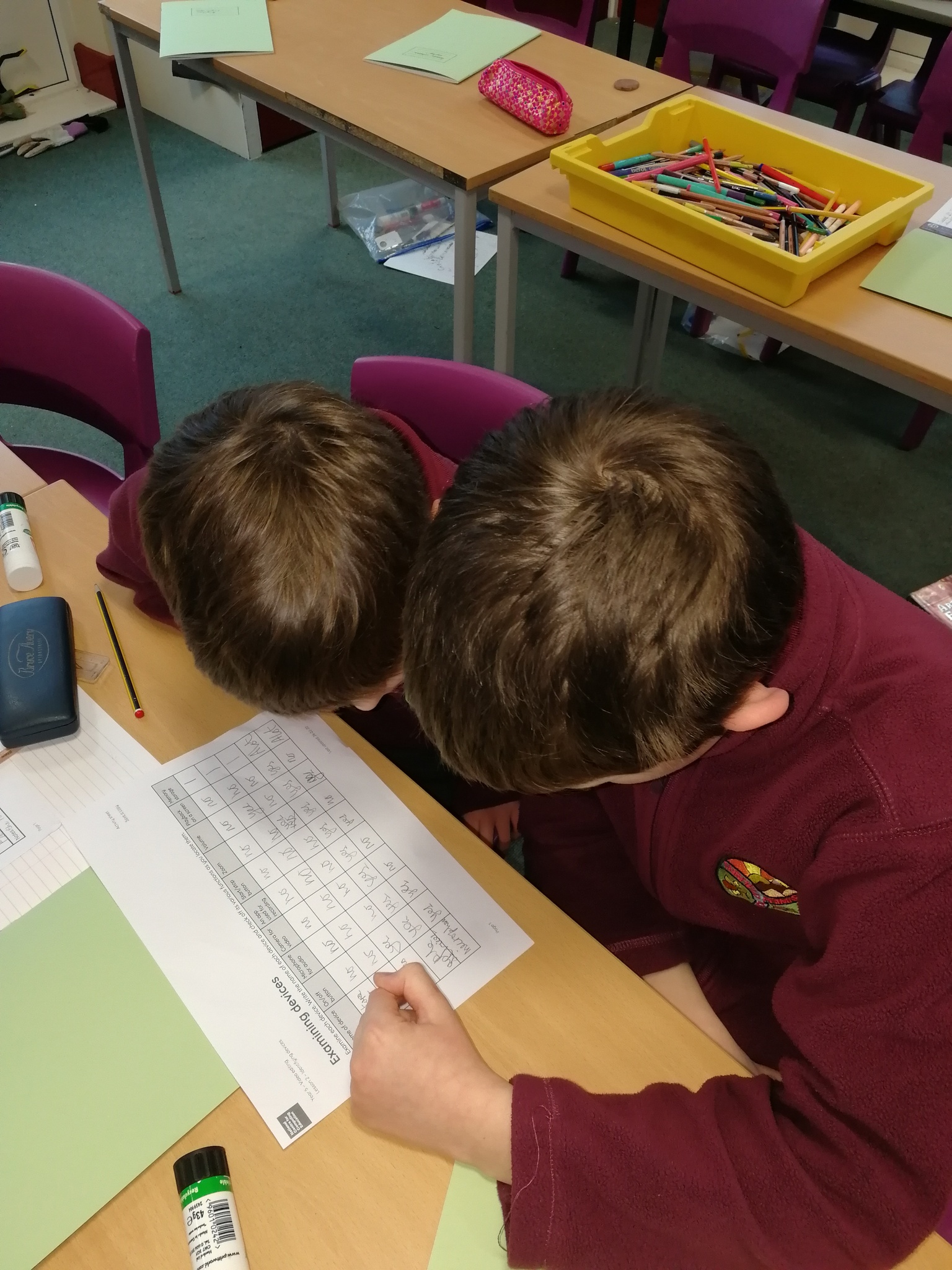
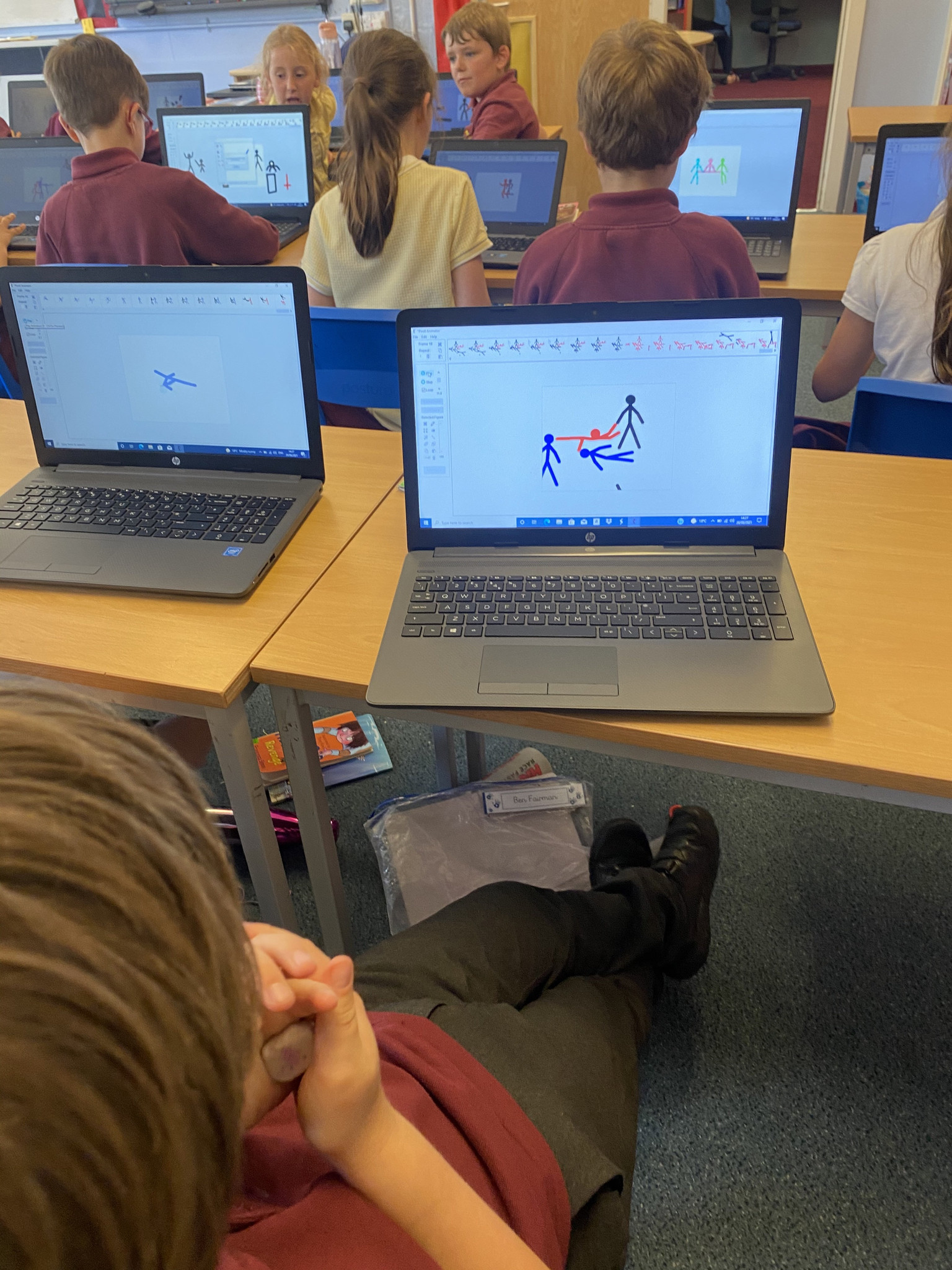
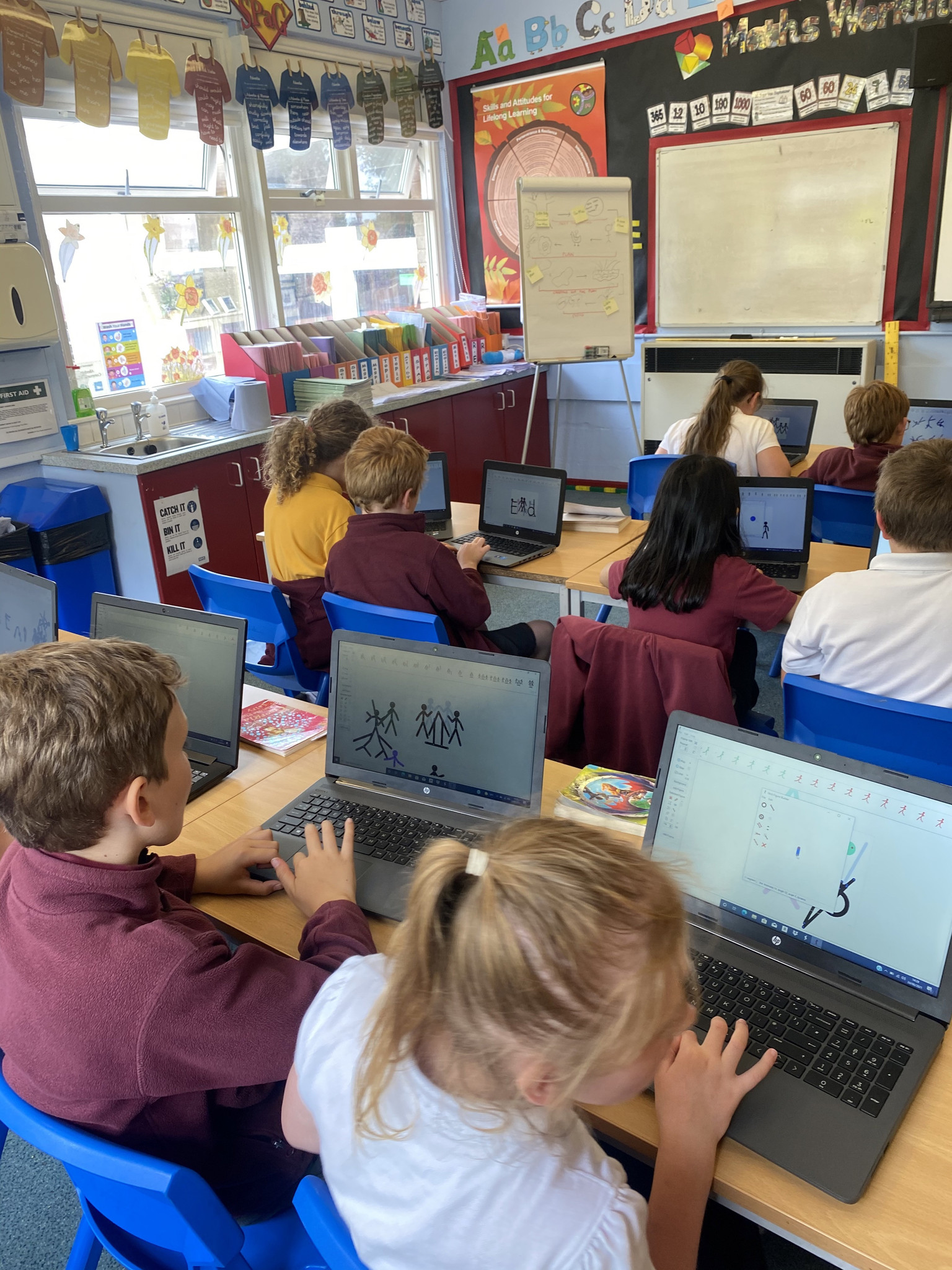
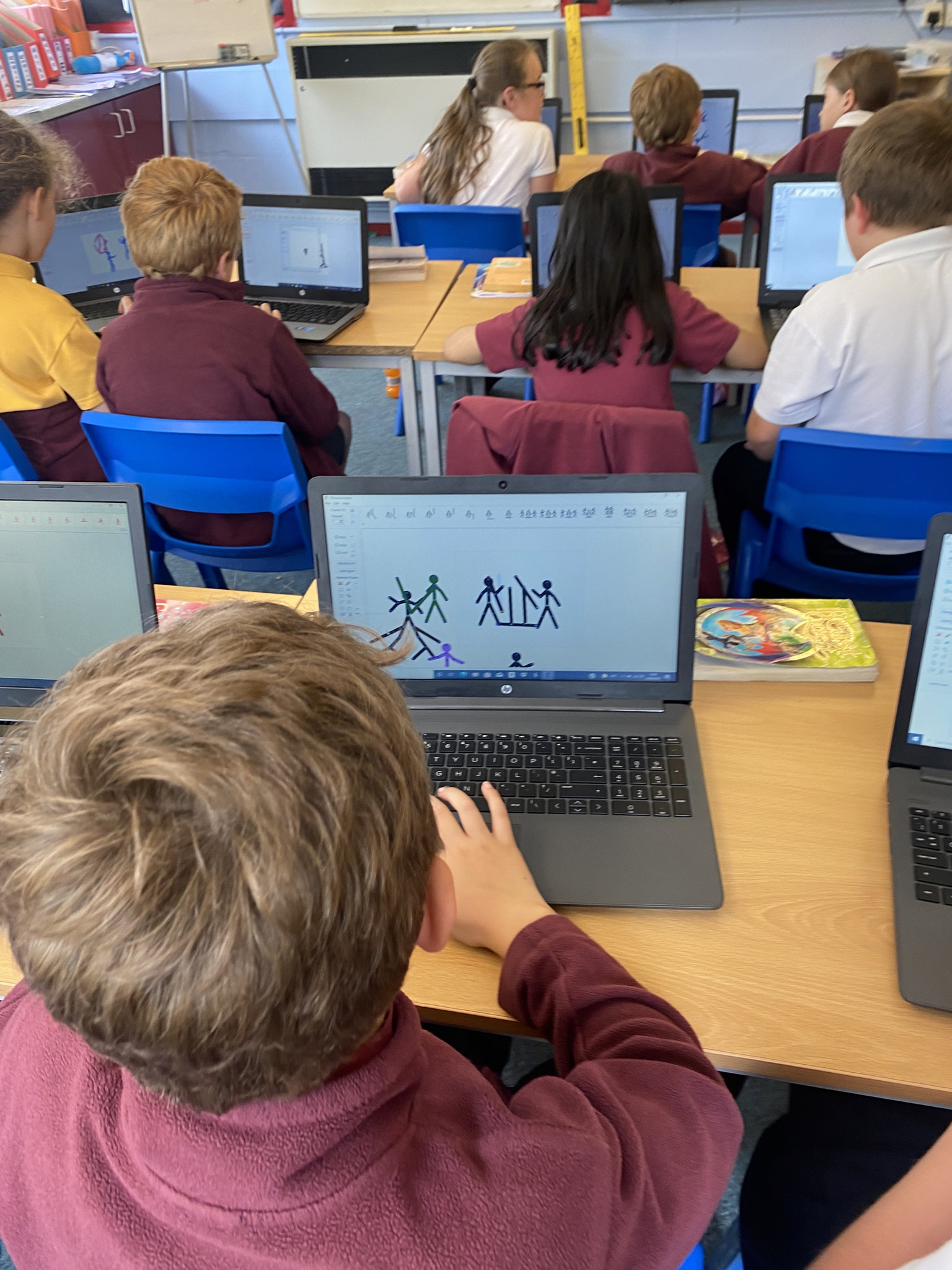
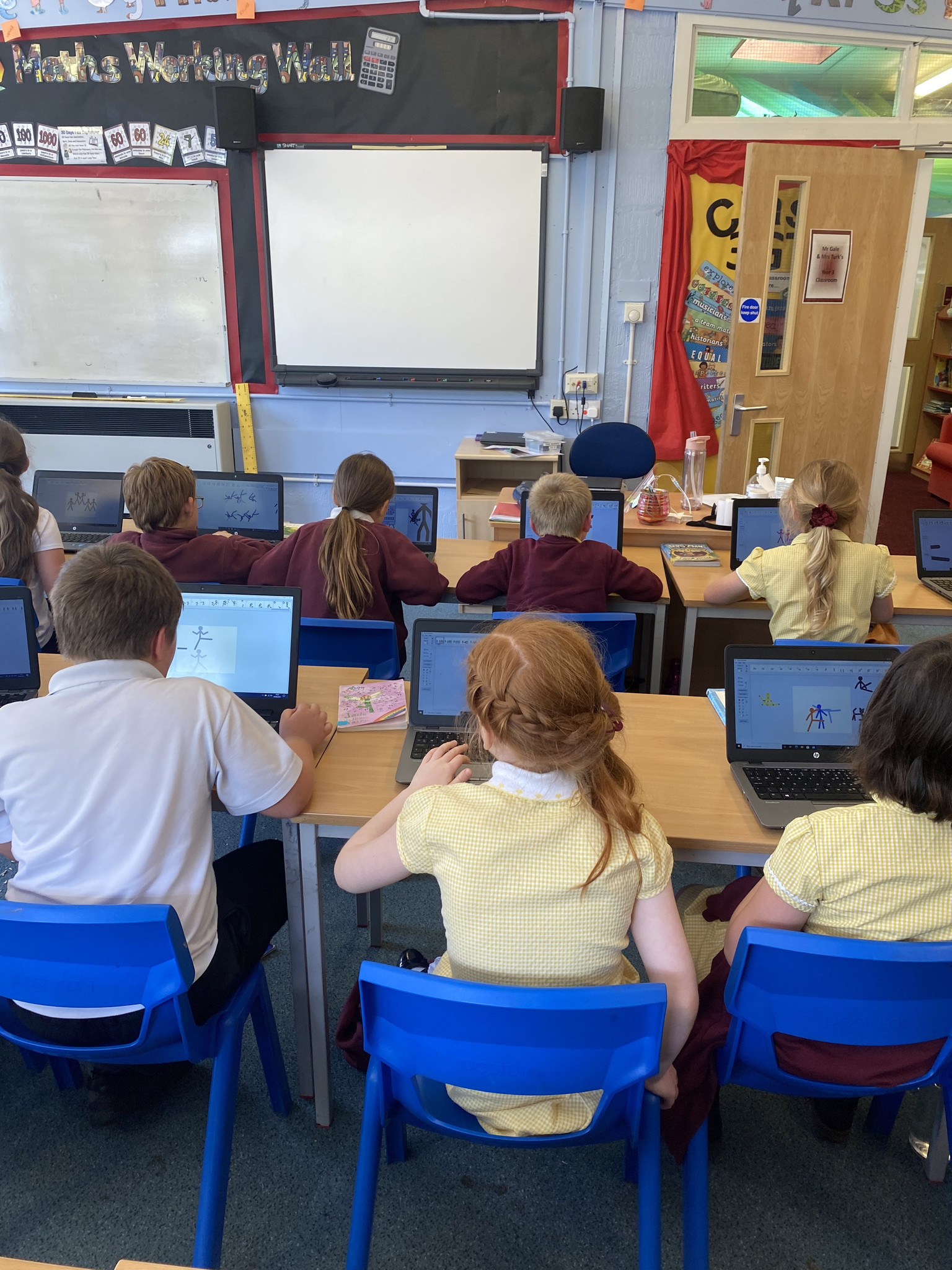
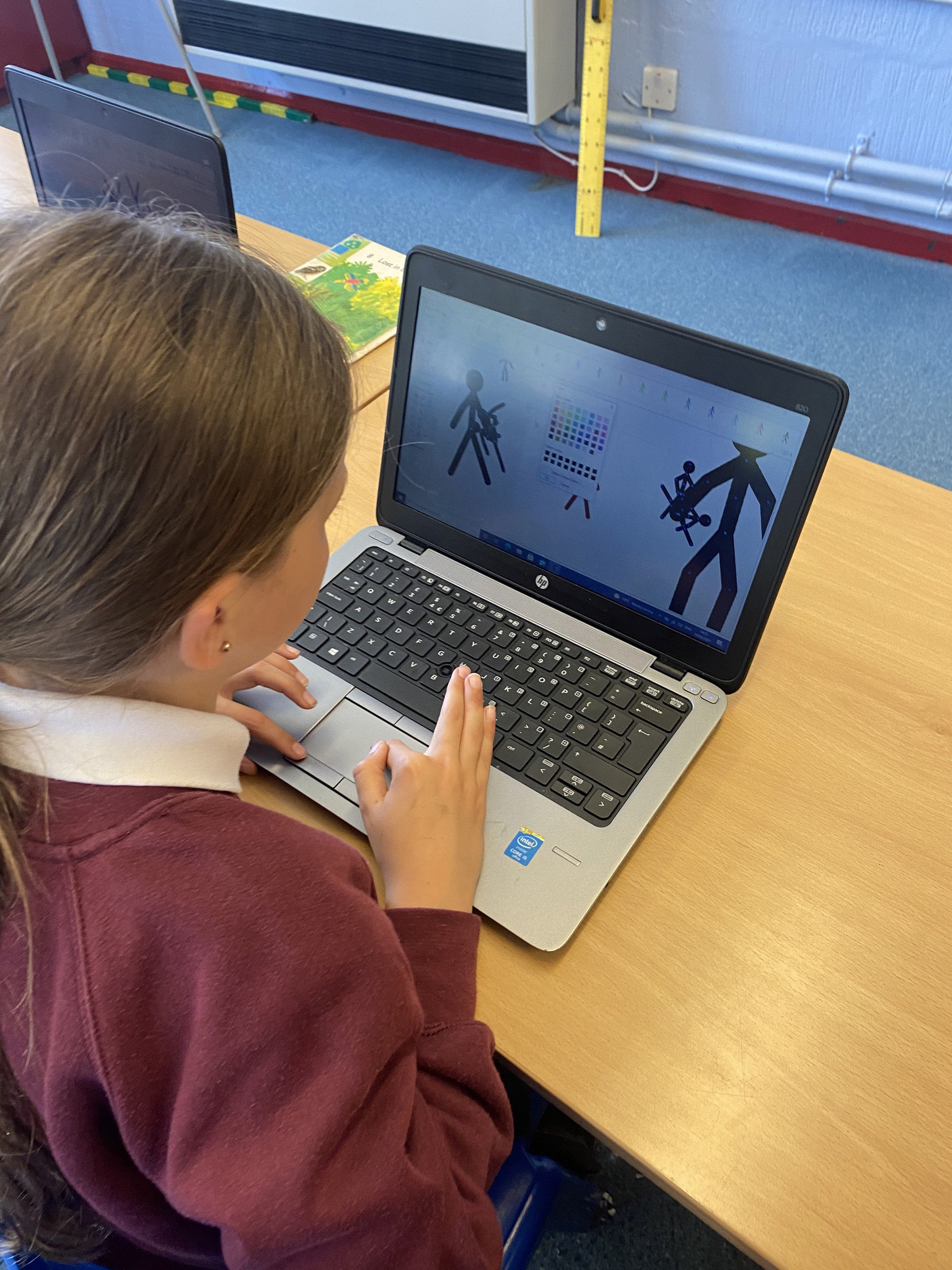
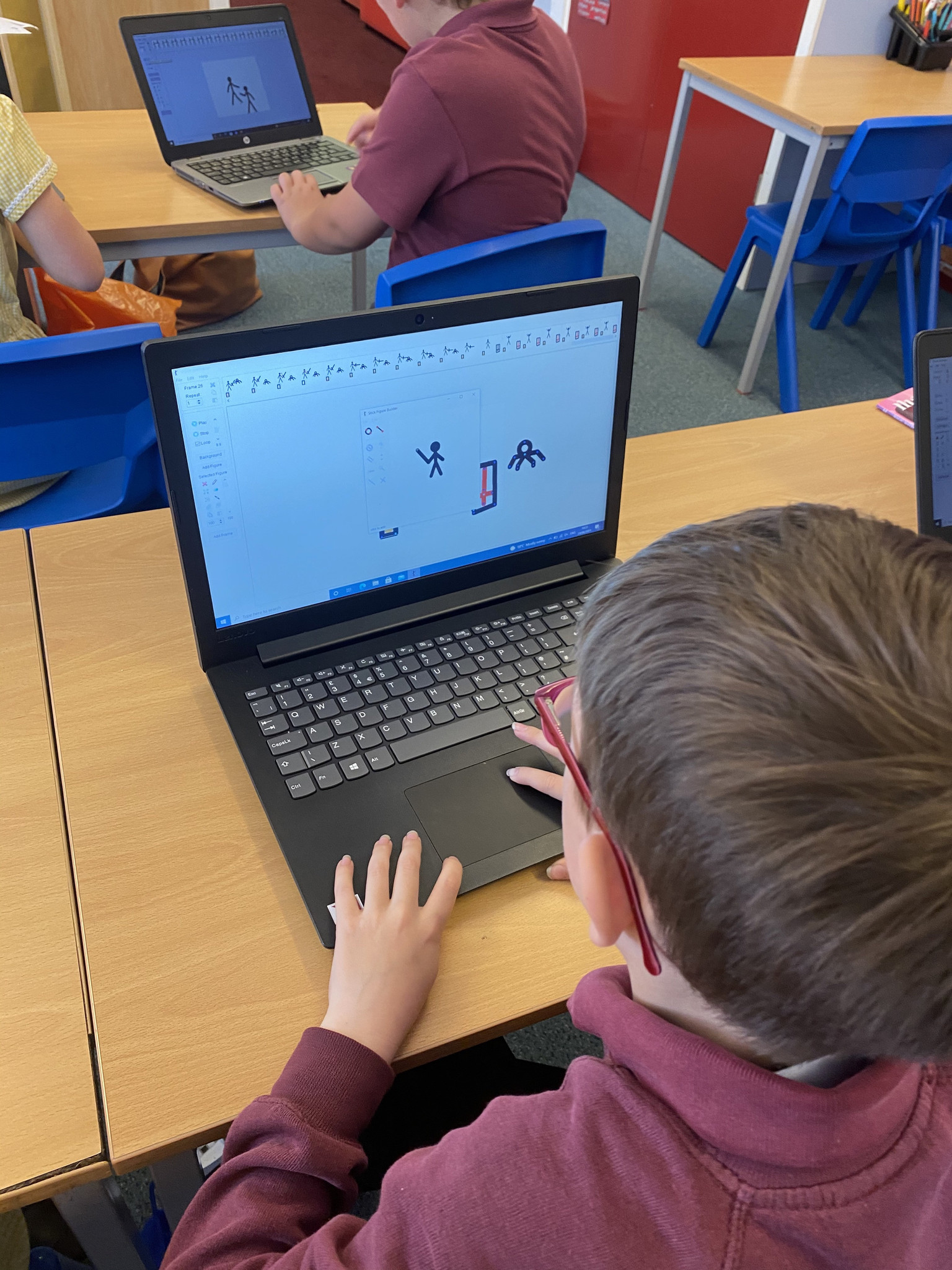
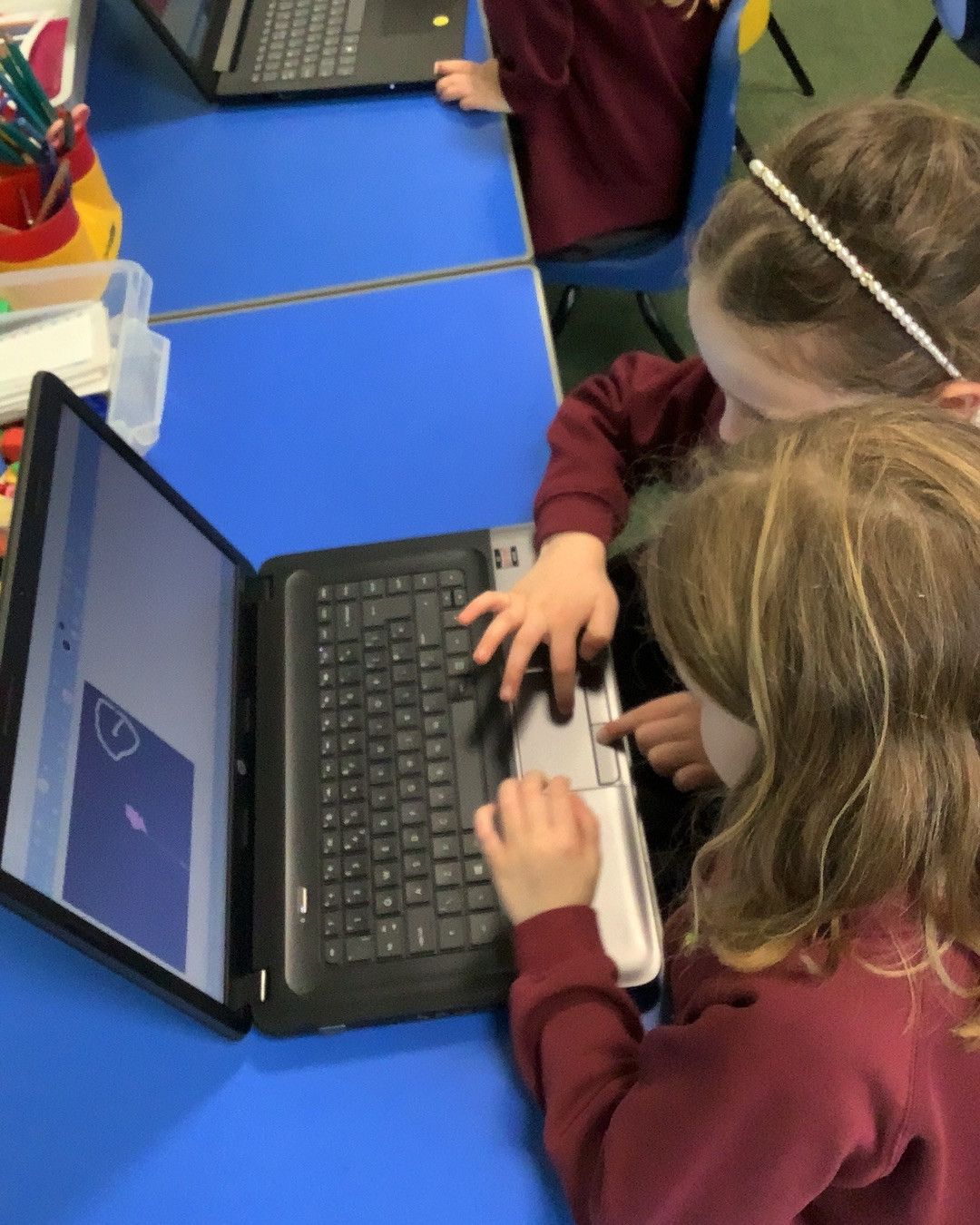
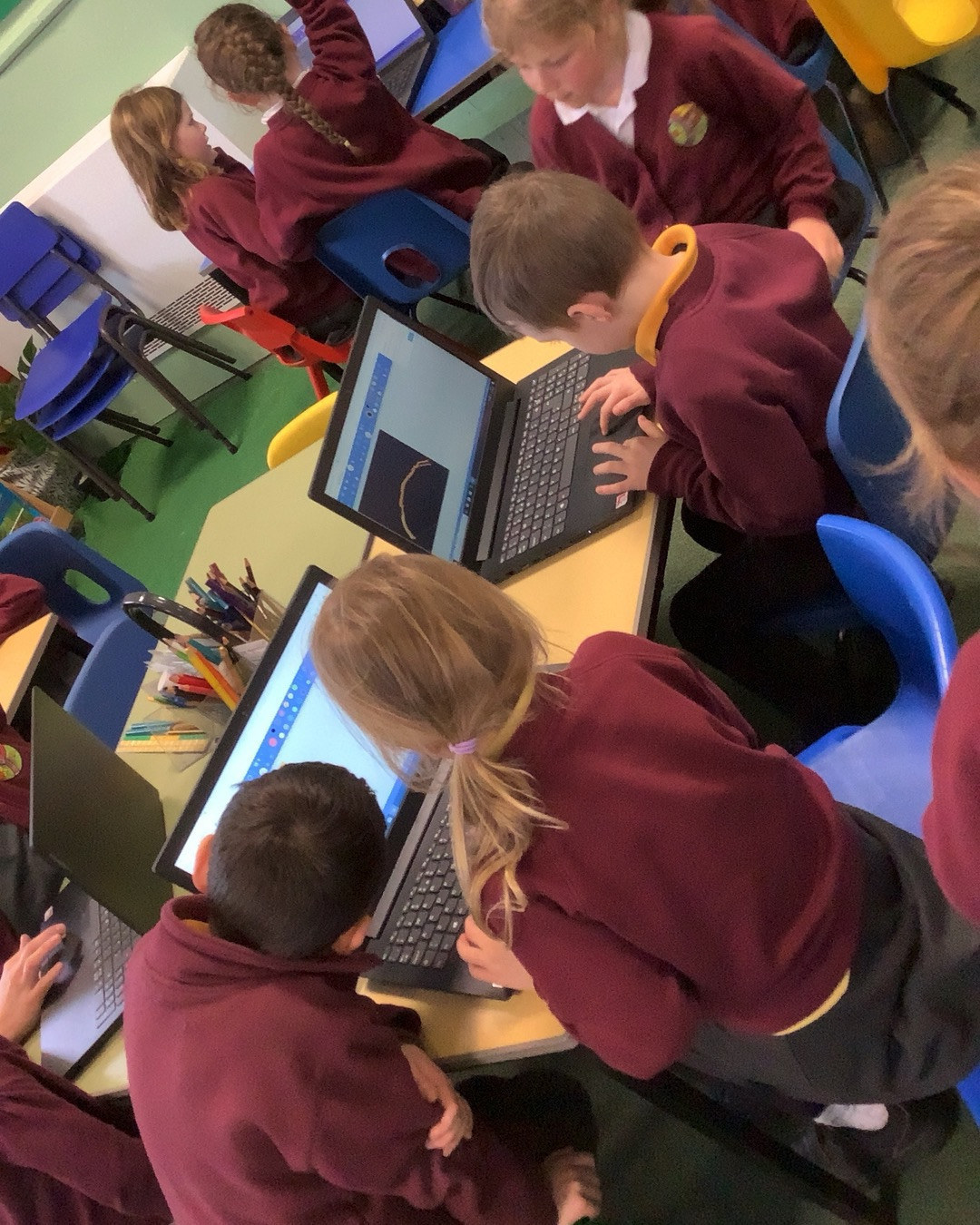
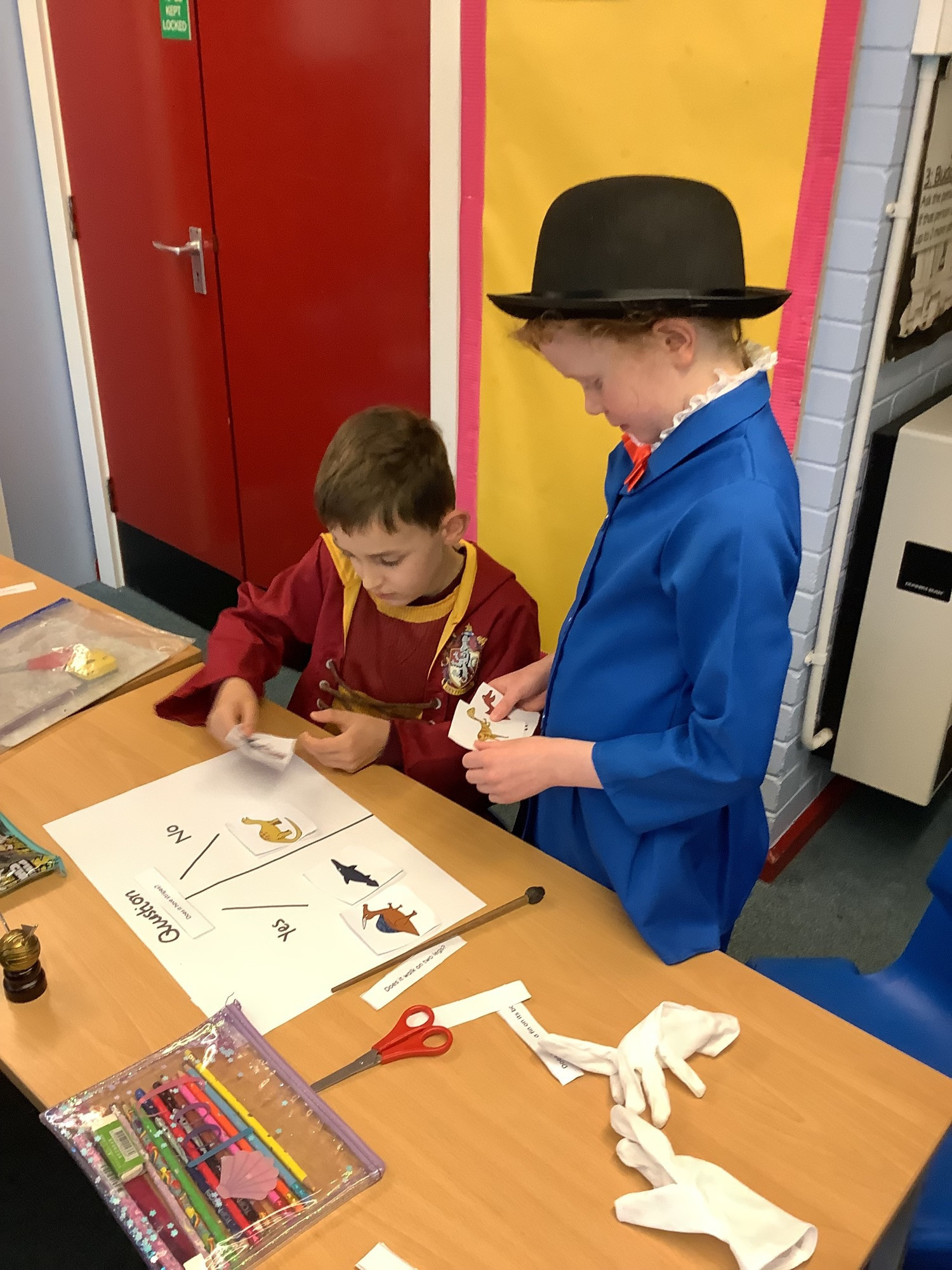
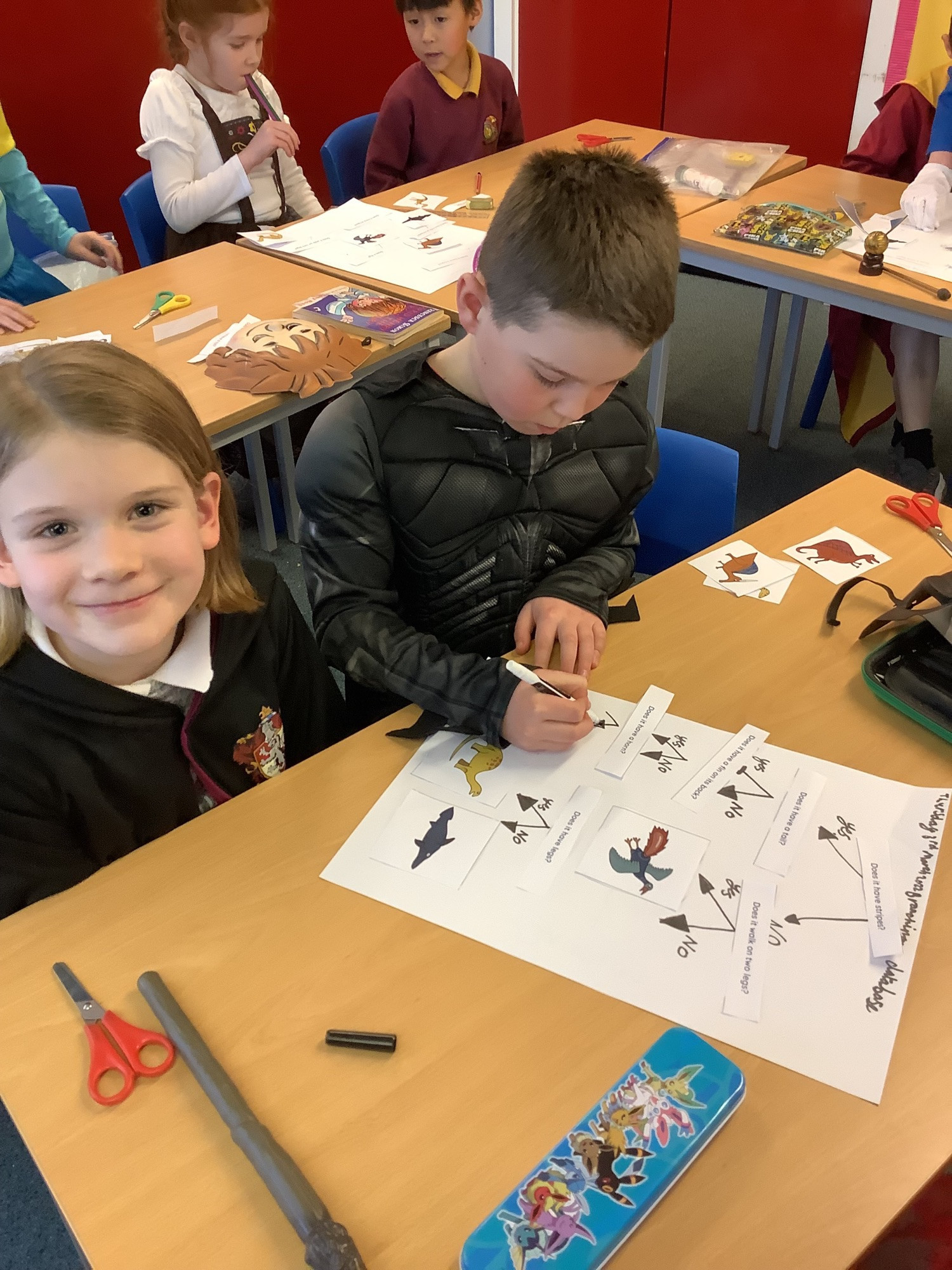
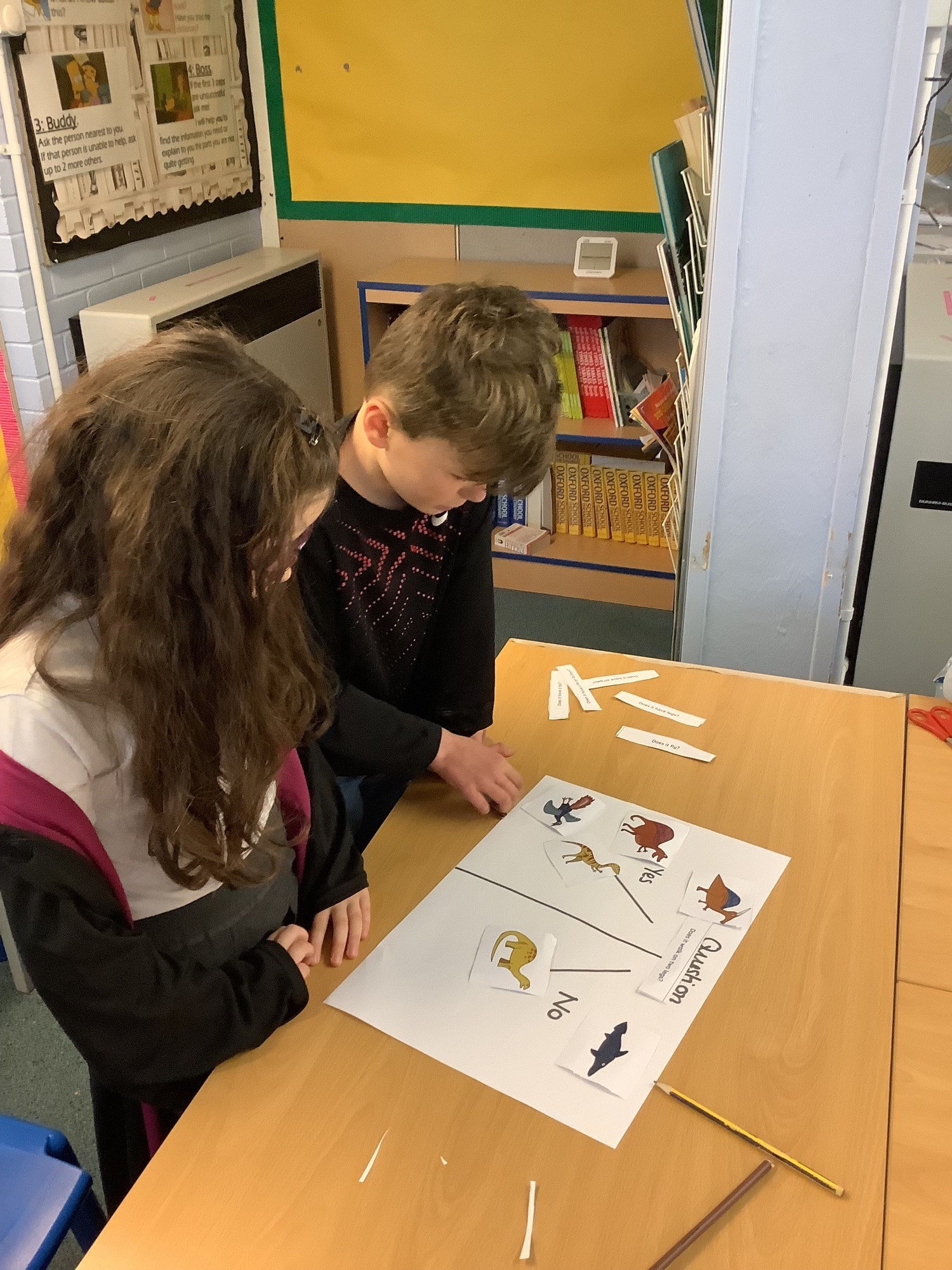
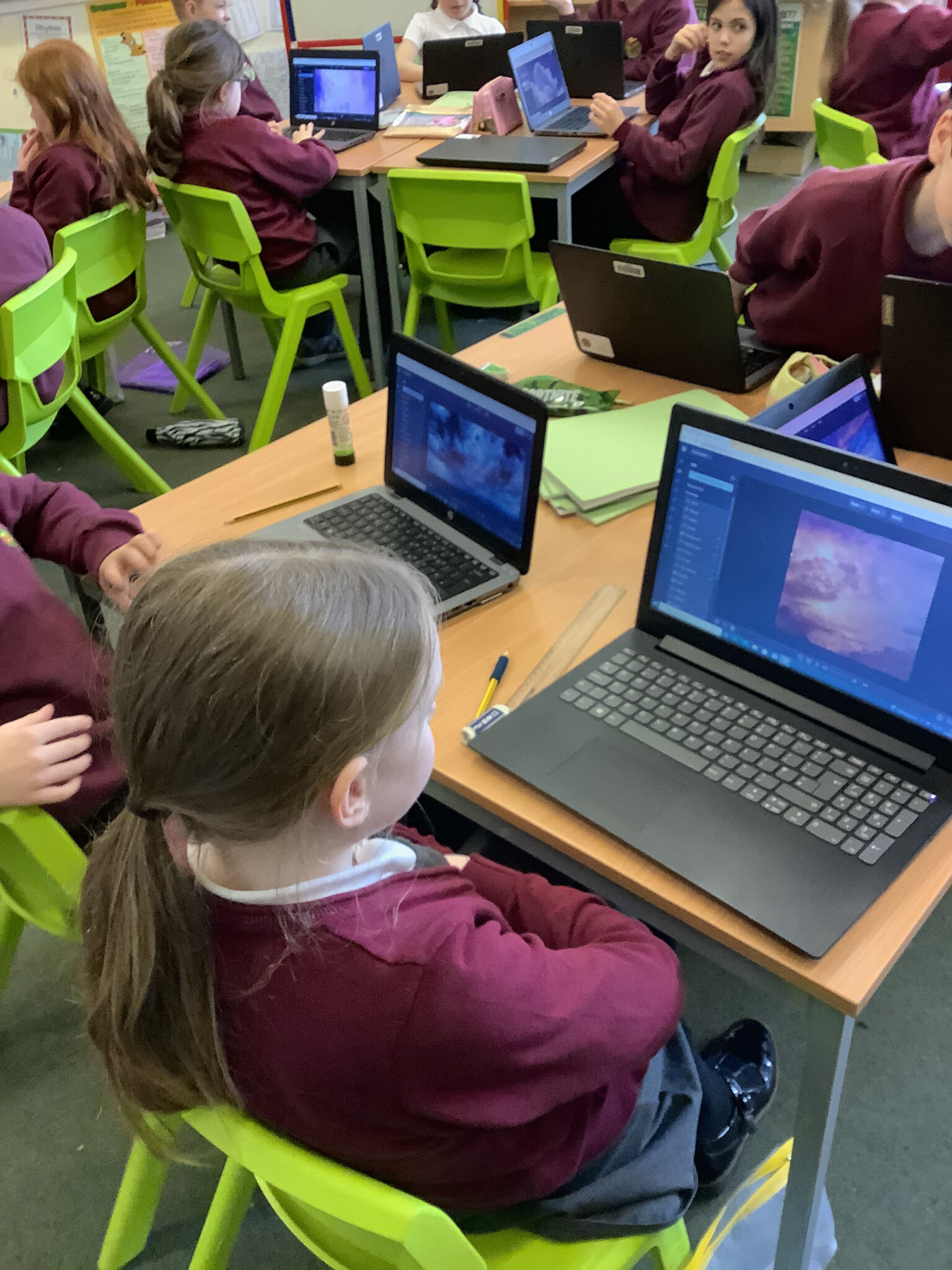
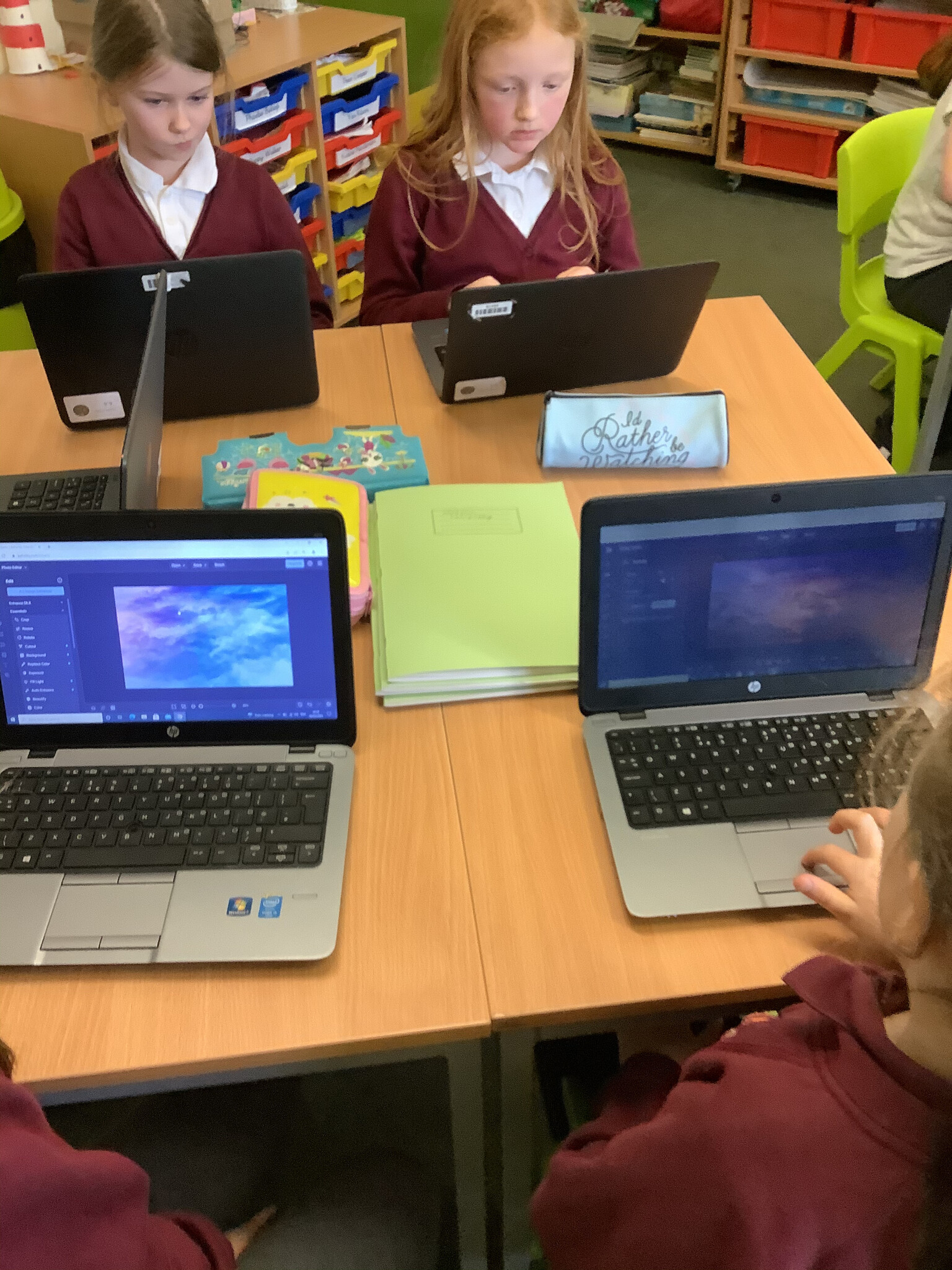
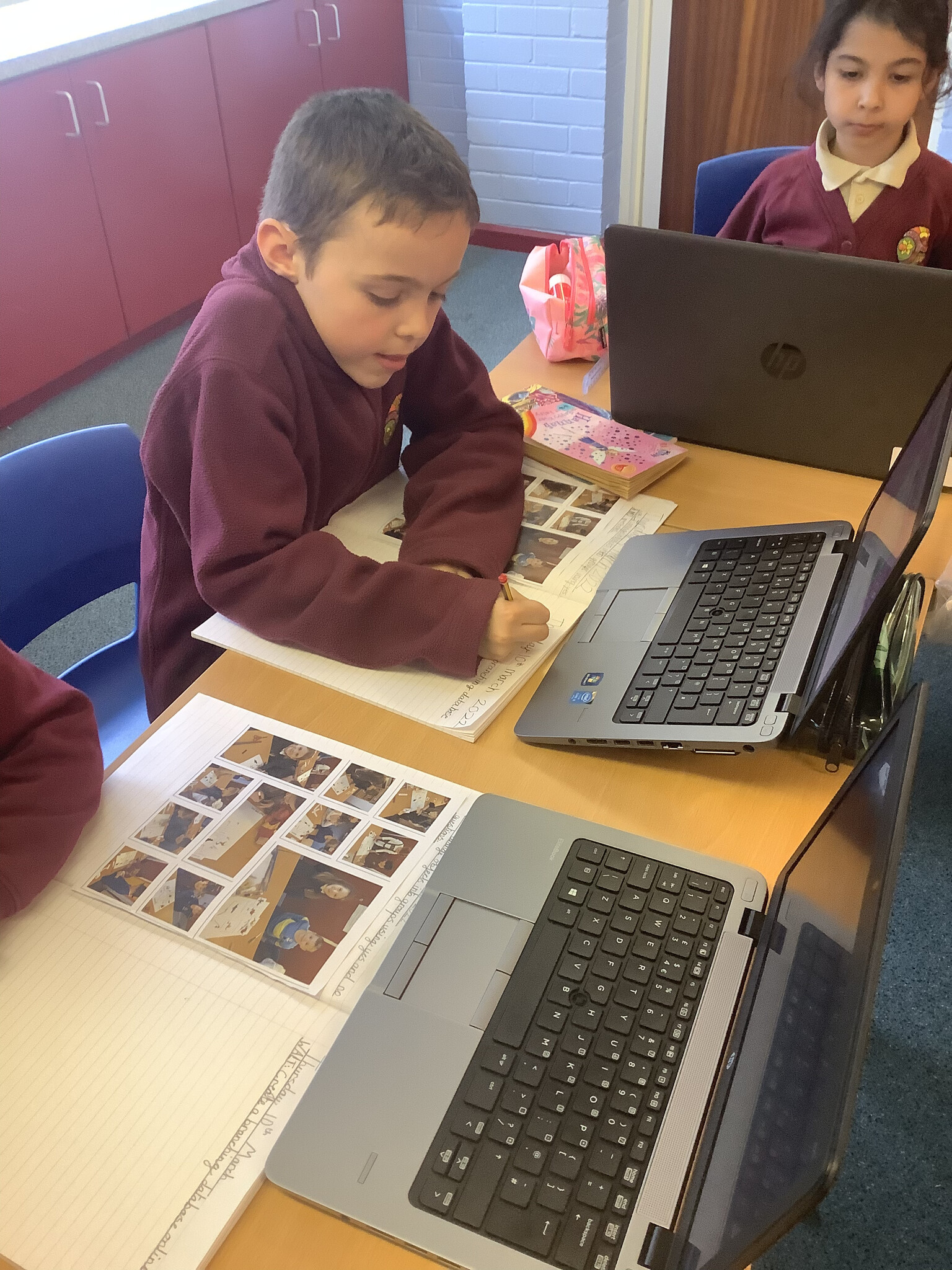
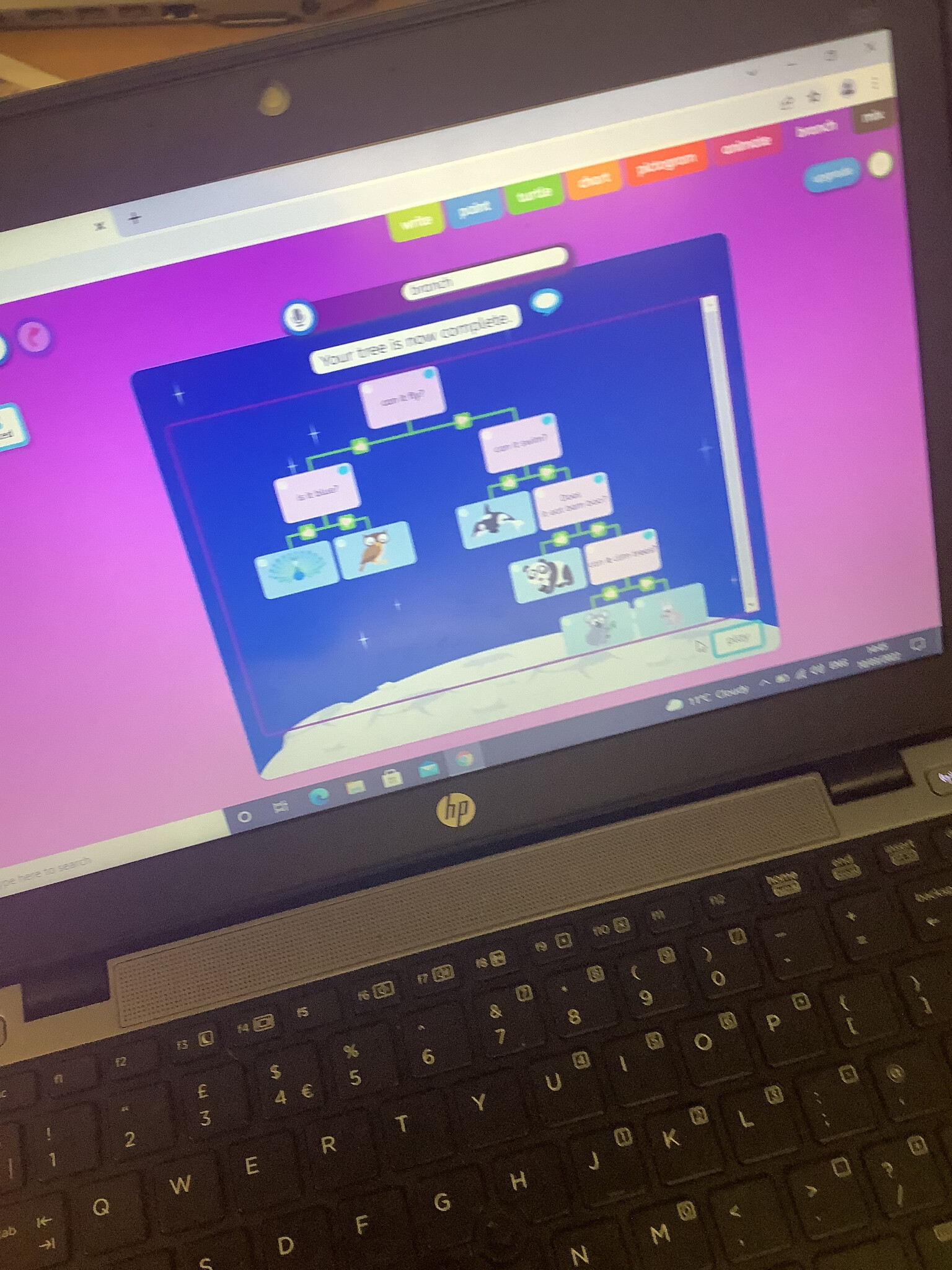
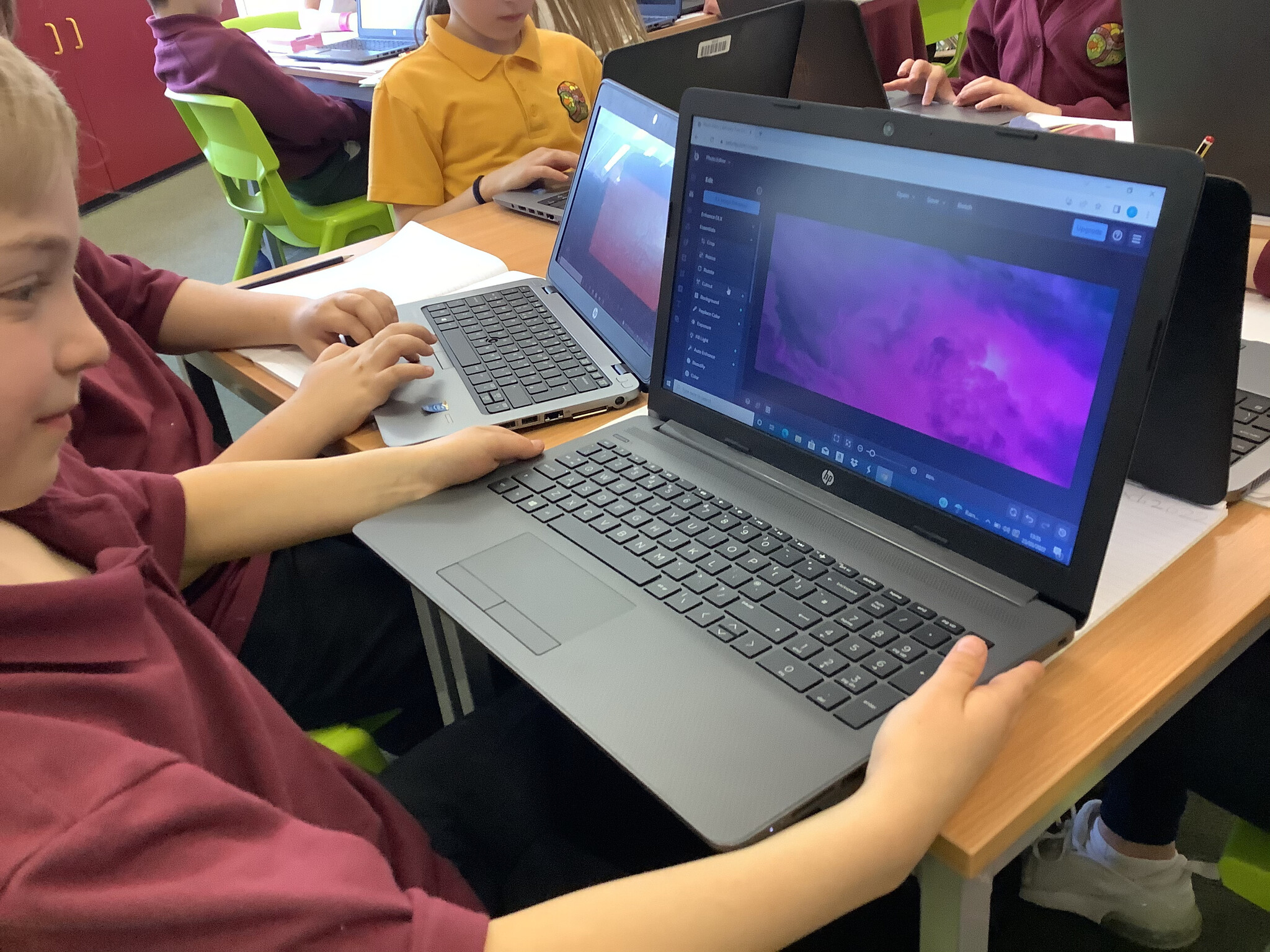
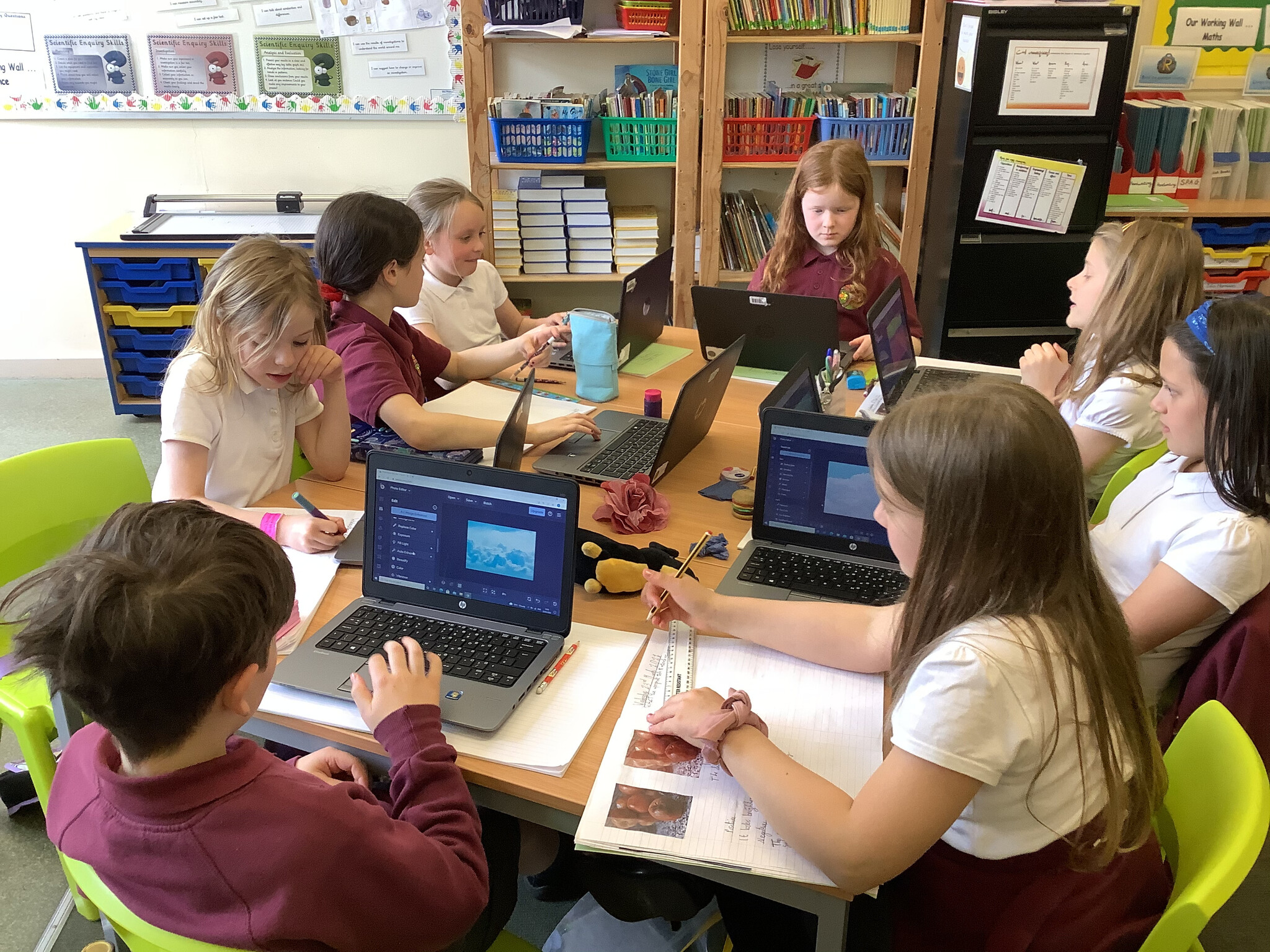
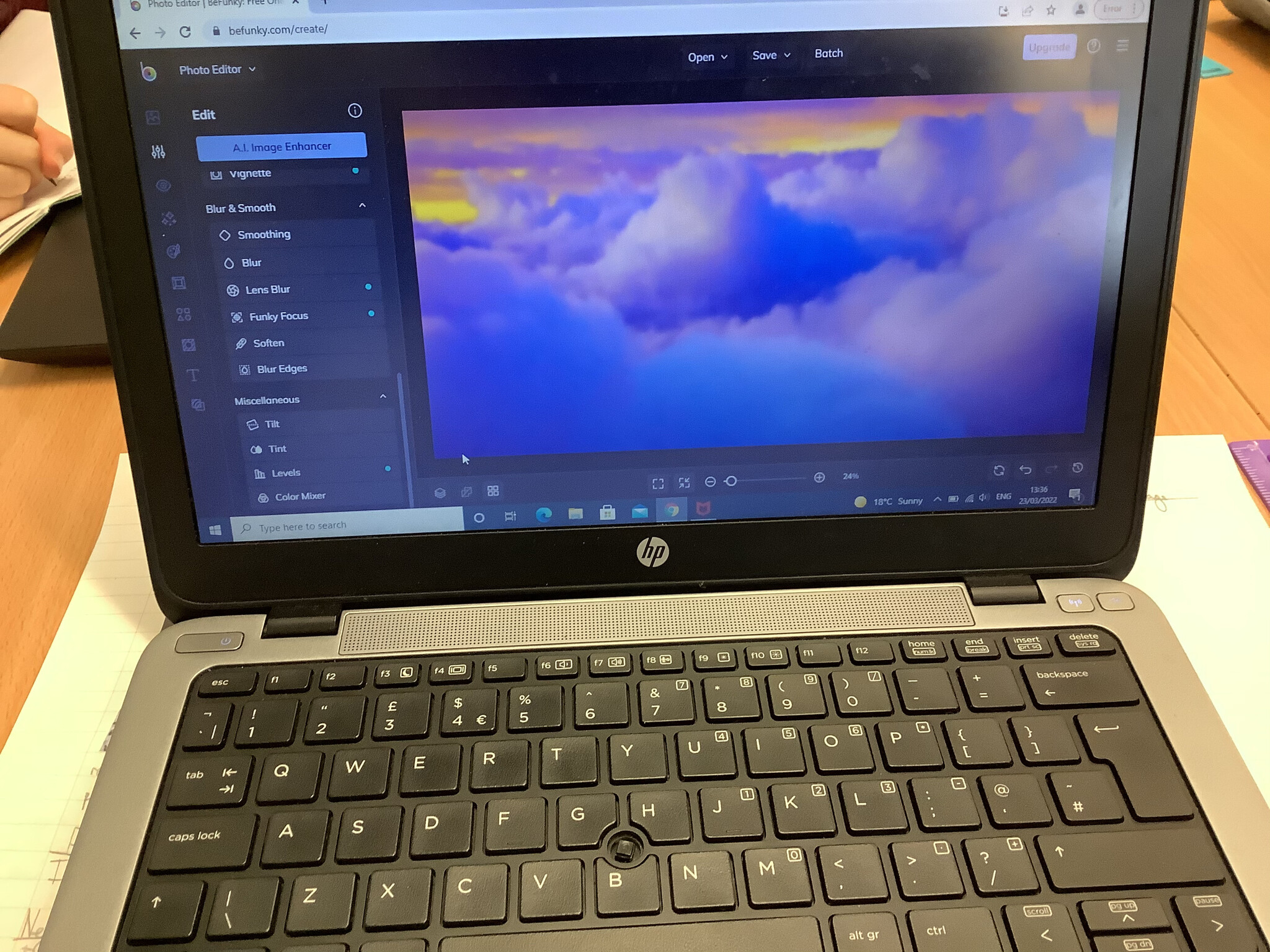
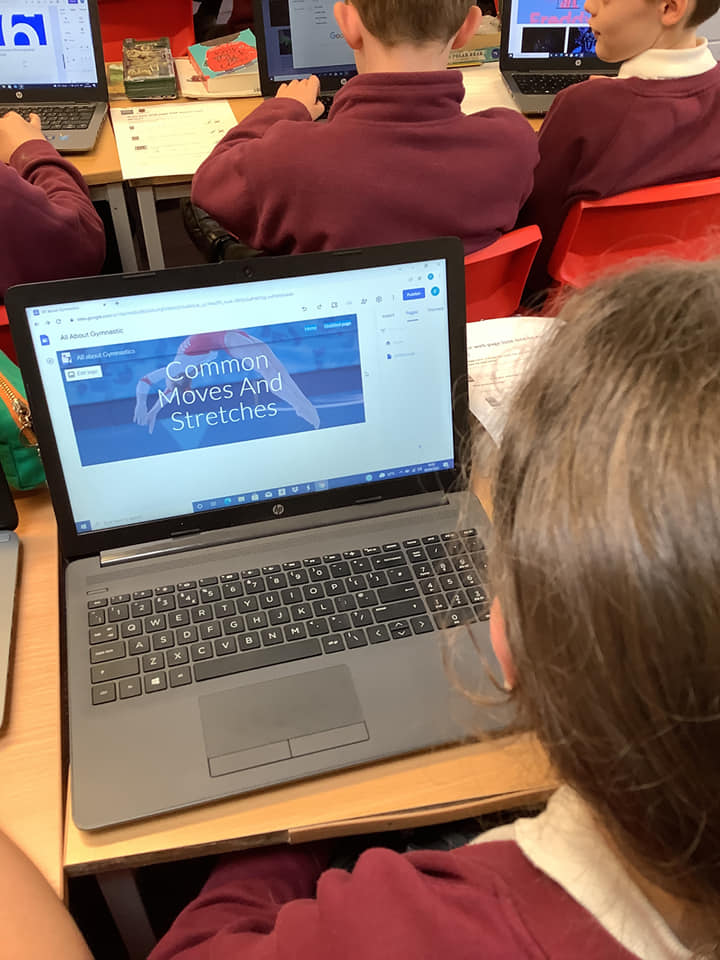
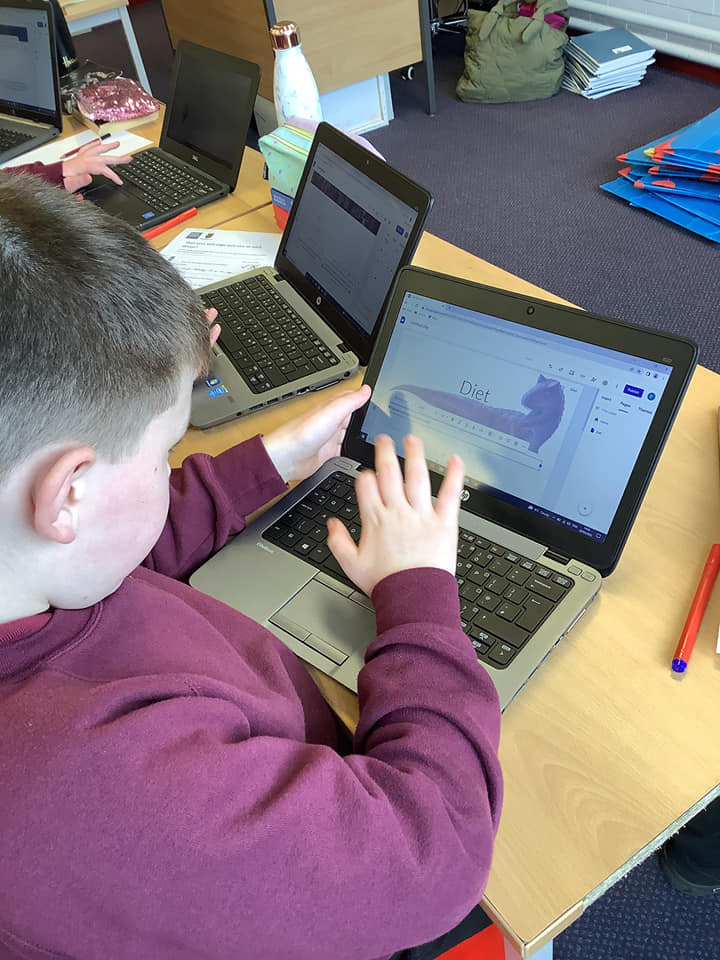
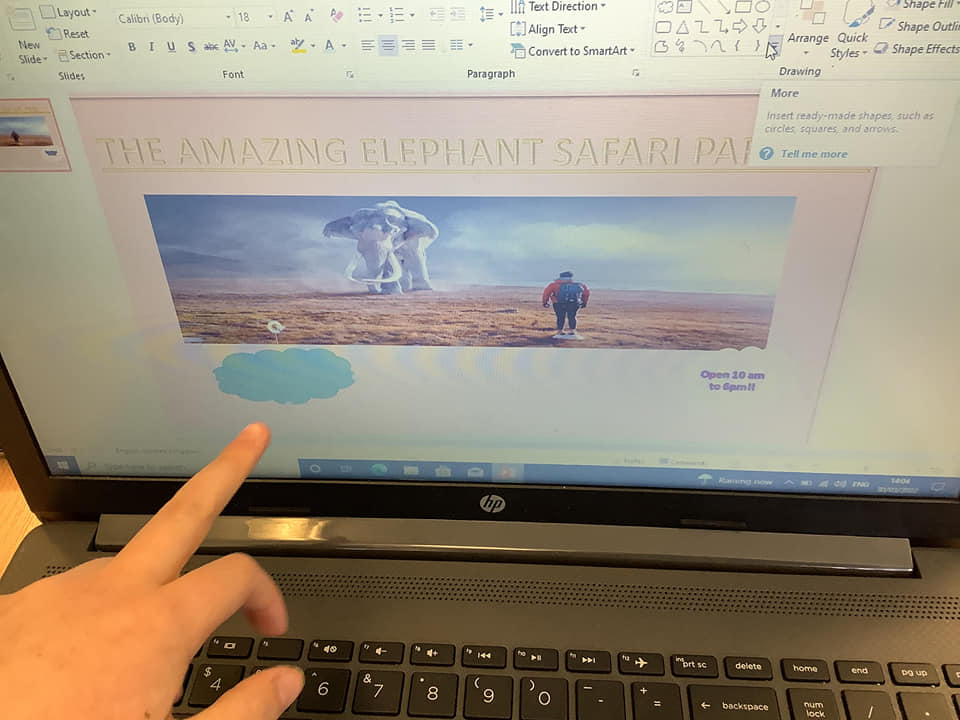
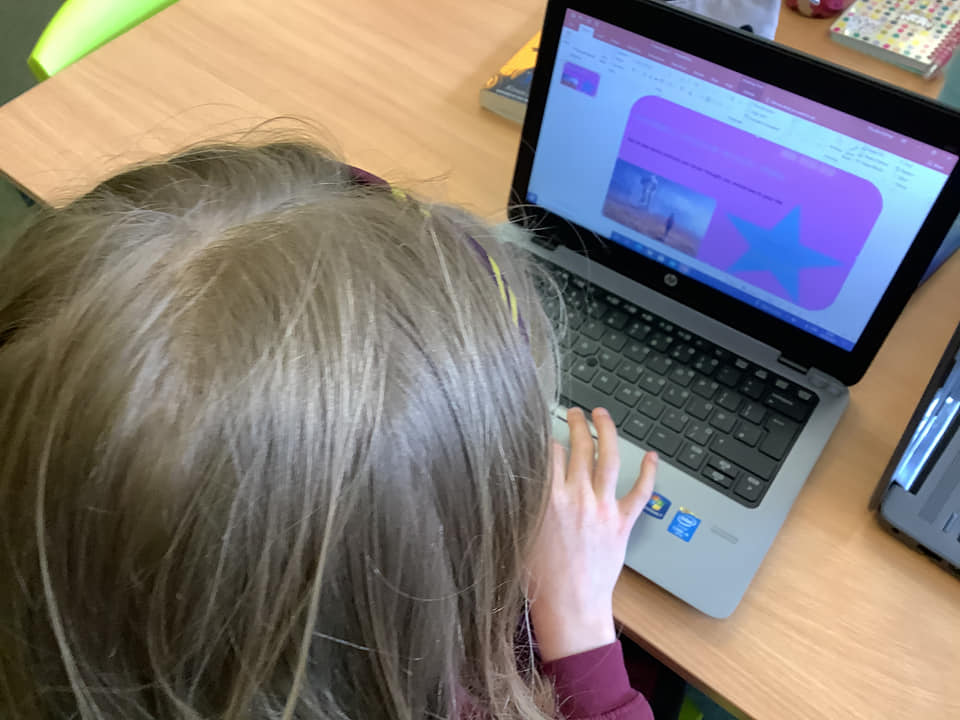
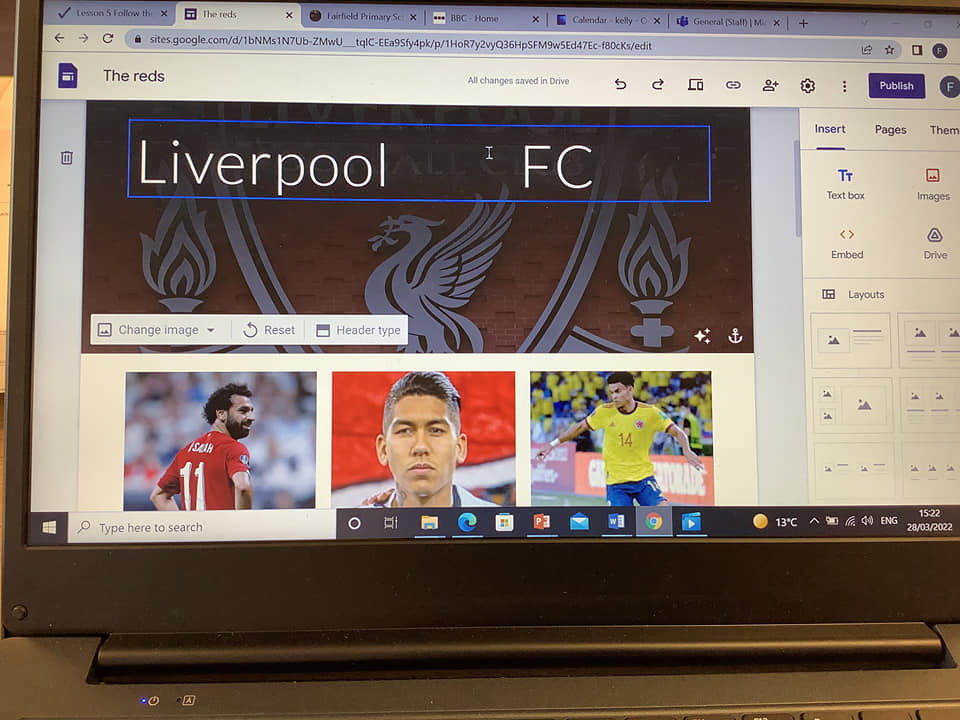
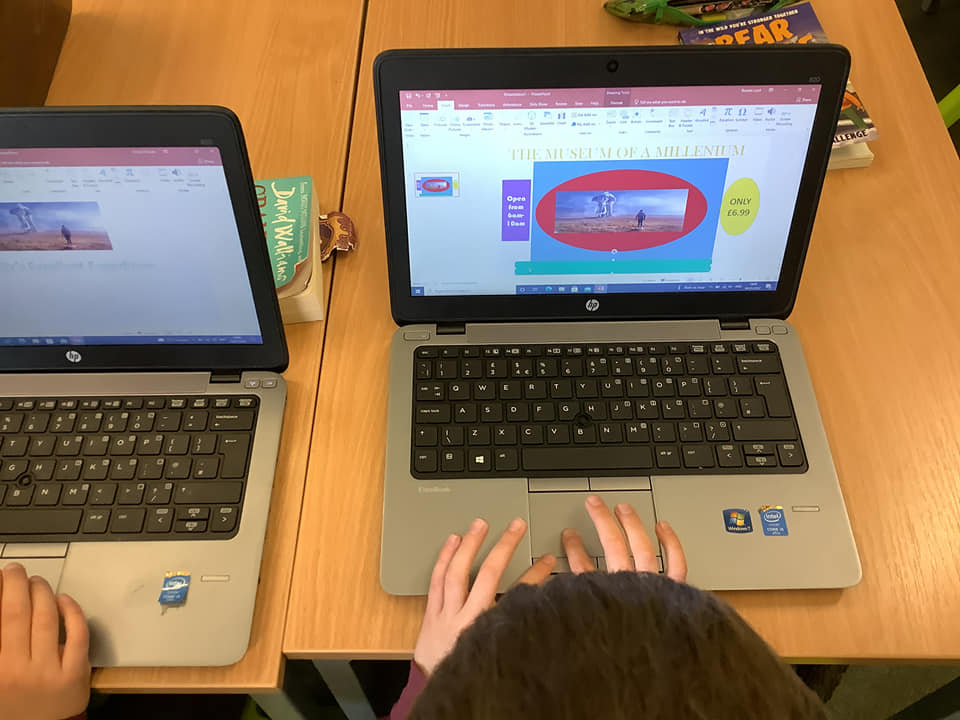
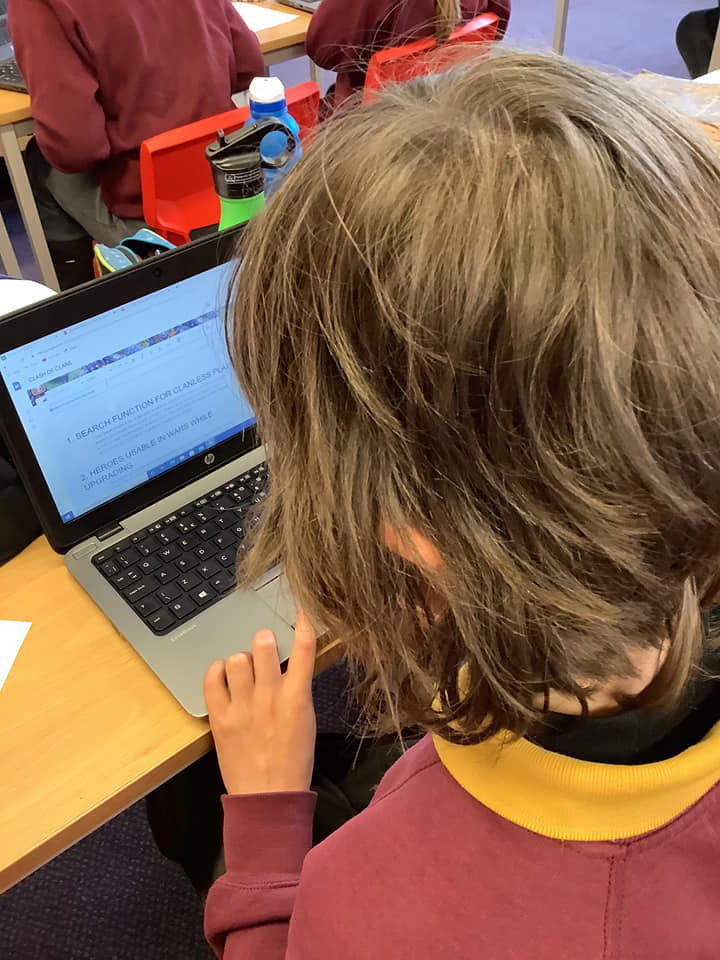
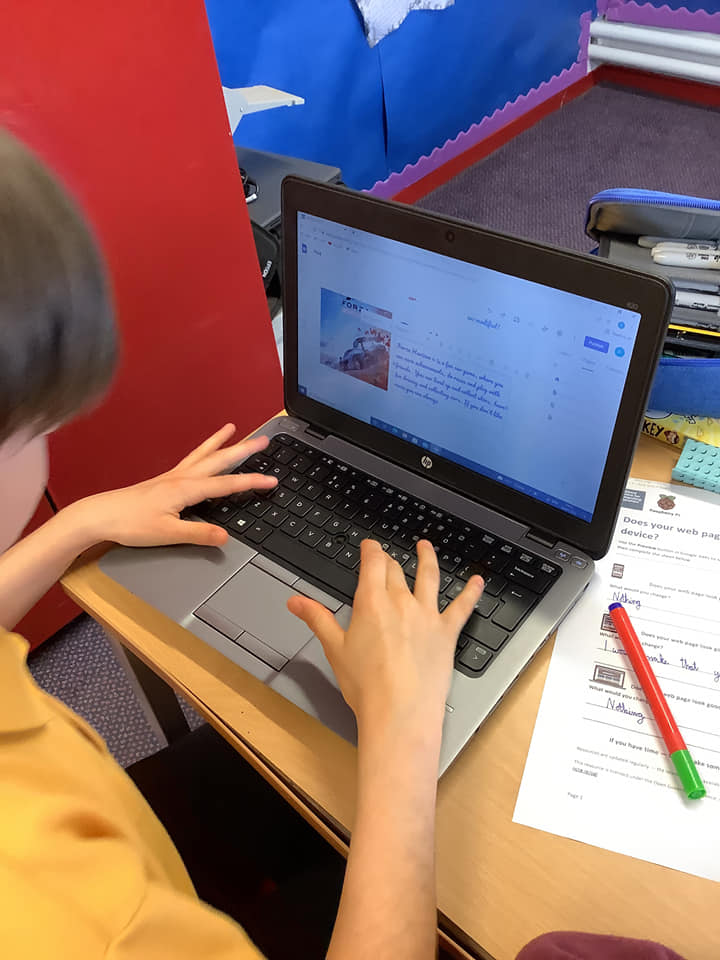
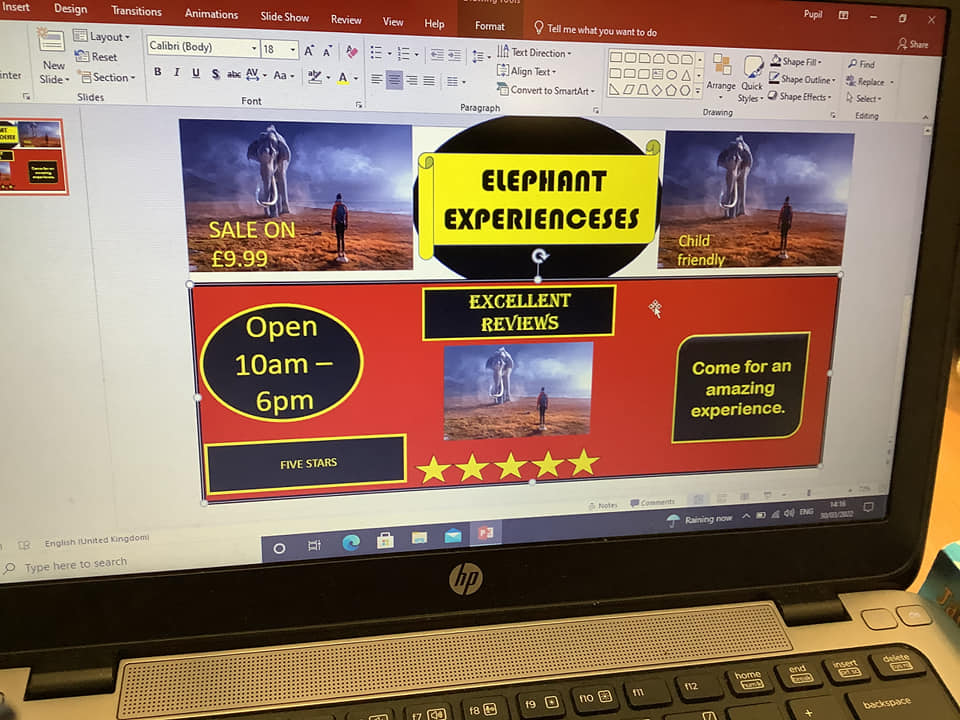
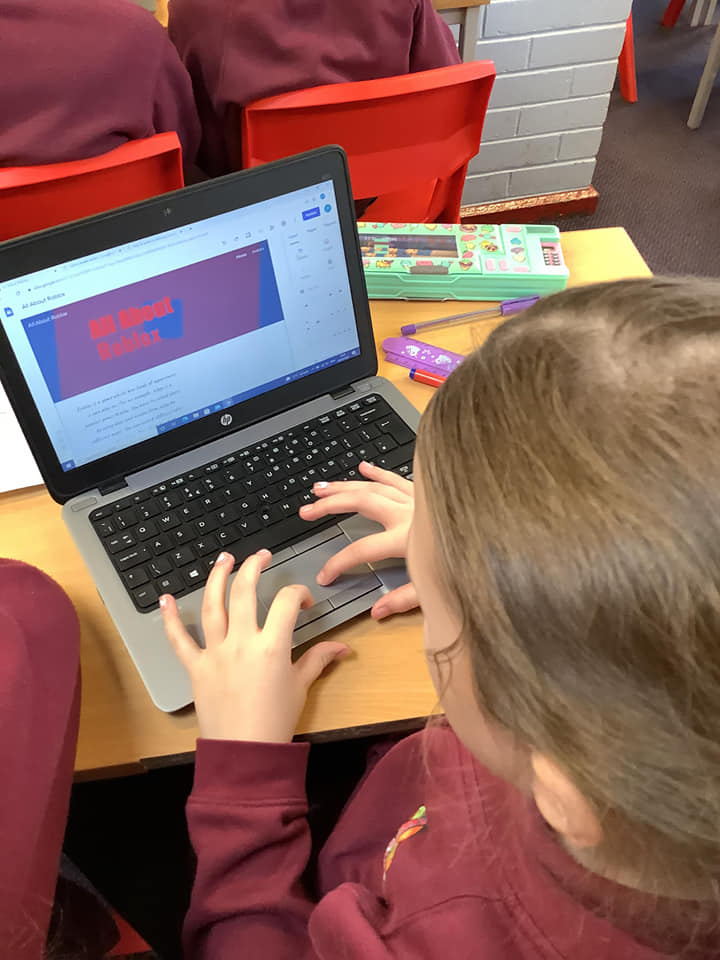
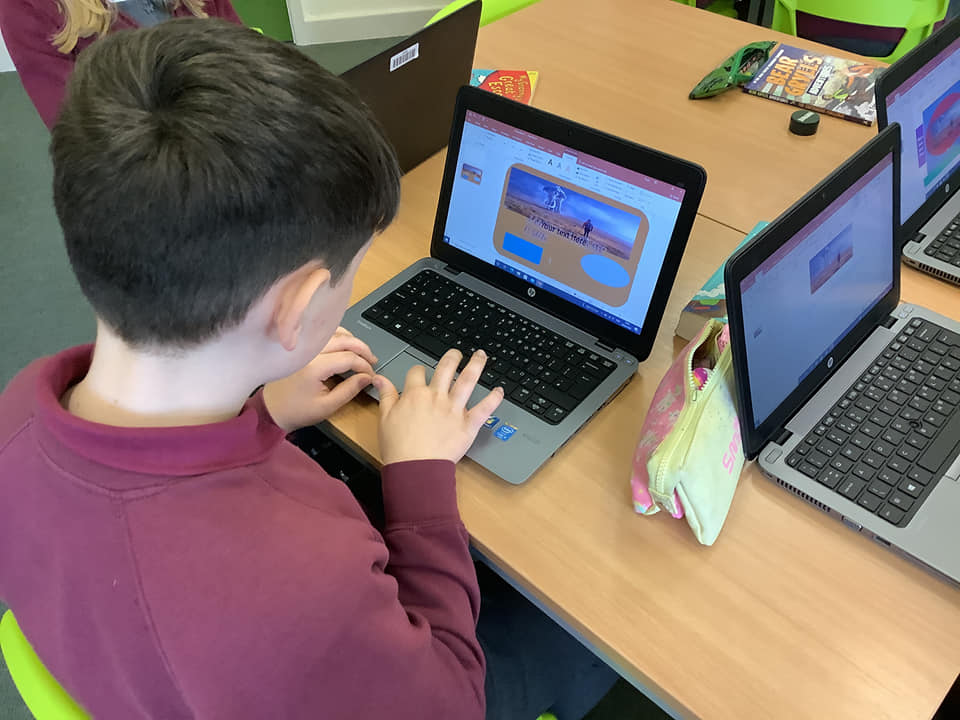
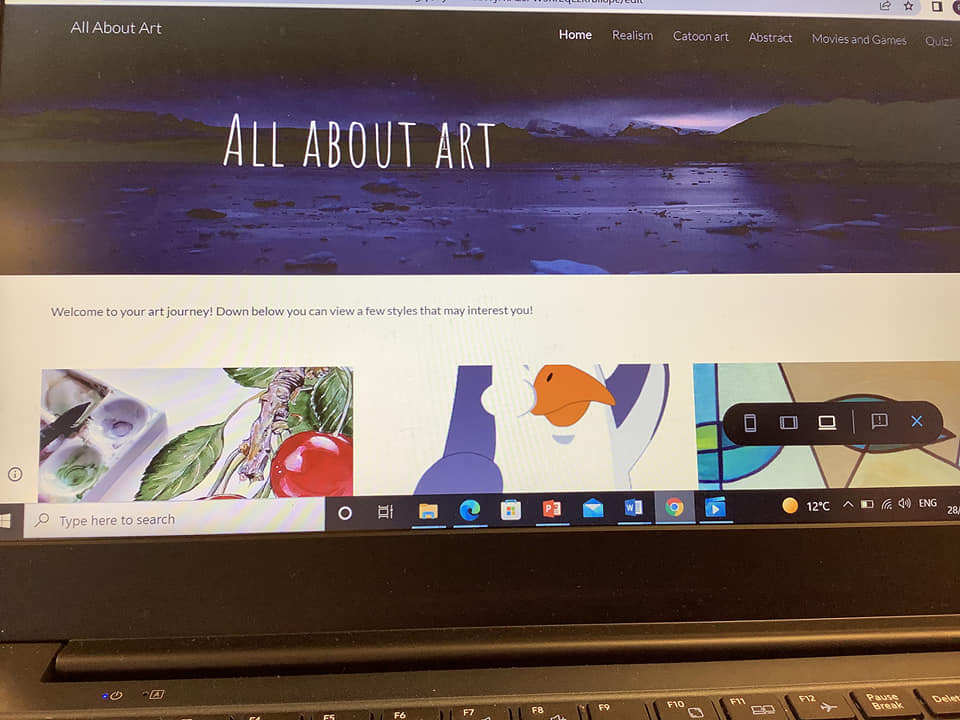
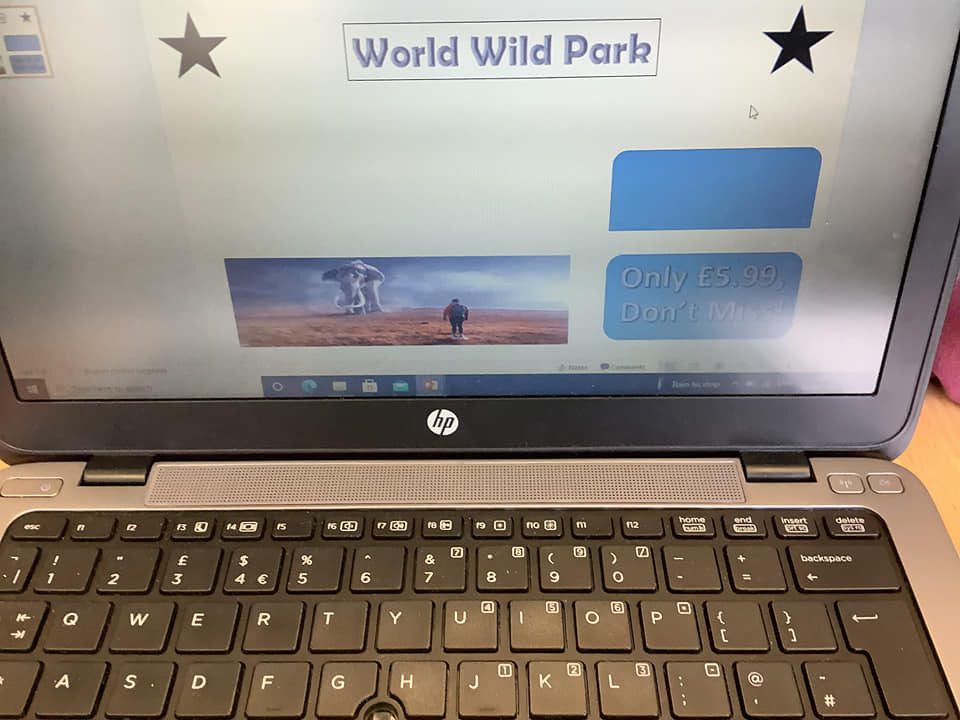
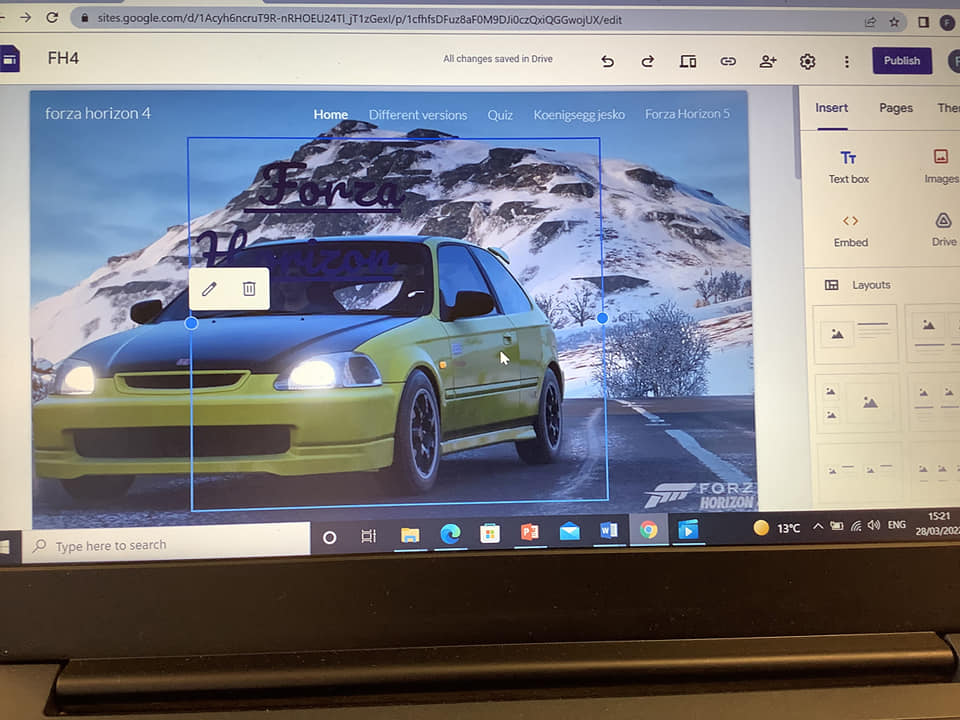
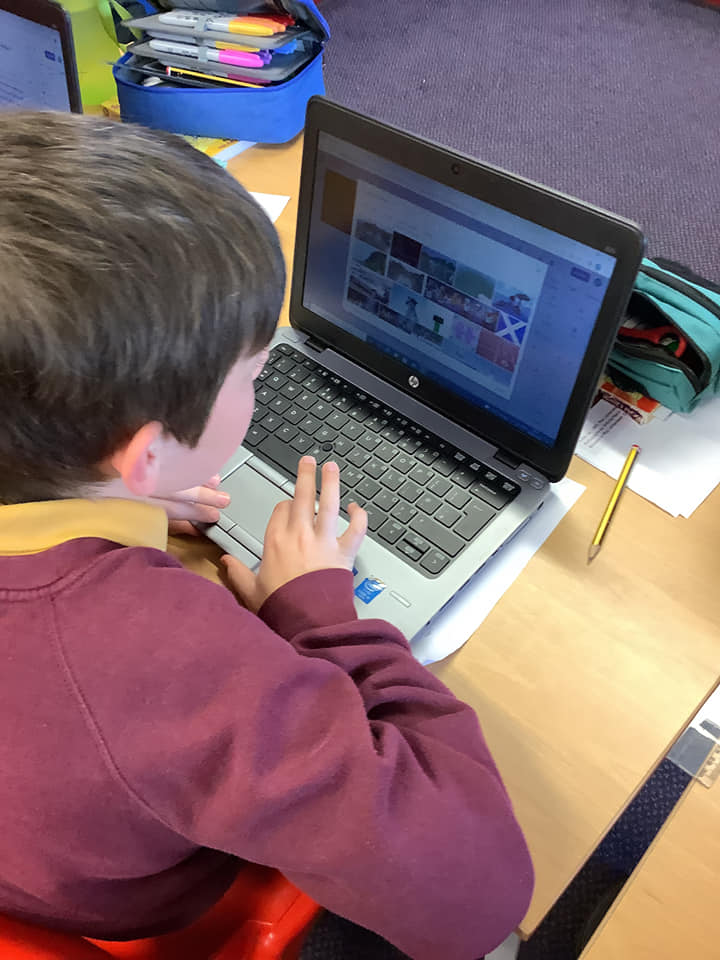
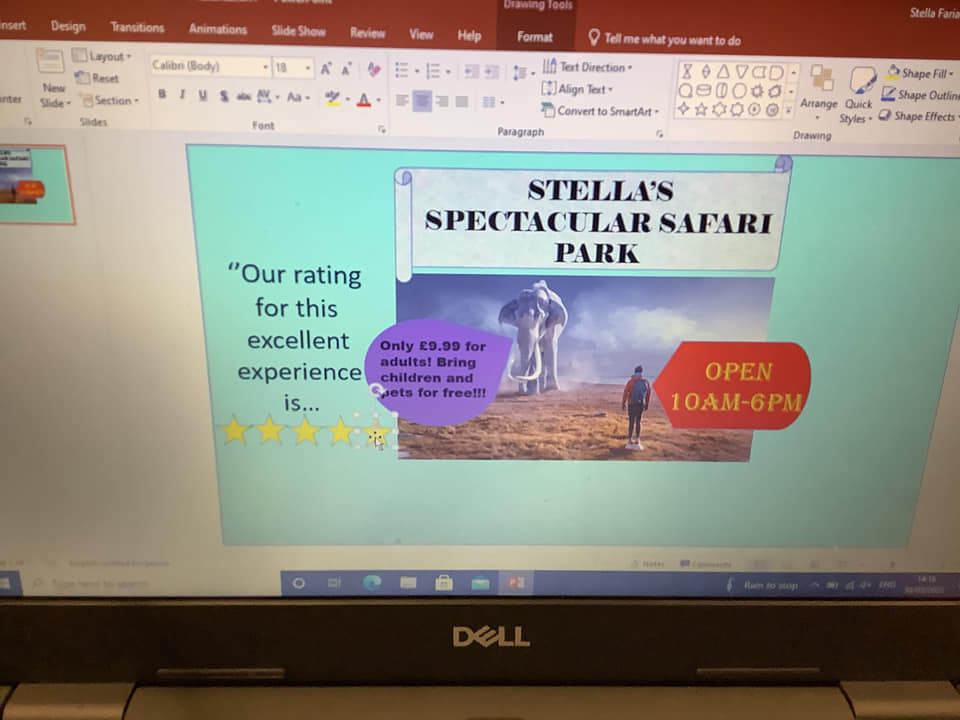
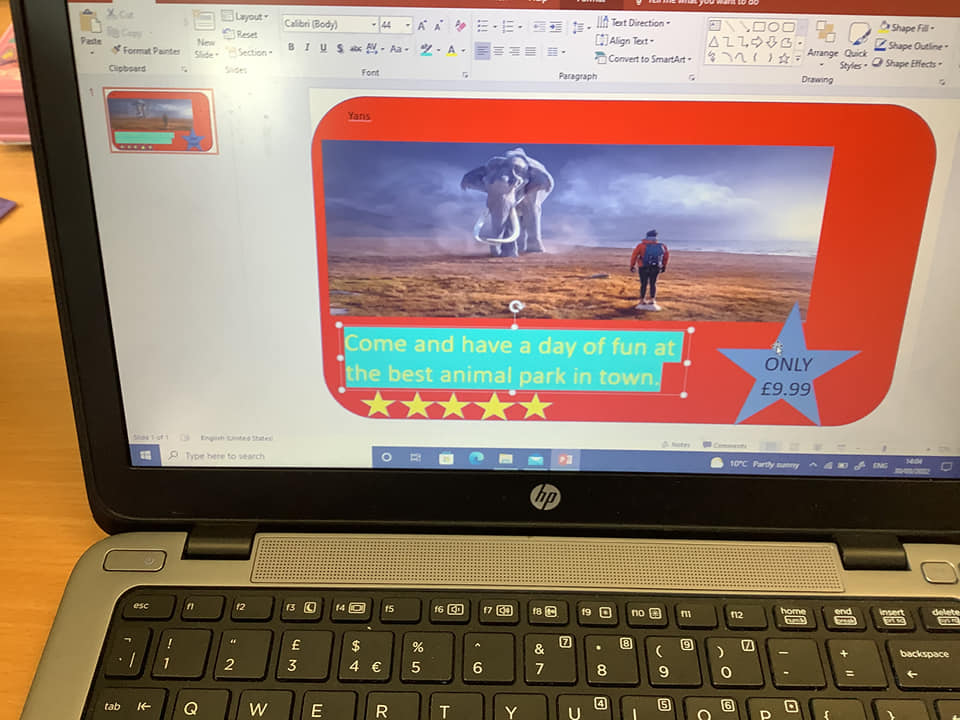
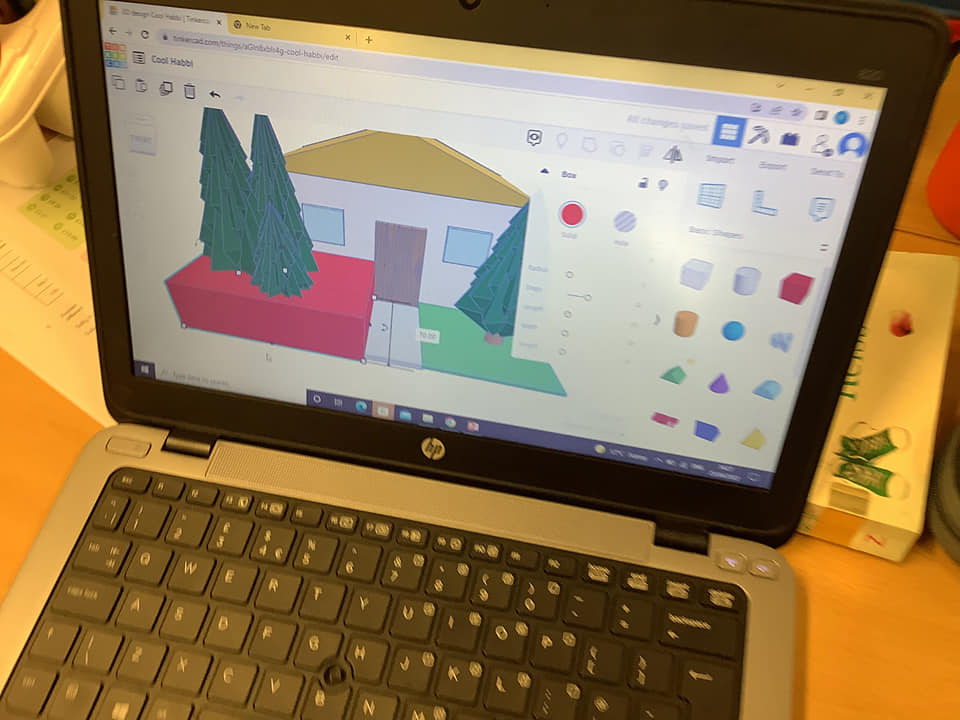
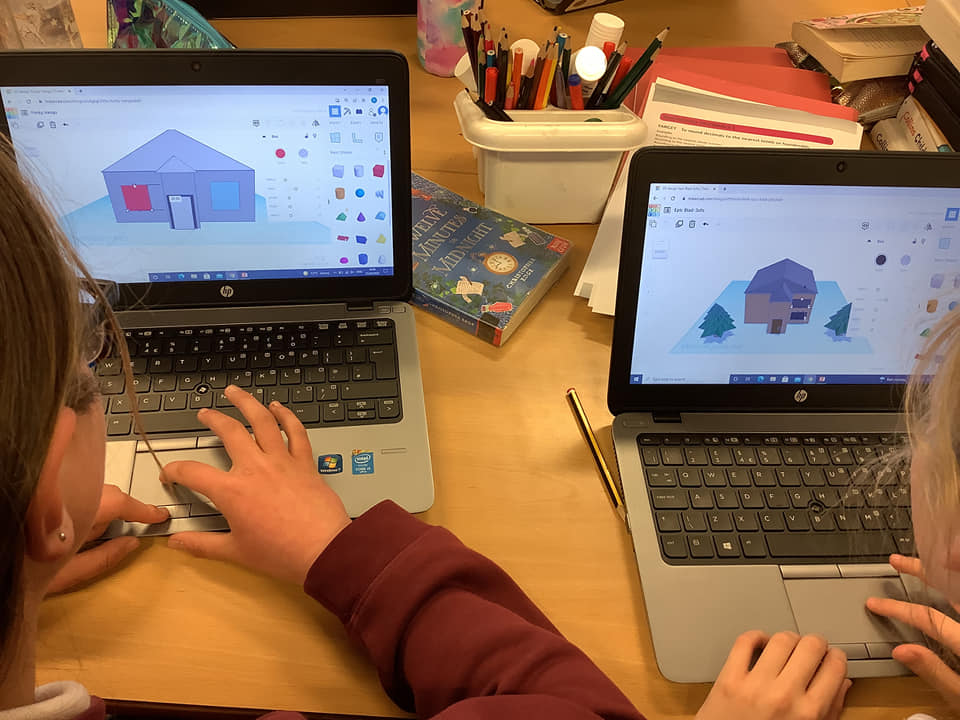
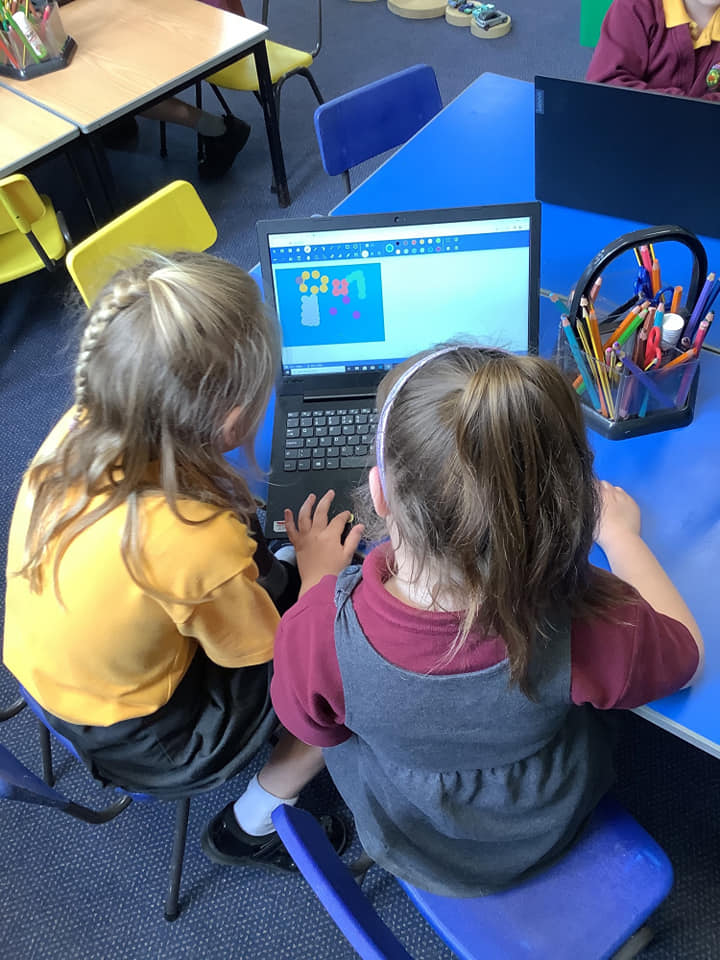
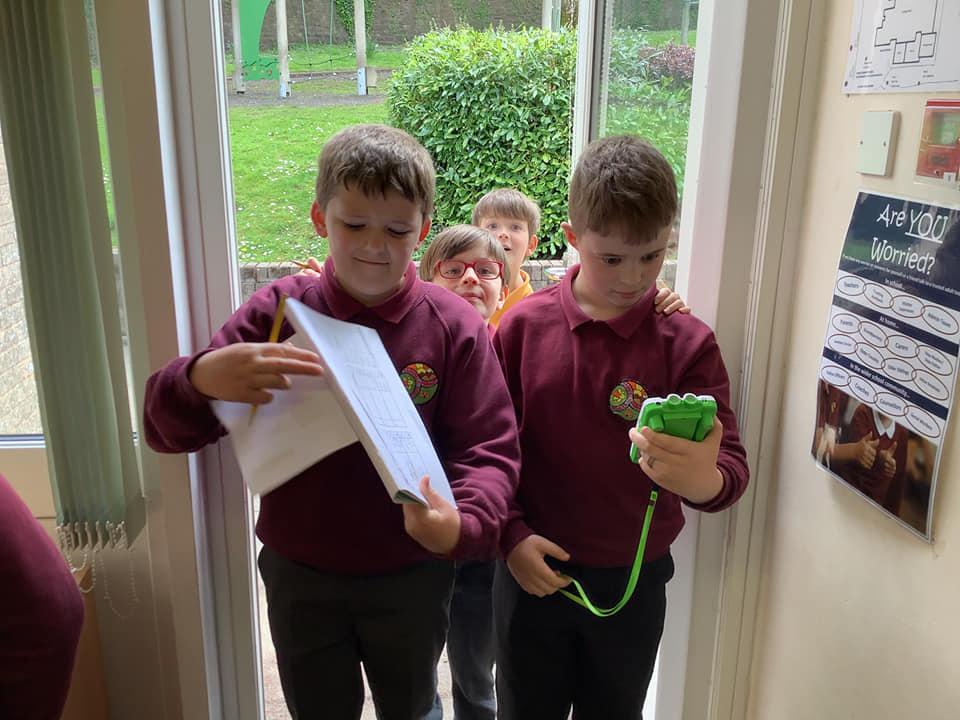
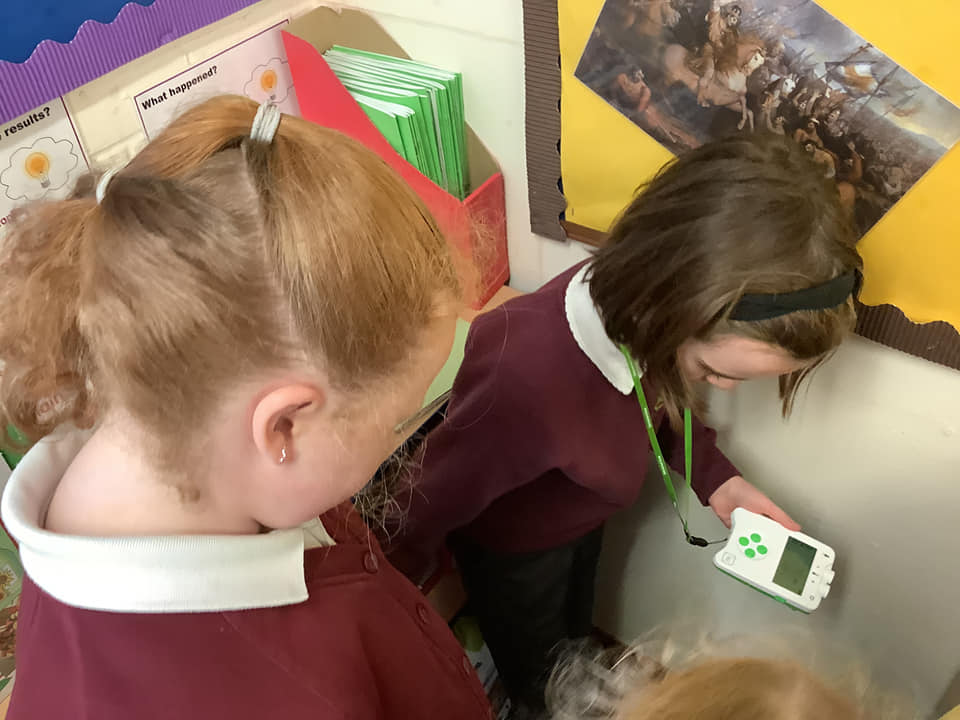
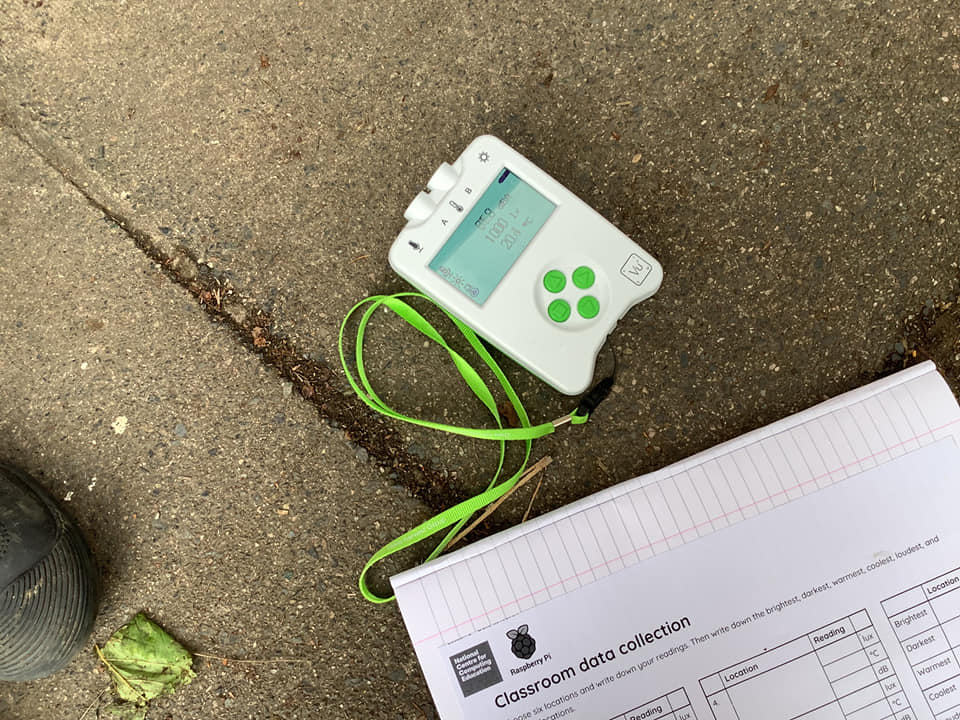
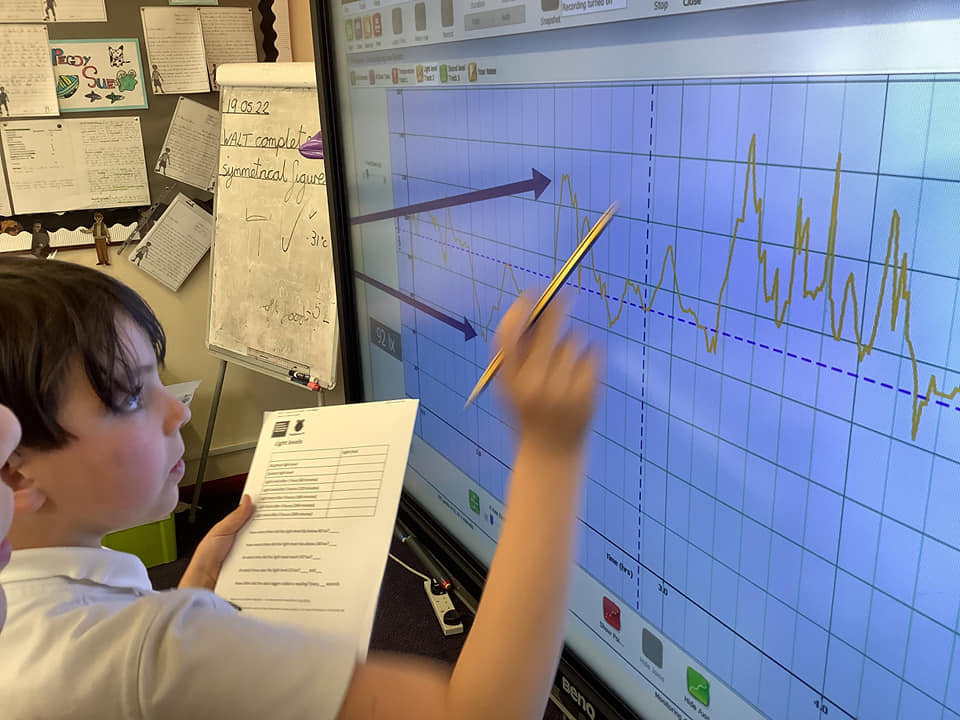
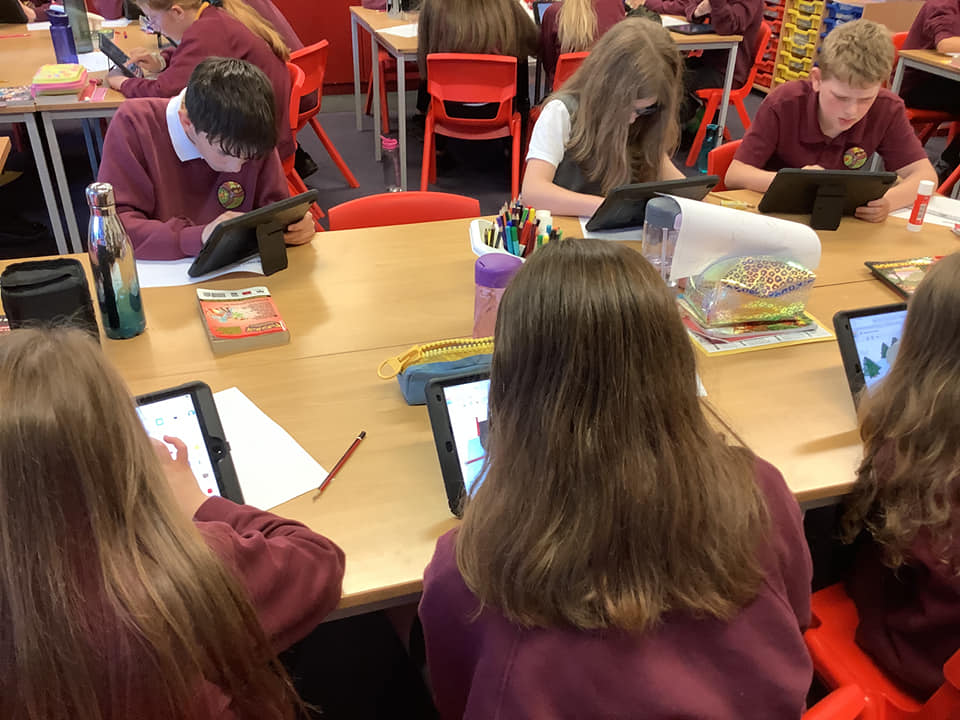
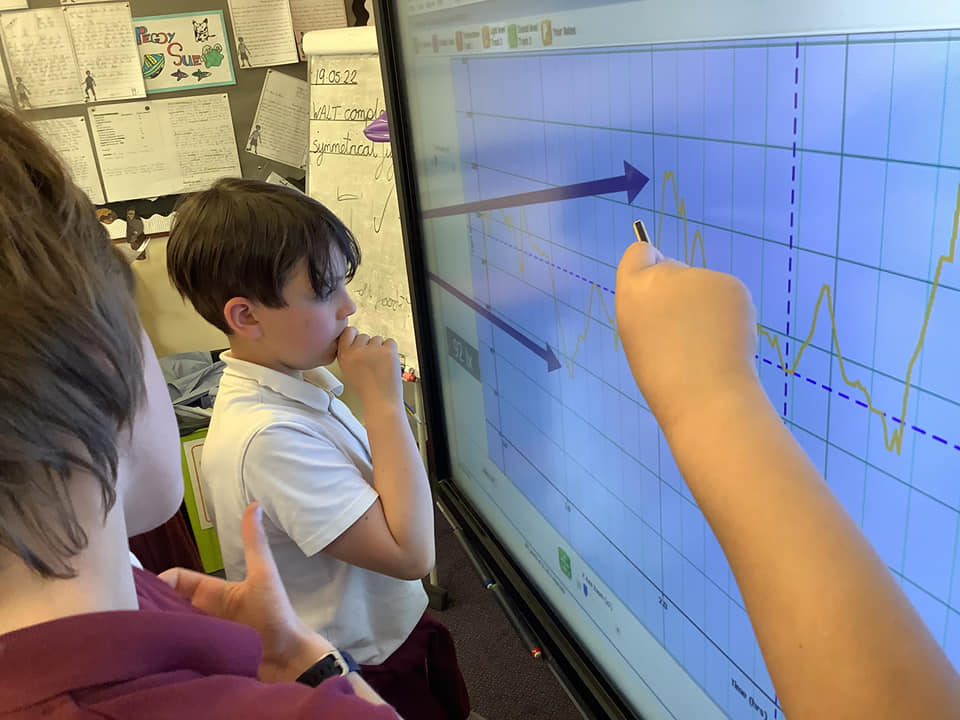
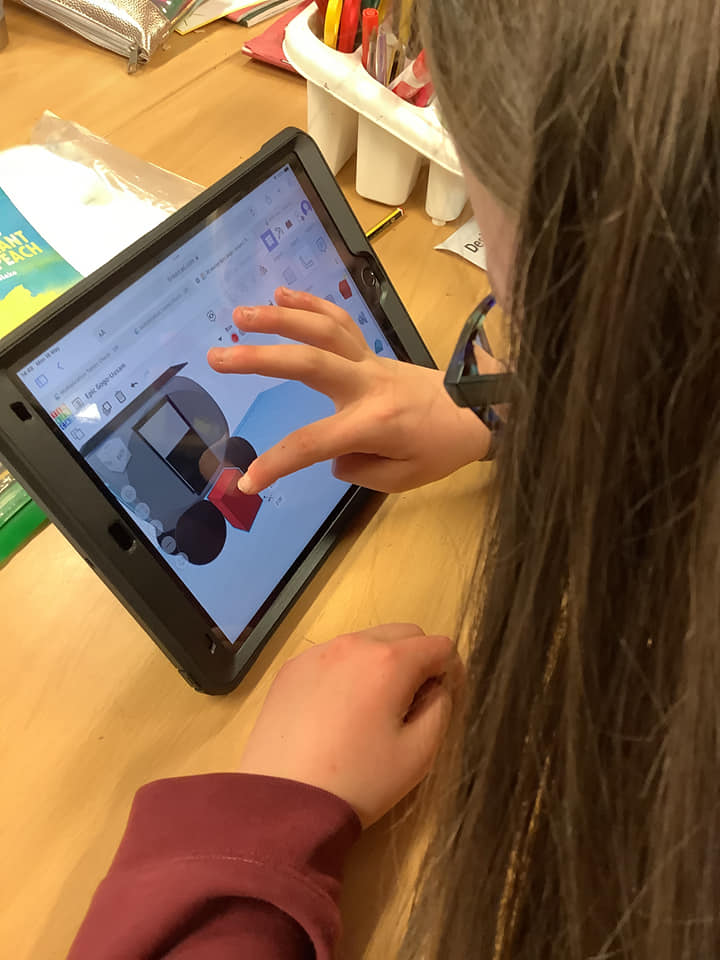
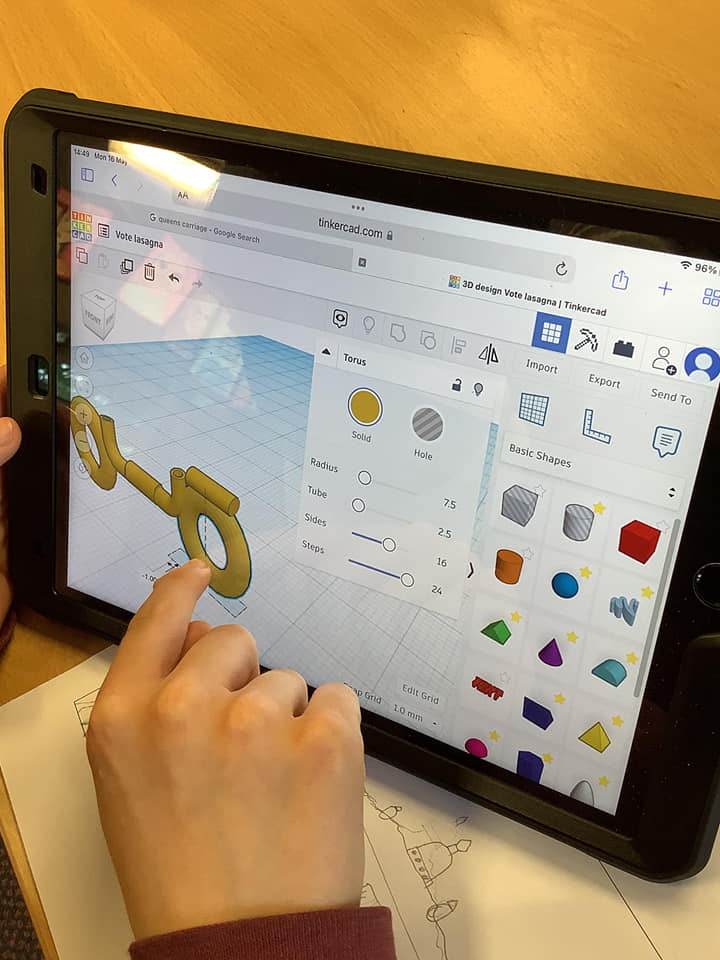
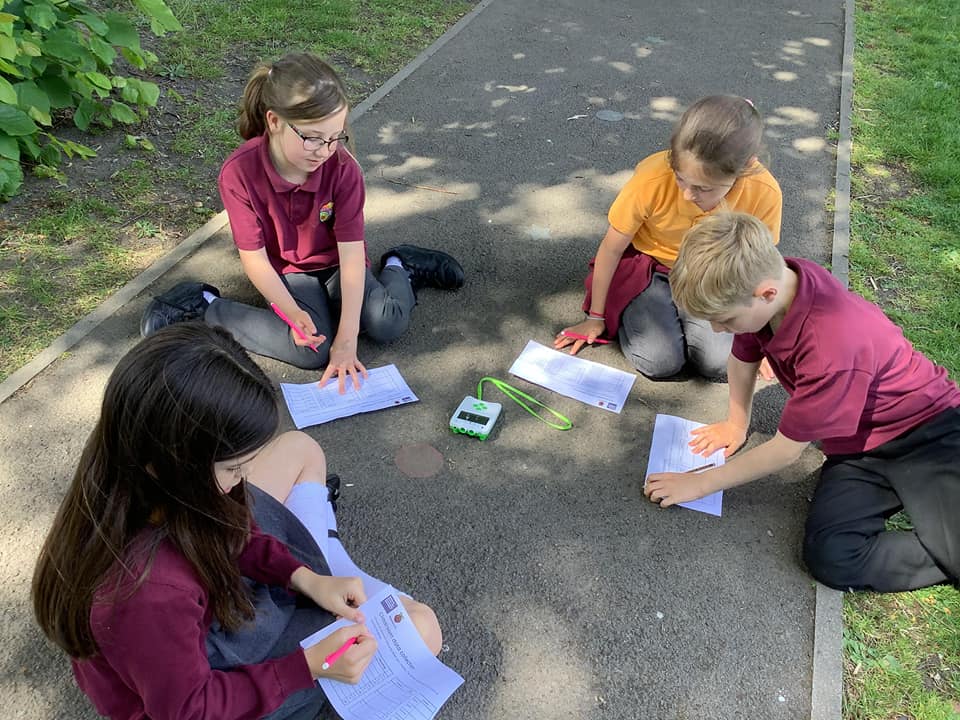
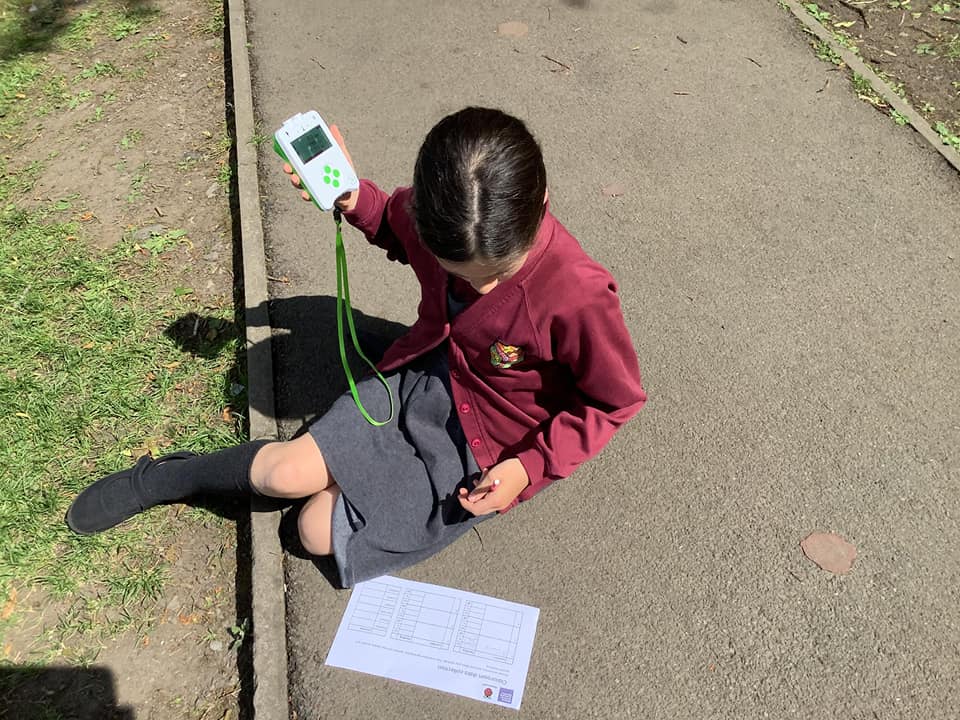
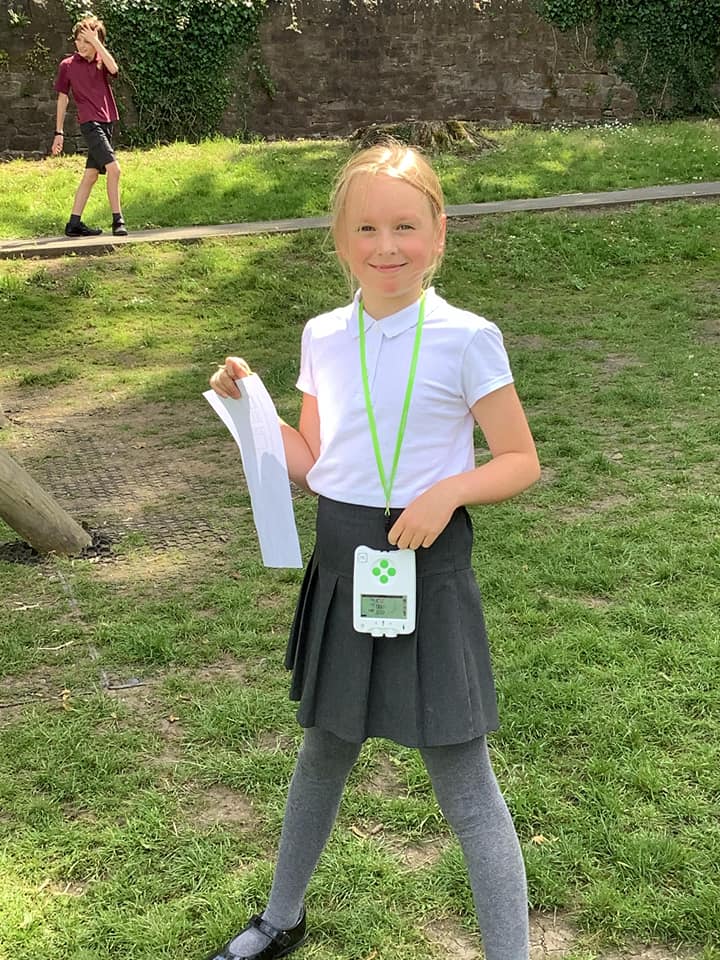
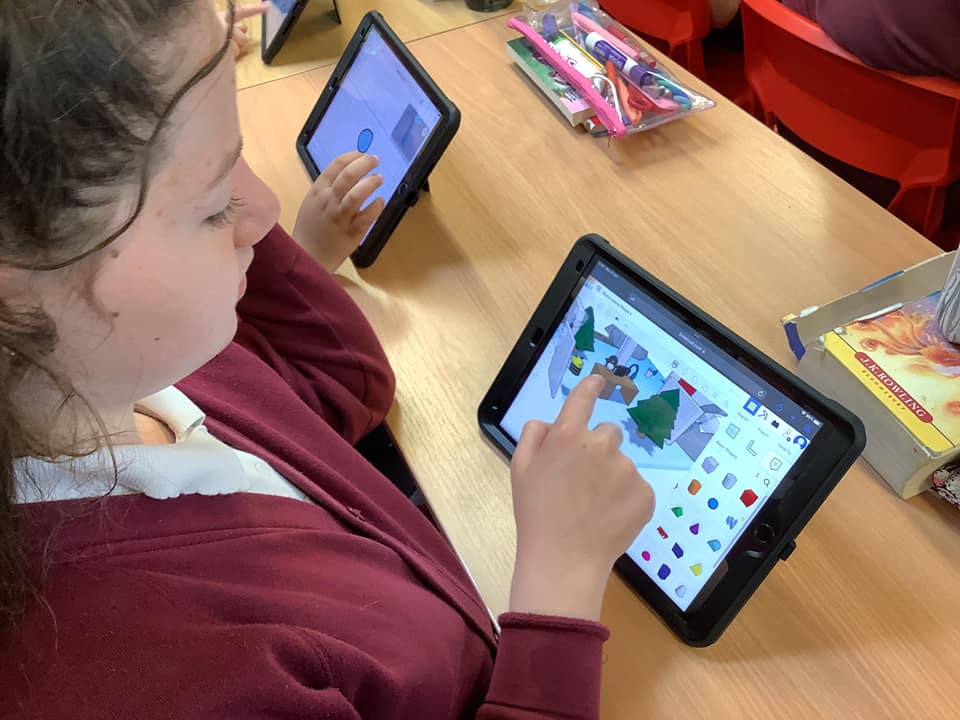
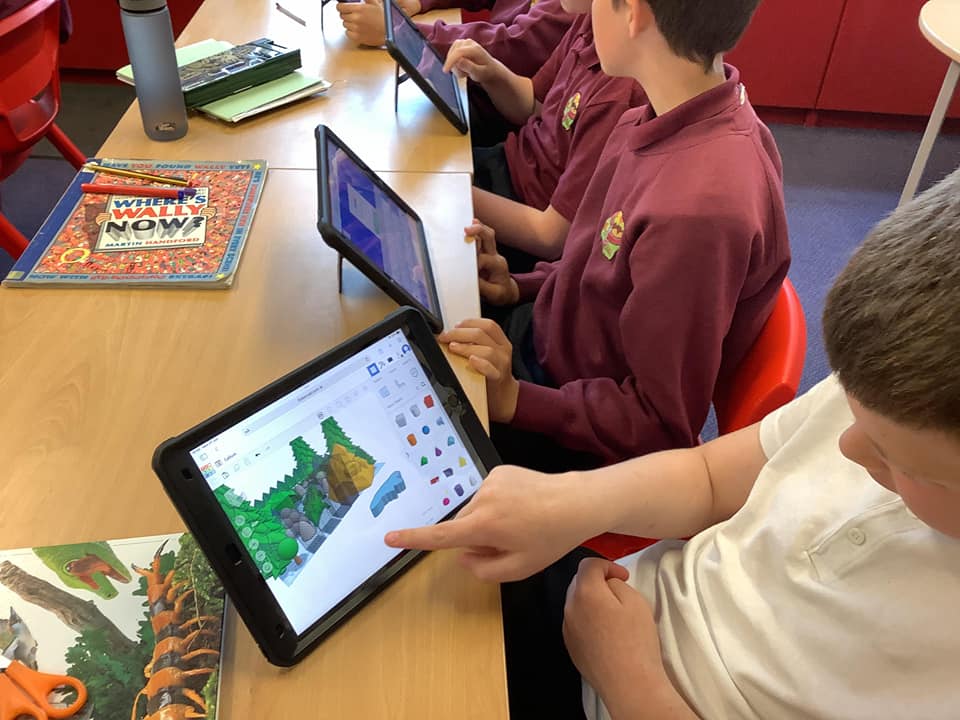
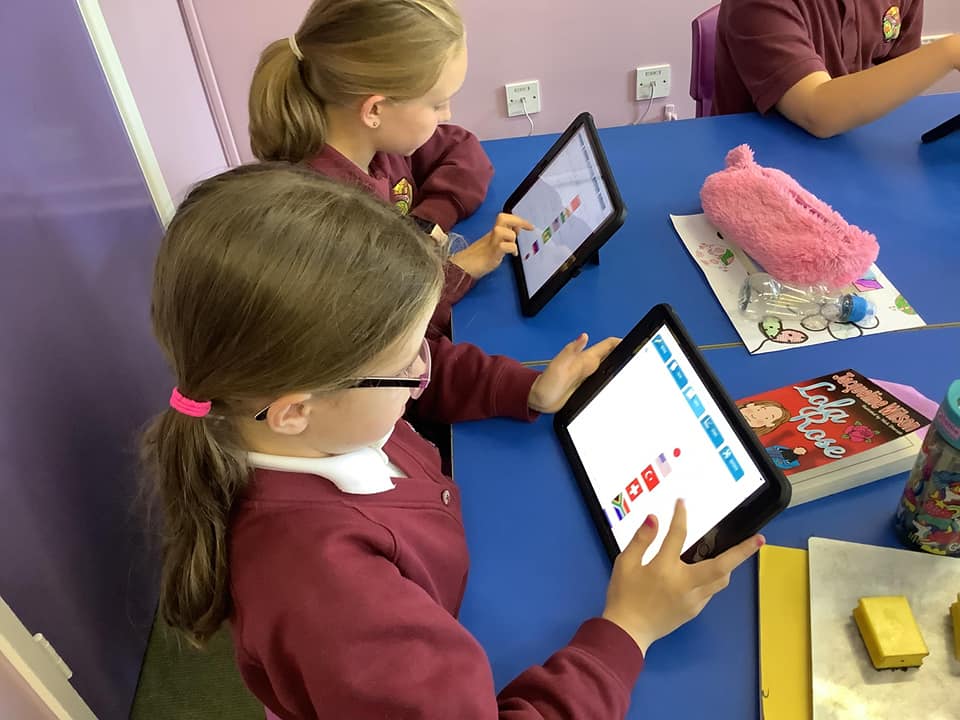
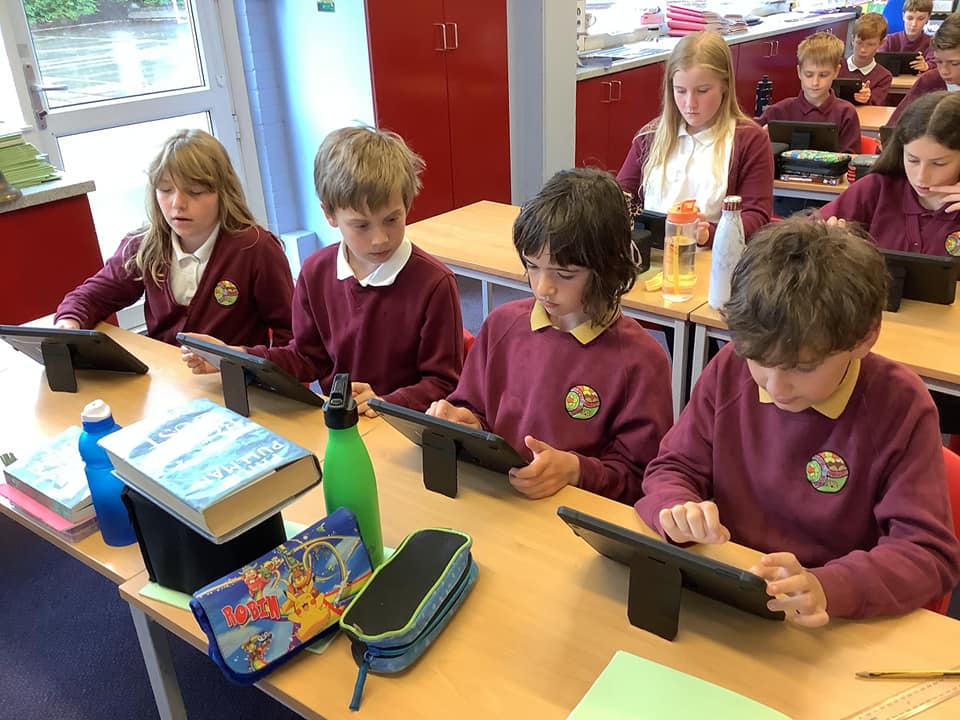
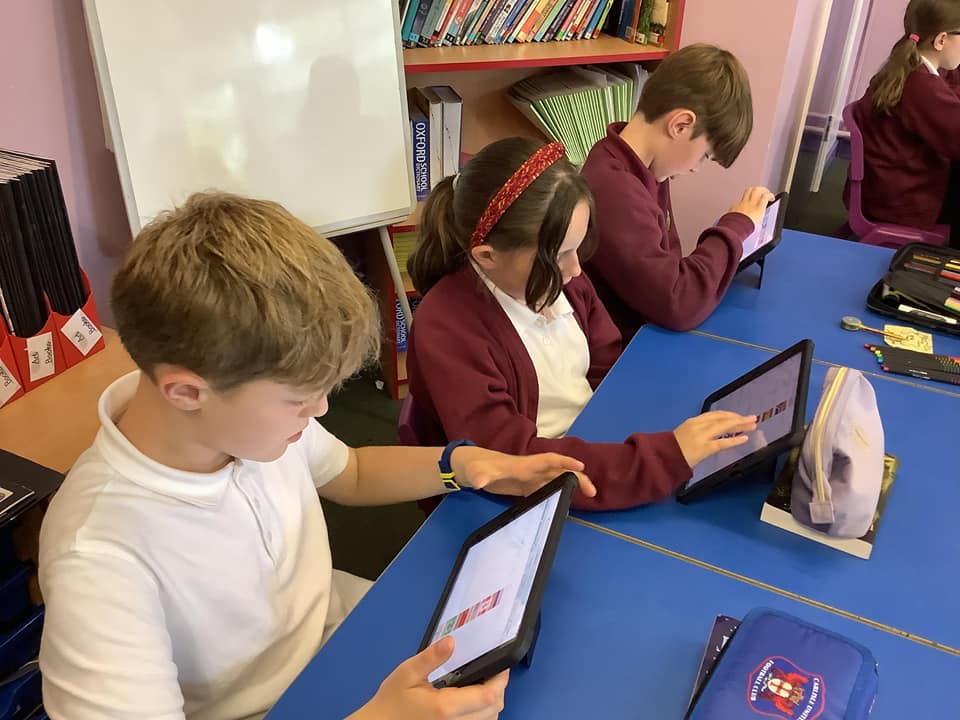
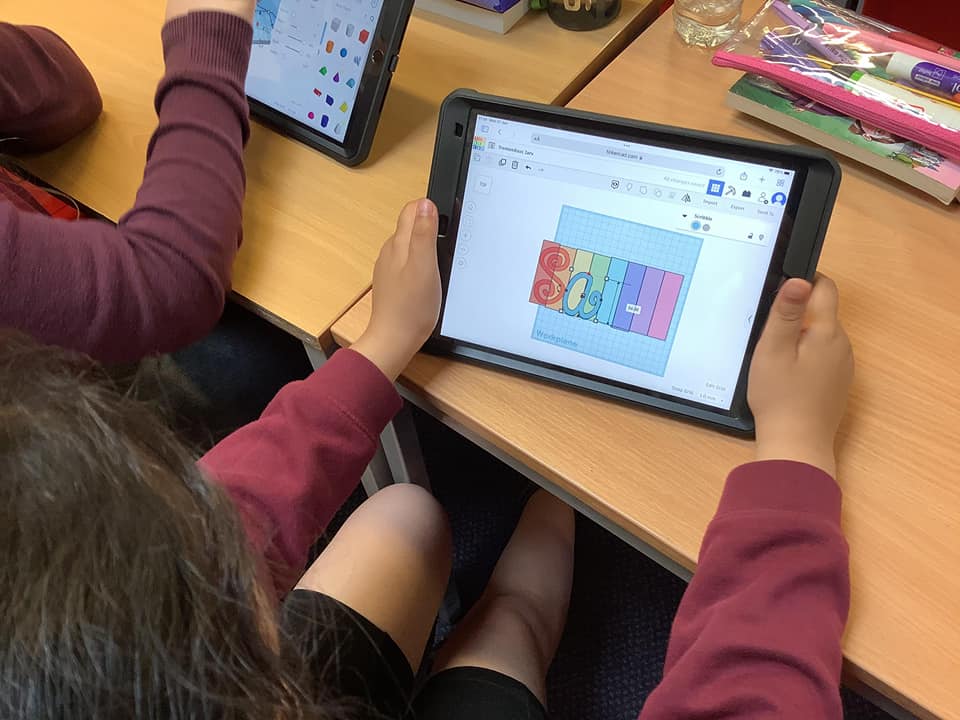
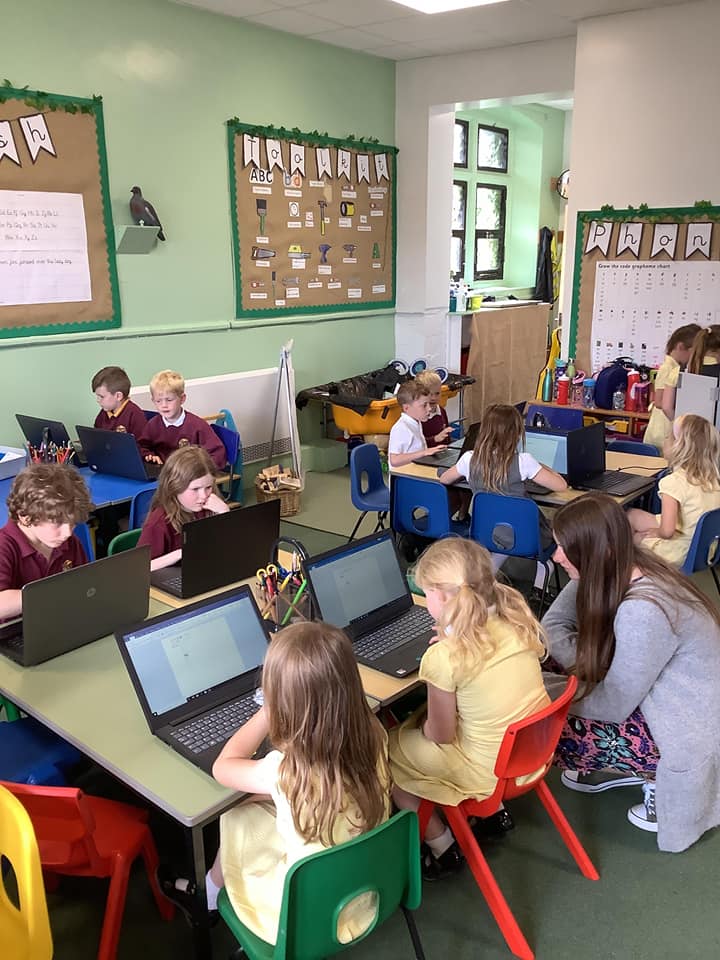
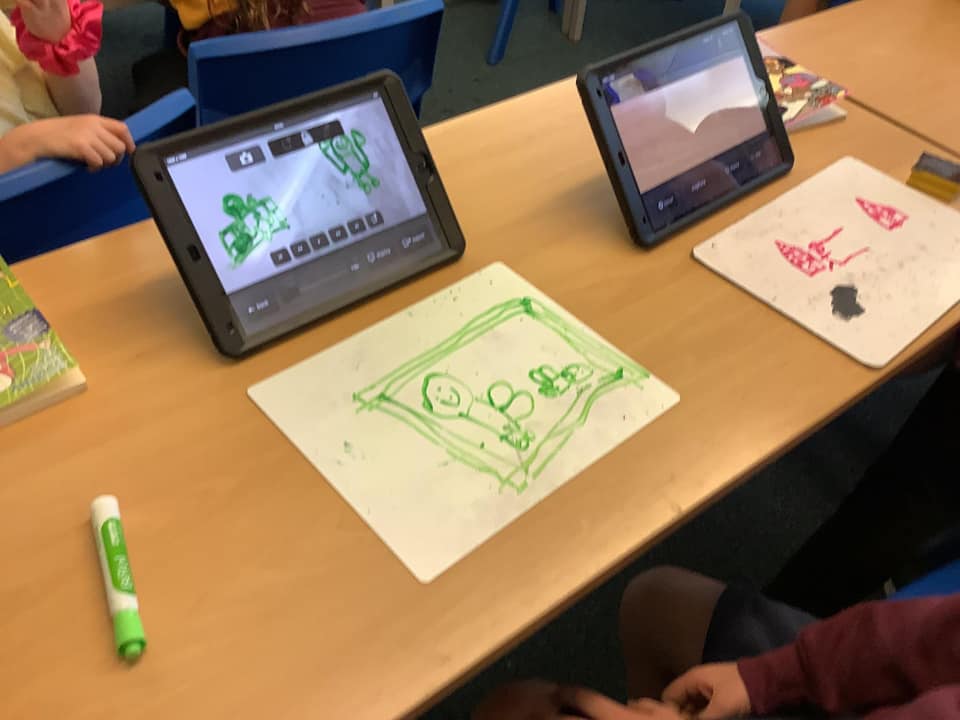
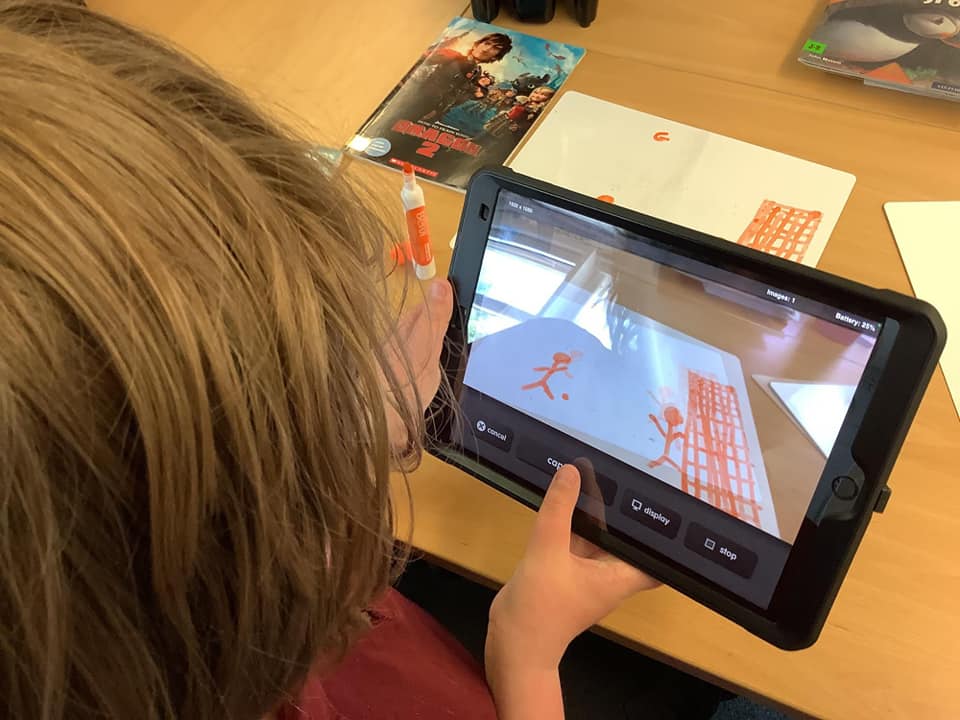
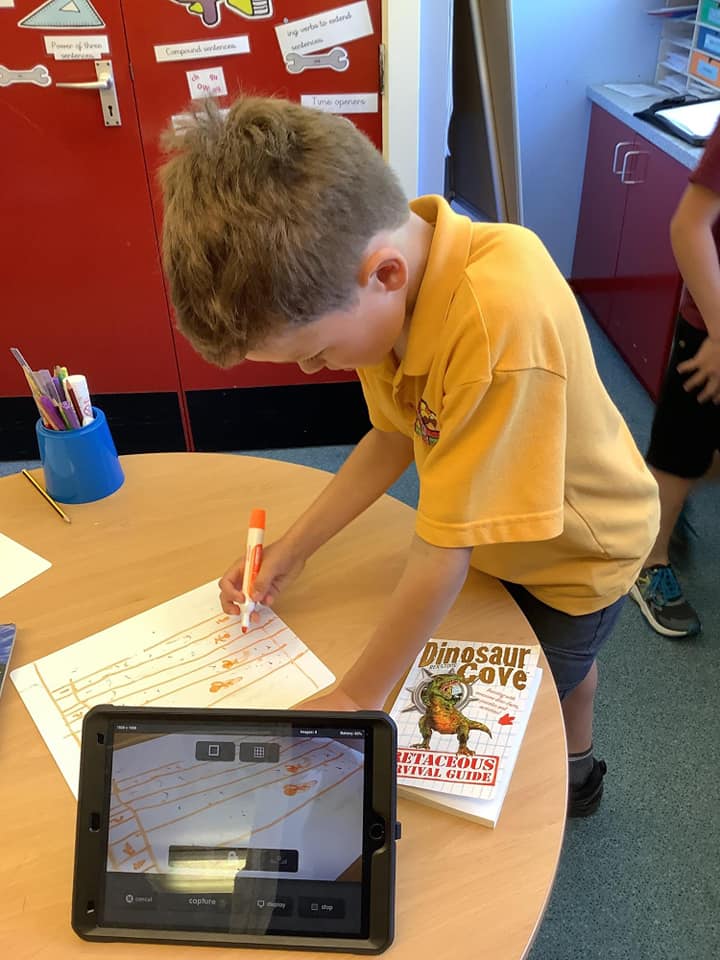
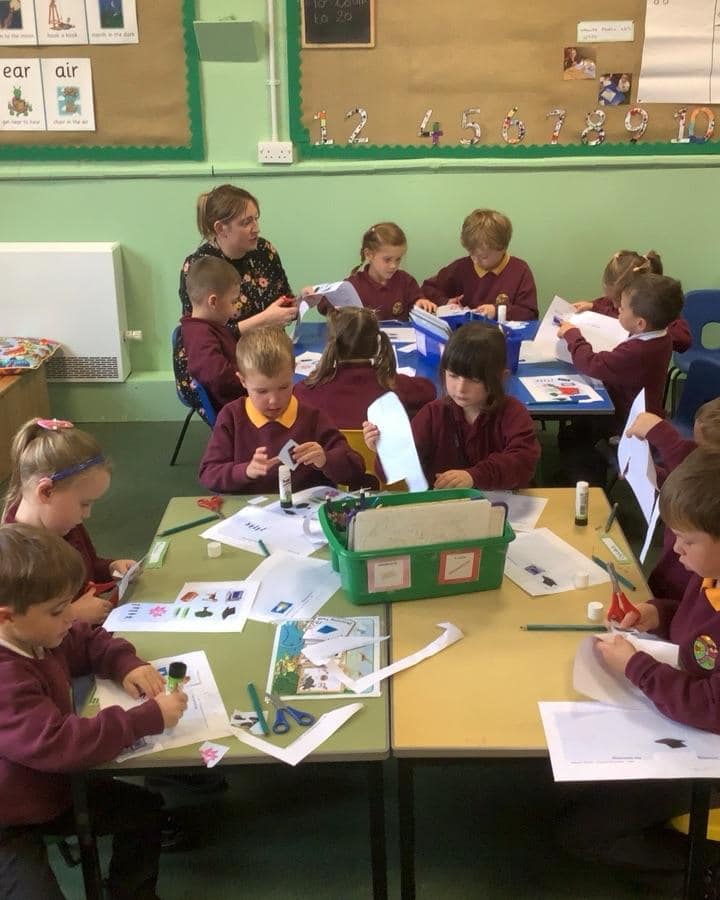
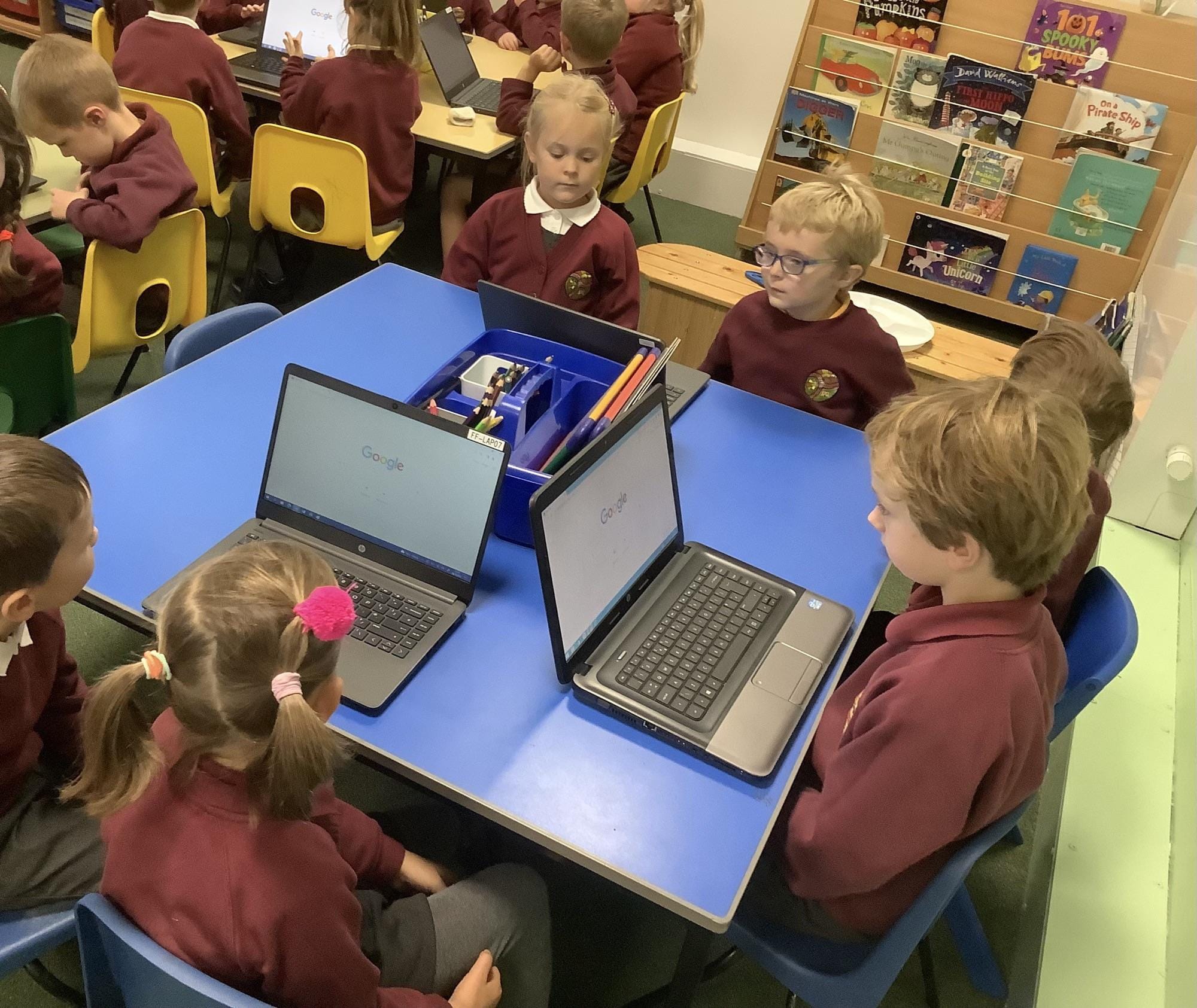
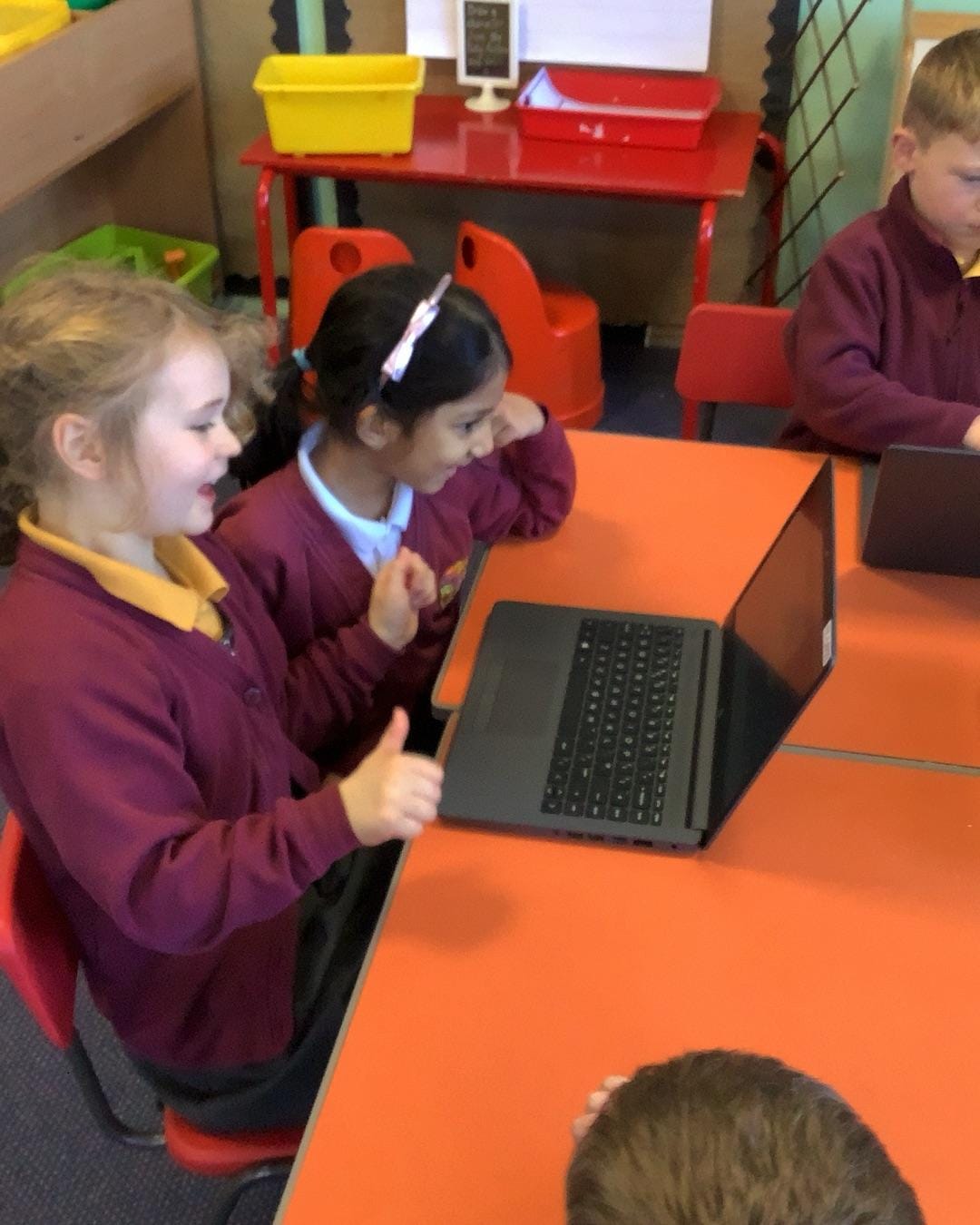
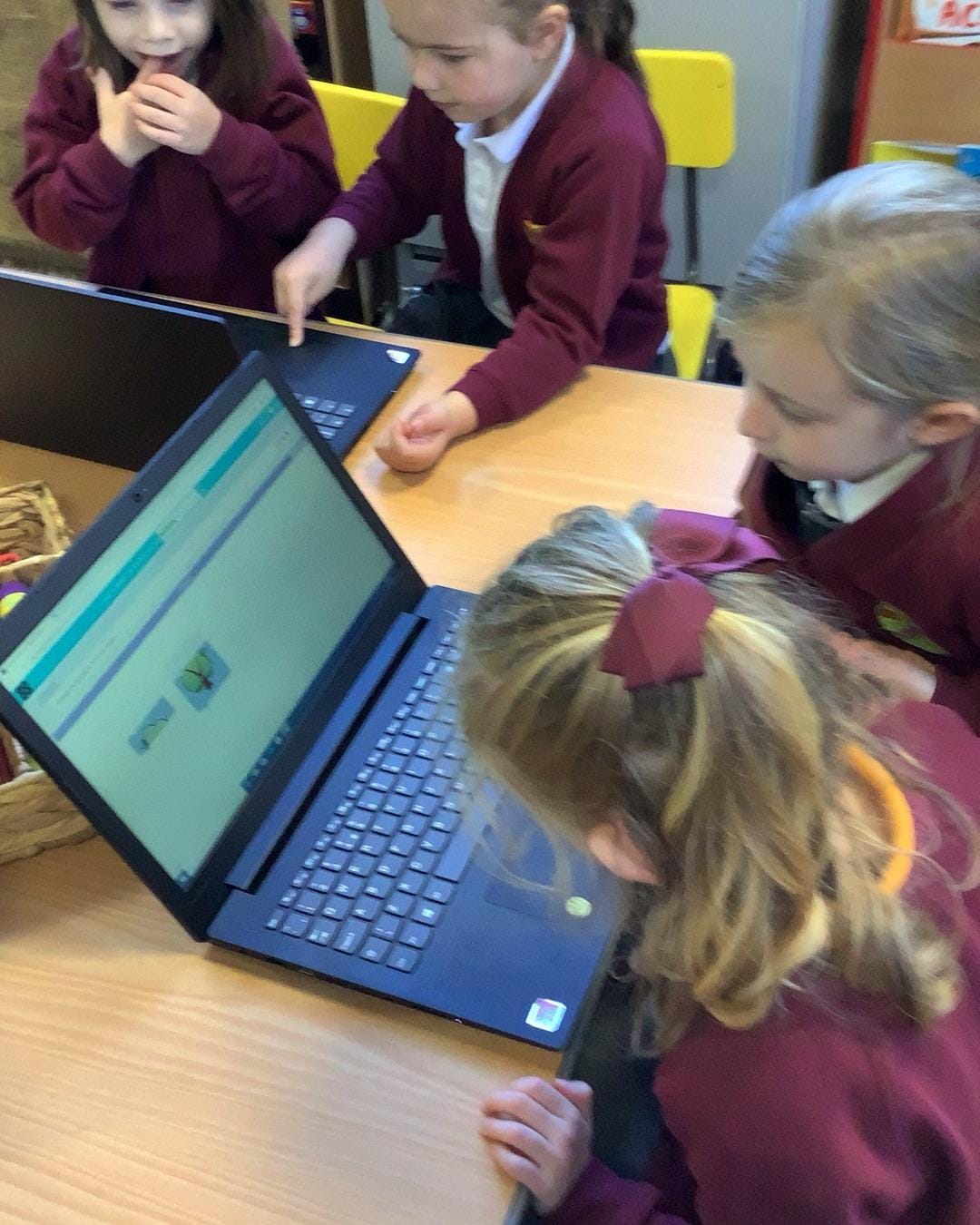
At Fairfield Primary School, pupils enjoy their dedicated Computing lessons, where they develop the knowledge, skills and understanding needed to thrive in an increasingly digital world. Through a progressive curriculum, children learn about computer science, information technology and digital literacy, while also developing an understanding of how to stay safe and responsible online.
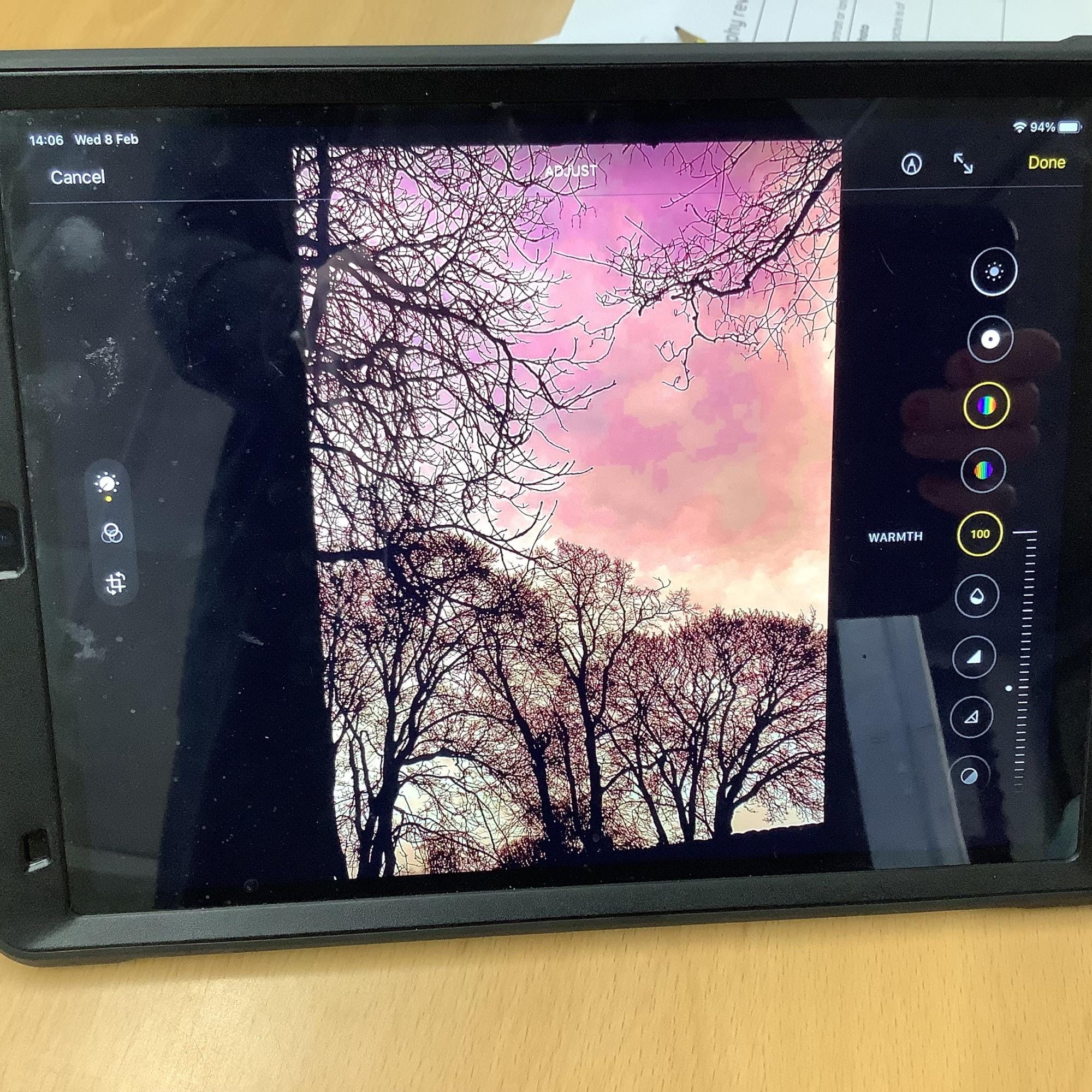
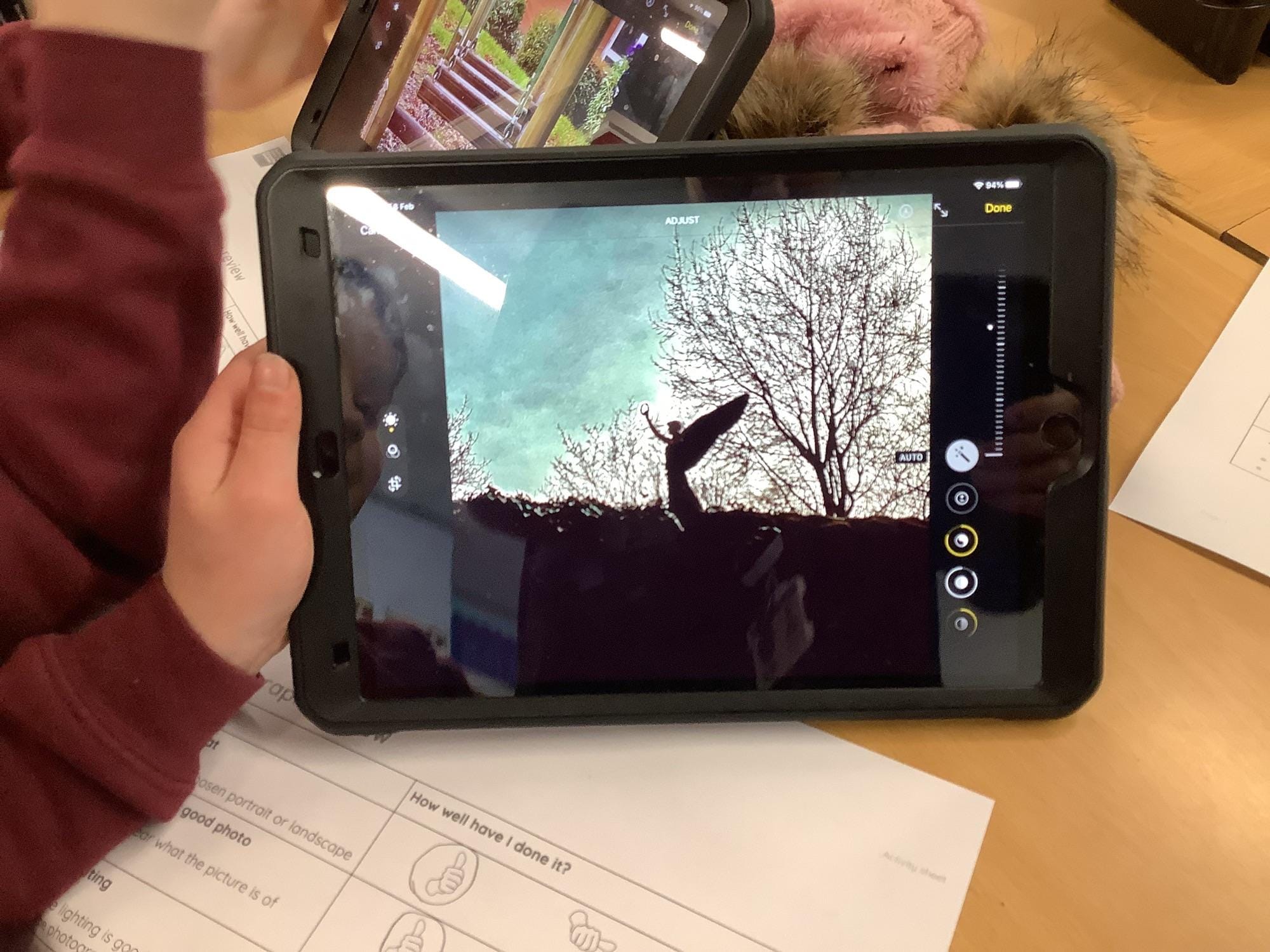
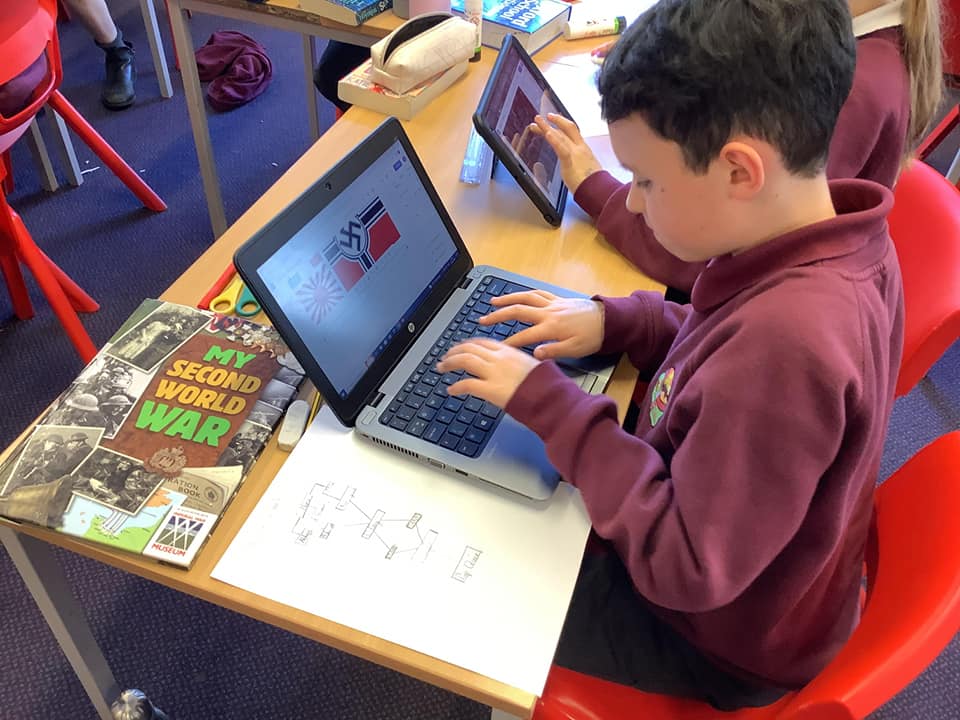
To evidence learning, pupils record aspects of their work in dedicated Computing books, alongside a wide range of digital outcomes, including saved documents, presentations, coding projects, animations, videos and multimedia creations. Together, these provide a comprehensive record of learning and demonstrate how pupils are meeting the key knowledge, skills and end points identified within each unit. This approach allows children to showcase both their practical computing skills and their understanding of the concepts taught, while providing clear evidence of progression as they move through the school.
.jpg)